NO BUG: Using Sections and Template with position Absolute misplacing elements

Browser: Chrome 121.0.6167.160
OS: Windows
URL: Running local

Hi,
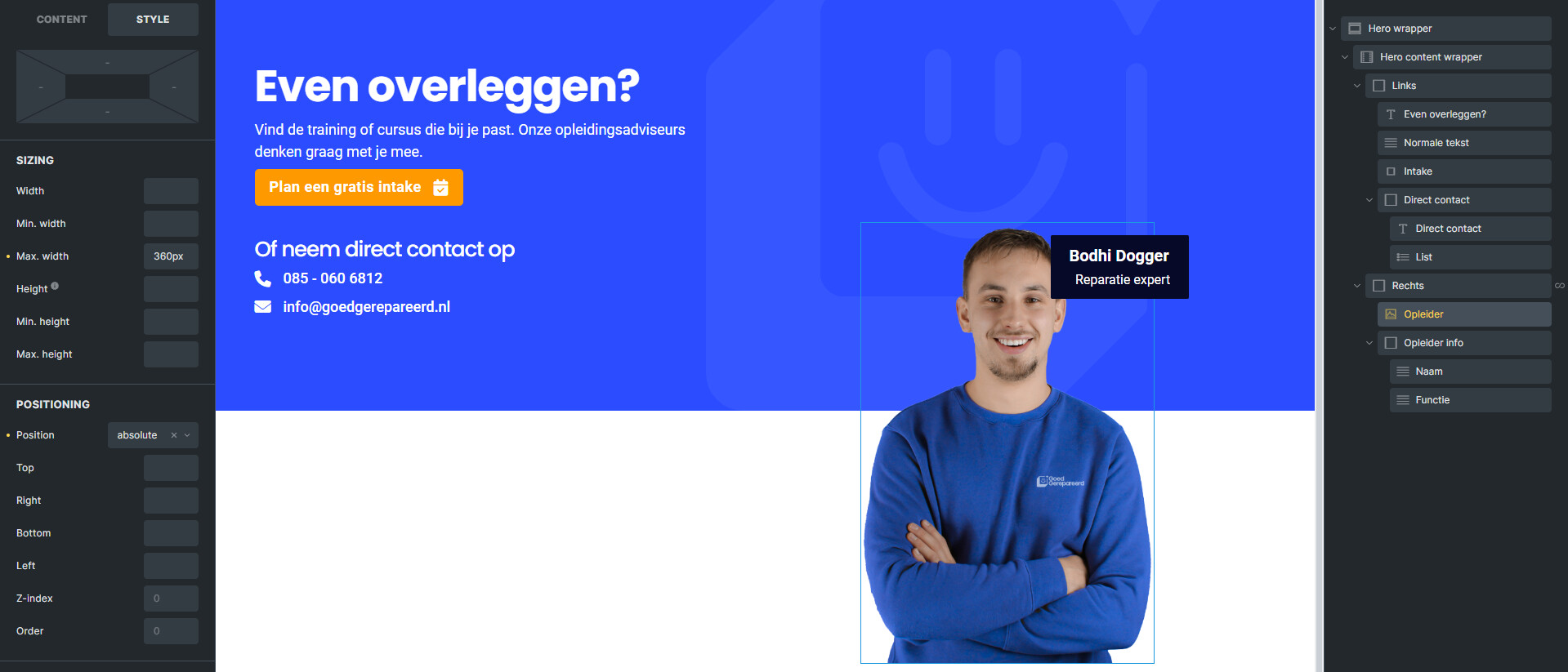
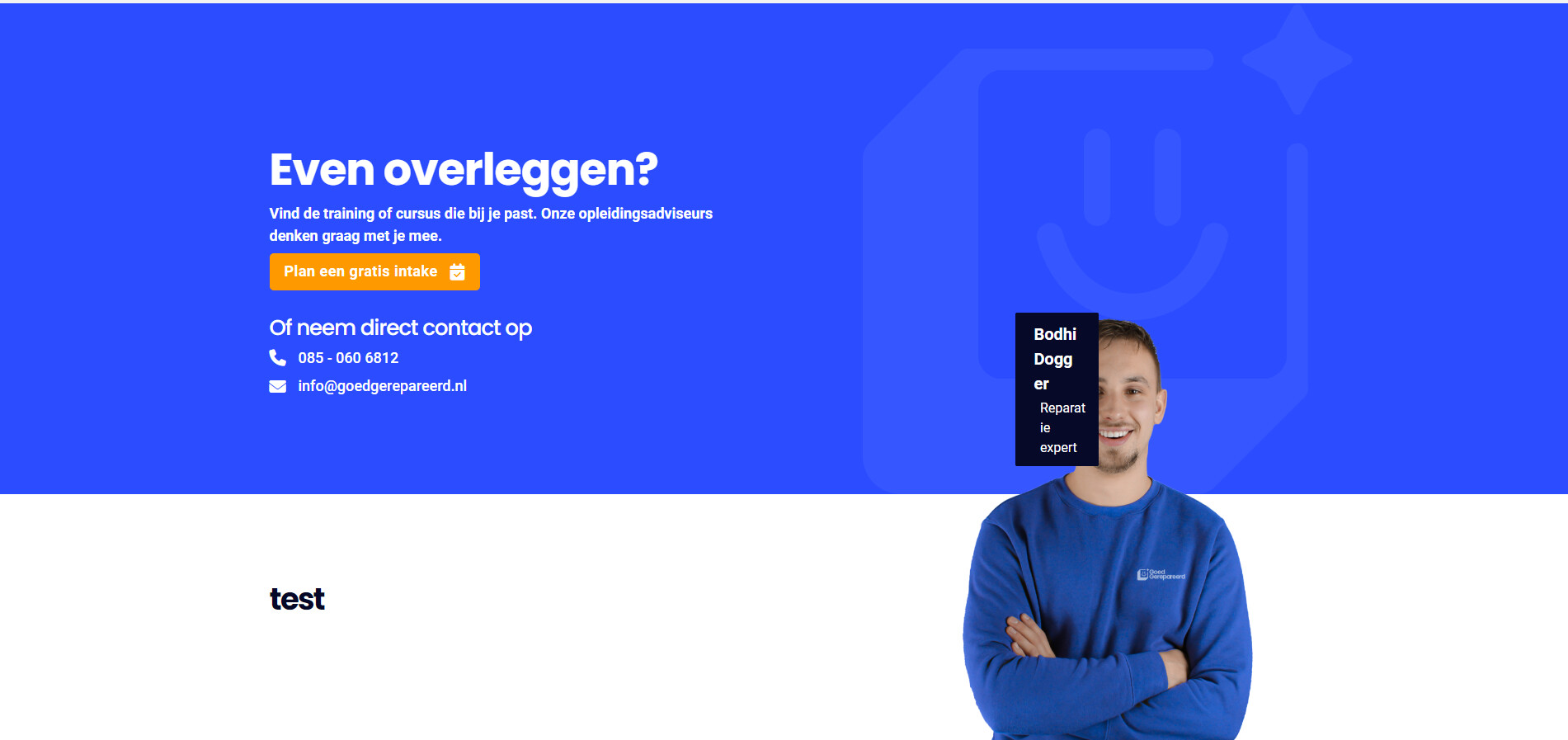
I’m running a site locally and created a section to use on multiple pages, the section shows really well in front-end preview. But when loaded through the “Template” element it completely misplaces the image that uses an “absolute” position:
Here is the section on front-end preview:

Here’s what it looks like on the page that I use the template on:

I’ve added a section under it with the heading “Test” to display what happens.

I tried “Render without wrapper” but that didn’t work either.

Here’s another screenshot showing the image options:

If you need any additional information please let me know and I’ll do my best to provide it.

EDIT:
Small addition the image is in a query loop. Also, this only happens when one of the elements has the position set to absolute.

Cheers
Roel

Addition:
This doesn’t seem to be a problem with the template, but more a problem with using position:absolute; on 1 page twice.

Hi Roel,
Thanks so much for your report!

Without a live link, I can only guess… Could you please share a live link that shows the problem?
You can also use your try.bricksbuilder.io installation - always good for a quick test.

Best regards,
timmse

Hi @timmse
I’ll copy my elements over to a try.bricksbuilder.io environment.

I notice a different element also spacing out. I’m using PHP 8.3, does that maybe have something to do with it?

As you can see, this element also doesn’t display the way it does in the builder:
Site:


Builder:

You can view it live here:
https://testinc.nl/cursussen/

Small addition, the same template is used on the homepage without issue.

Solved by a rogue (typo) closing </strong> tag in the pricing element on the page.

Add relative to the parent div/block/container