Browser: Chrome 110 OS: macOS Bricks Version: 1.12.5 Video: Jam
I’ve got a page that loads blog posts and two custom post types, and has several taxonomy filters. The filters which are set to filter by a taxonomy both work just fine. I can also create a link with URL parameters to a pre-filtered page, which also works fine.
However, one of my filters is set to sort by post type. This works from within the normal page, however when trying to create a link that has a URL parameter added for this filter, it does not work, and no posts of any type will load.
Also interesting is that when trying to link to a page that is filtered by the post type, changing to a different post type does not update the URL parameter or update the results which are shown. If you go to the first link, and try to change the ‘Resource Type’ from News (posts) to Case Studies or Resources, it does not update. However this works totally fine on the other taxonomy filters / URL parameters.
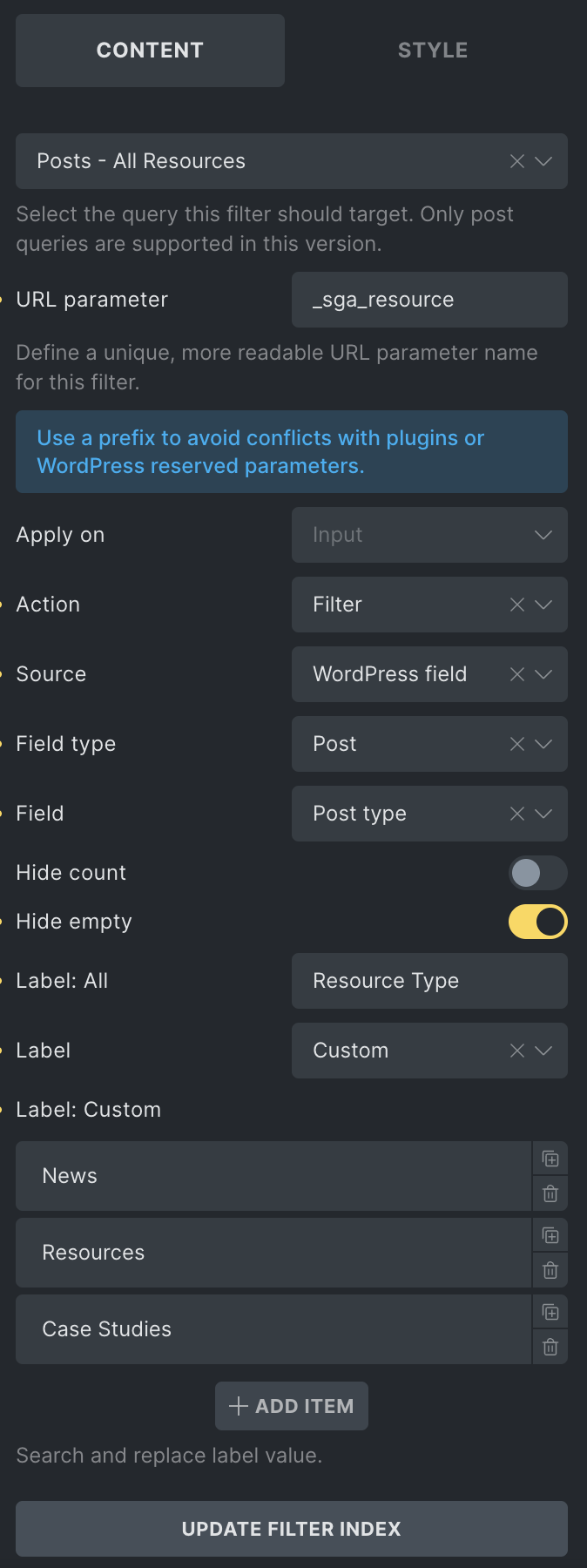
Here is a screenshot of the settings for the filter that is set to filter by post type:
Hey @Matej - Yes I tried that before creating this thread. I removed all custom code from functions.php, and disabled every single plugin but the issue remains.
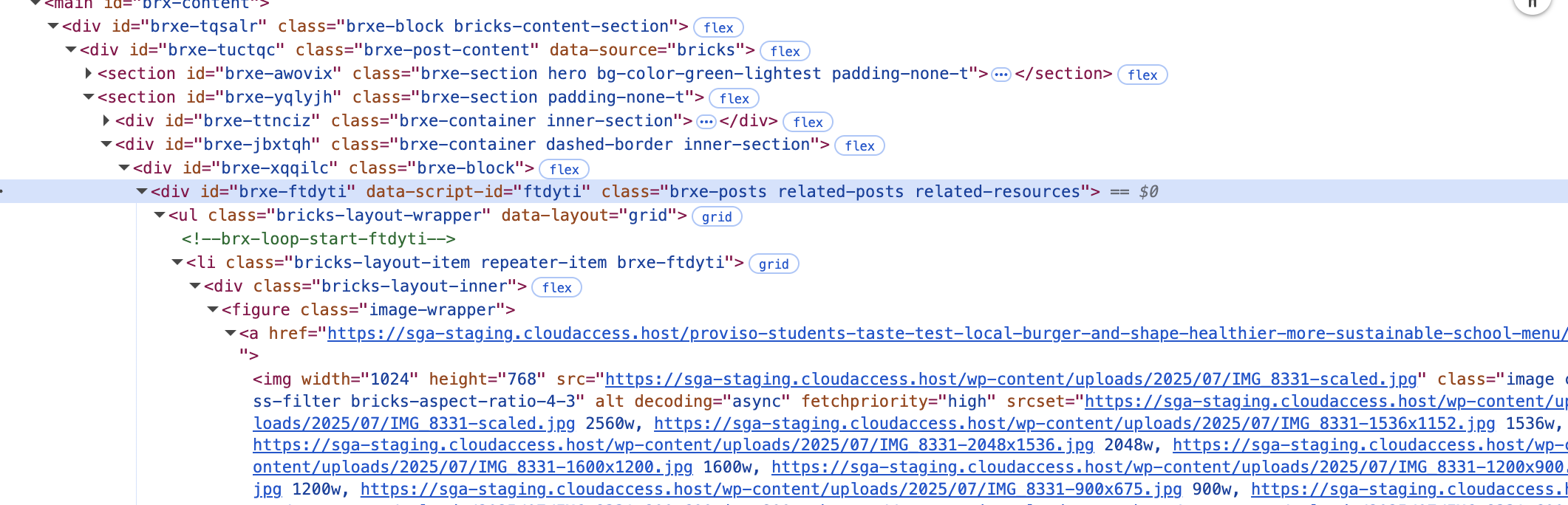
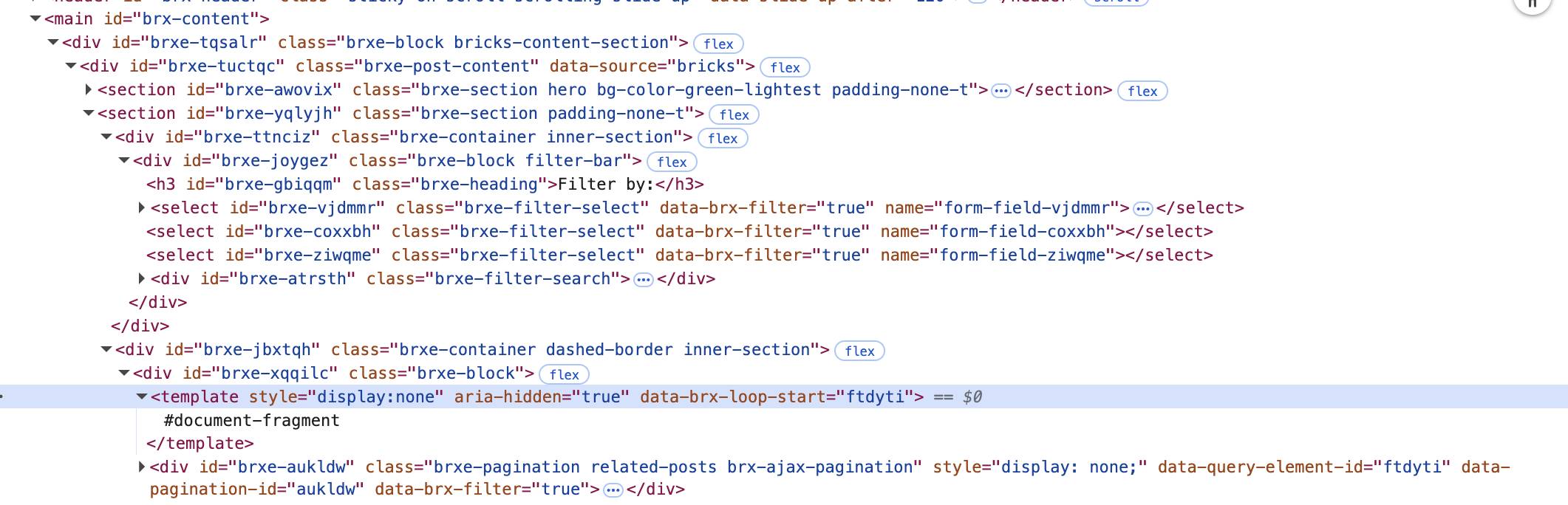
When inspecting the page structure, one thing I noticed is the DOM structure changes. The posts widget is replaced by a tag…
Hmm. I’m not sure. I noticed you are using 1.12.5, but I tested with that version, and it works as well. Maybe you can create a staging website, and test with 2.0.1 there, just to be sure?
So I guess I have a different setup than you. I’ll ask my colleague about it, as he was working on that feature. But if we don’t figure it out, I’ll need login access to your (staging?) website. I’ll let you know.
Remove the _sga_resource parameter from the Query Filter, so that it uses a default one. Just to make sure that _sga_resource is not a reserved parameter on your website.
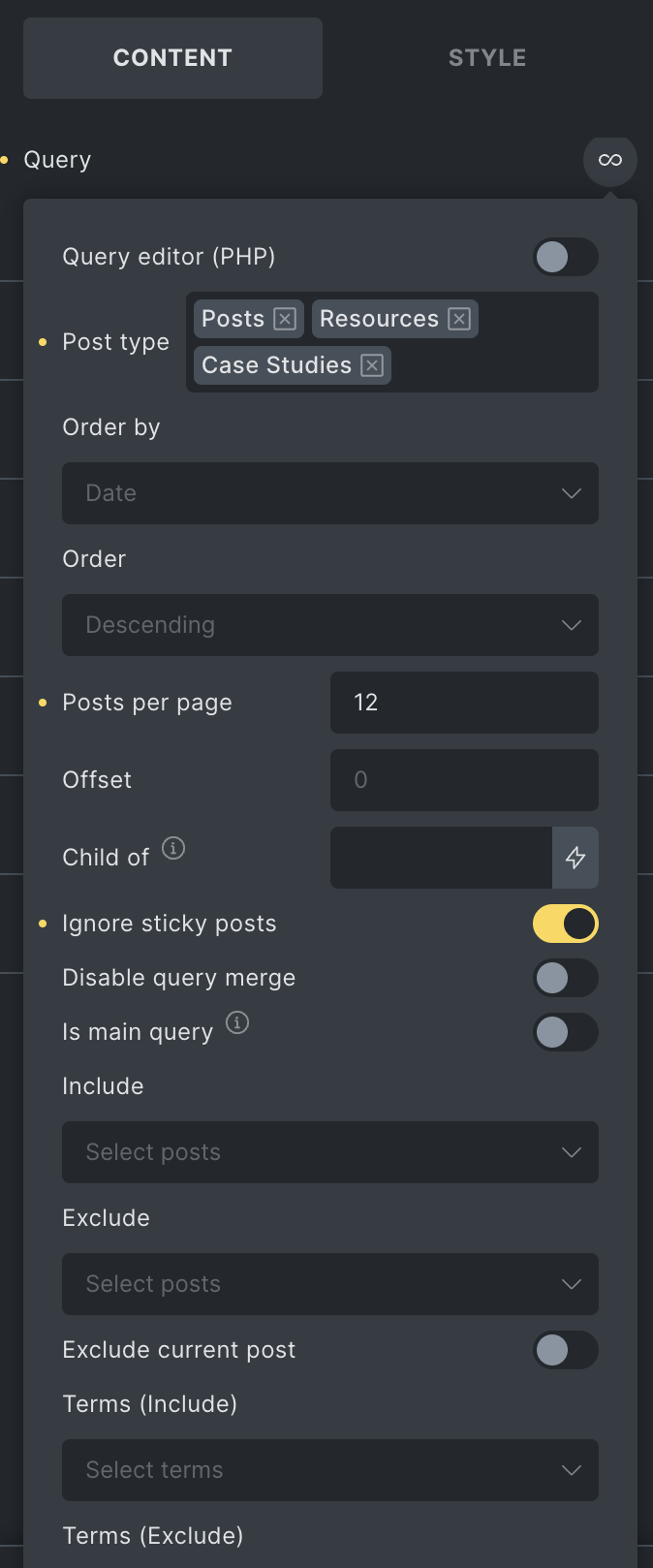
On the custom query, enable the “Is Main Query” checkbox.
Please let me know if this solves the issue, but if not, can you send temporary login credentials to your test/staging (if you have it) website and a link to this topic to help@bricksbuilder.io using the email address you used during the purchase so we can take a look?
Oh man, it seems that was a reserved parameter after all, even though I swore I had already double checked my custom post types and taxonomies to rule that out, as well as added the “sga” prefix… But apparently not!
Thanks a lot @Matej ! Can definitely close this one out now.
 . Can you try to disable all plugins and custom scripts, just to check if it works then?