Browser: Chrome 110 OS: macOS / Windows / Linux / etc. URL: Link to a page that illustrates this issue Video: Short screen recording that illustrates this issue (free tool: jam.dev)
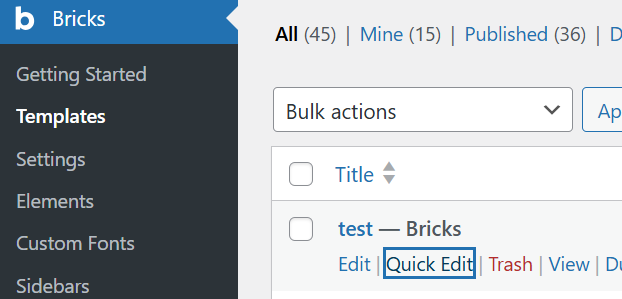
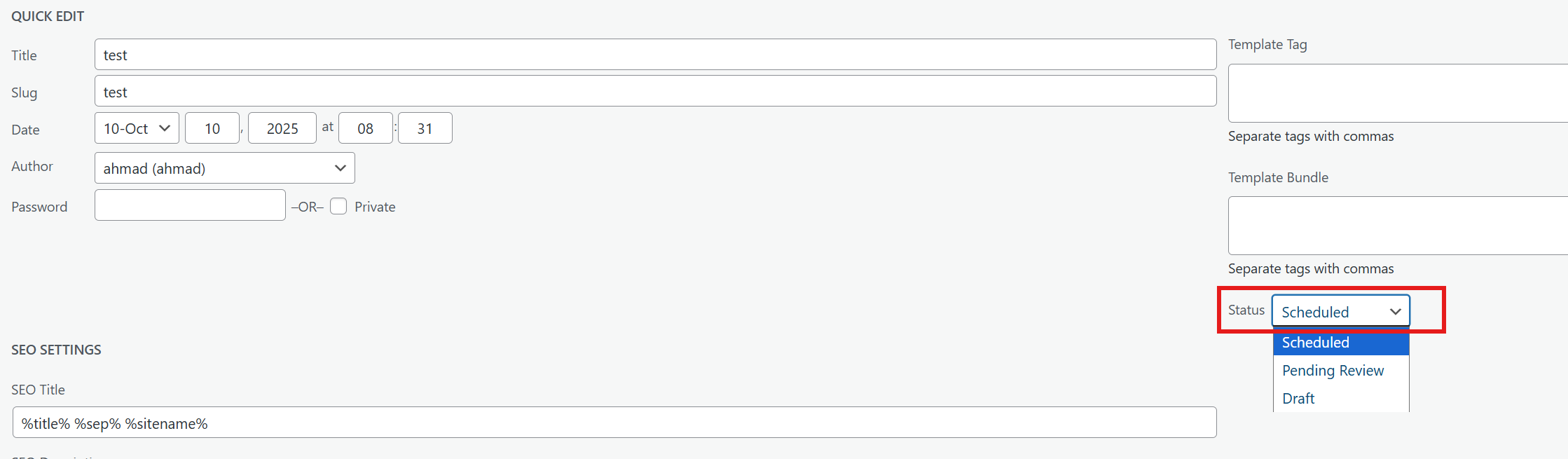
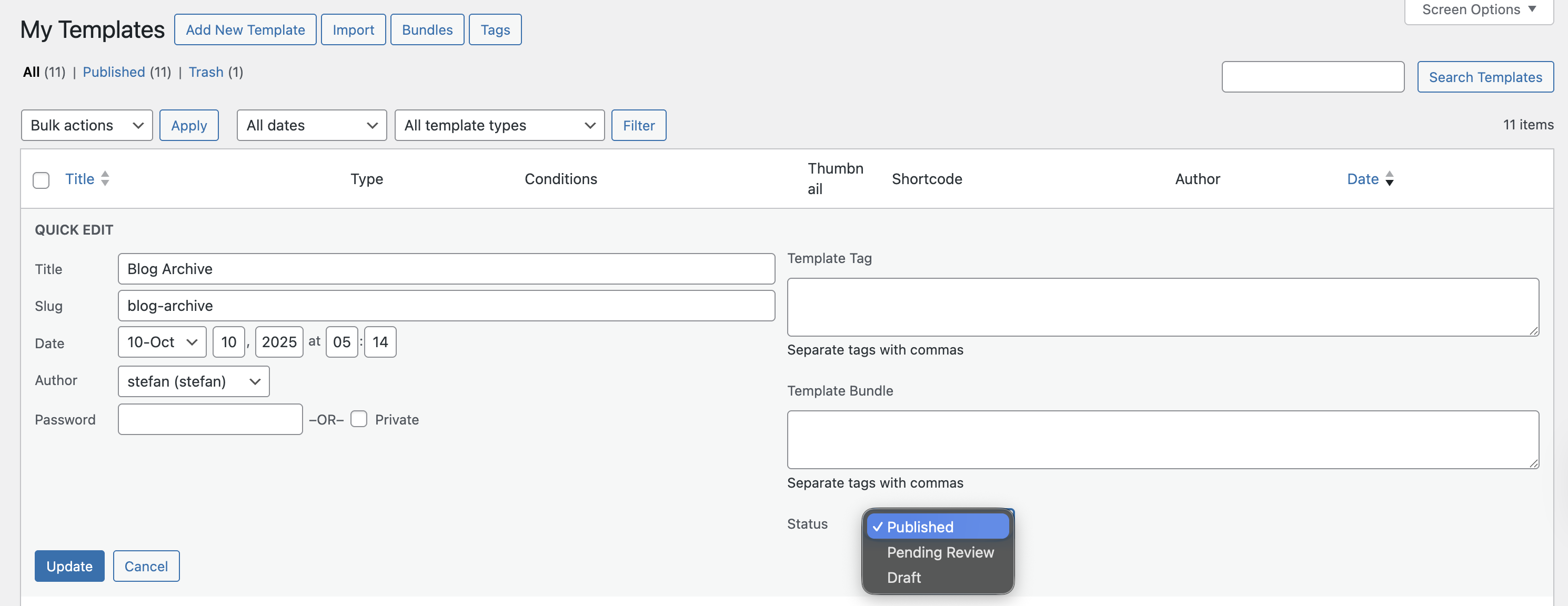
Minor issue in the new release V2-1: when creating a brick template and publishing it, in the Bricks template list, clicking ‘Quick Edit’ shows the ‘status’ field as ‘Scheduled’ instead of ‘Published’, even though the actual status is published. This appears to be a typo.
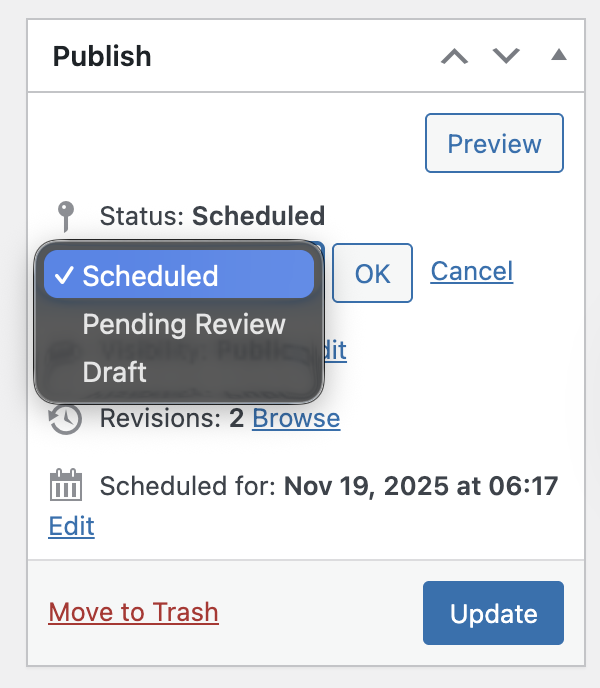
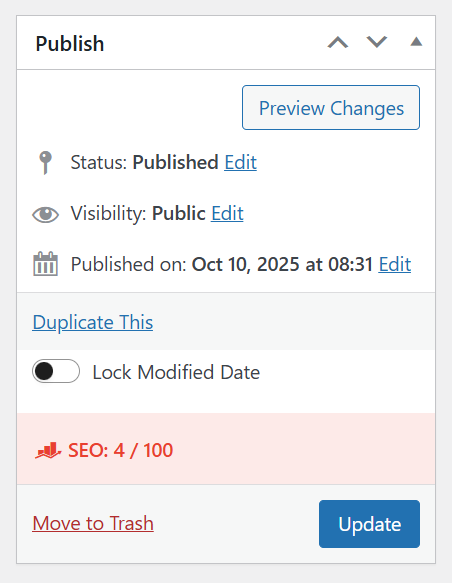
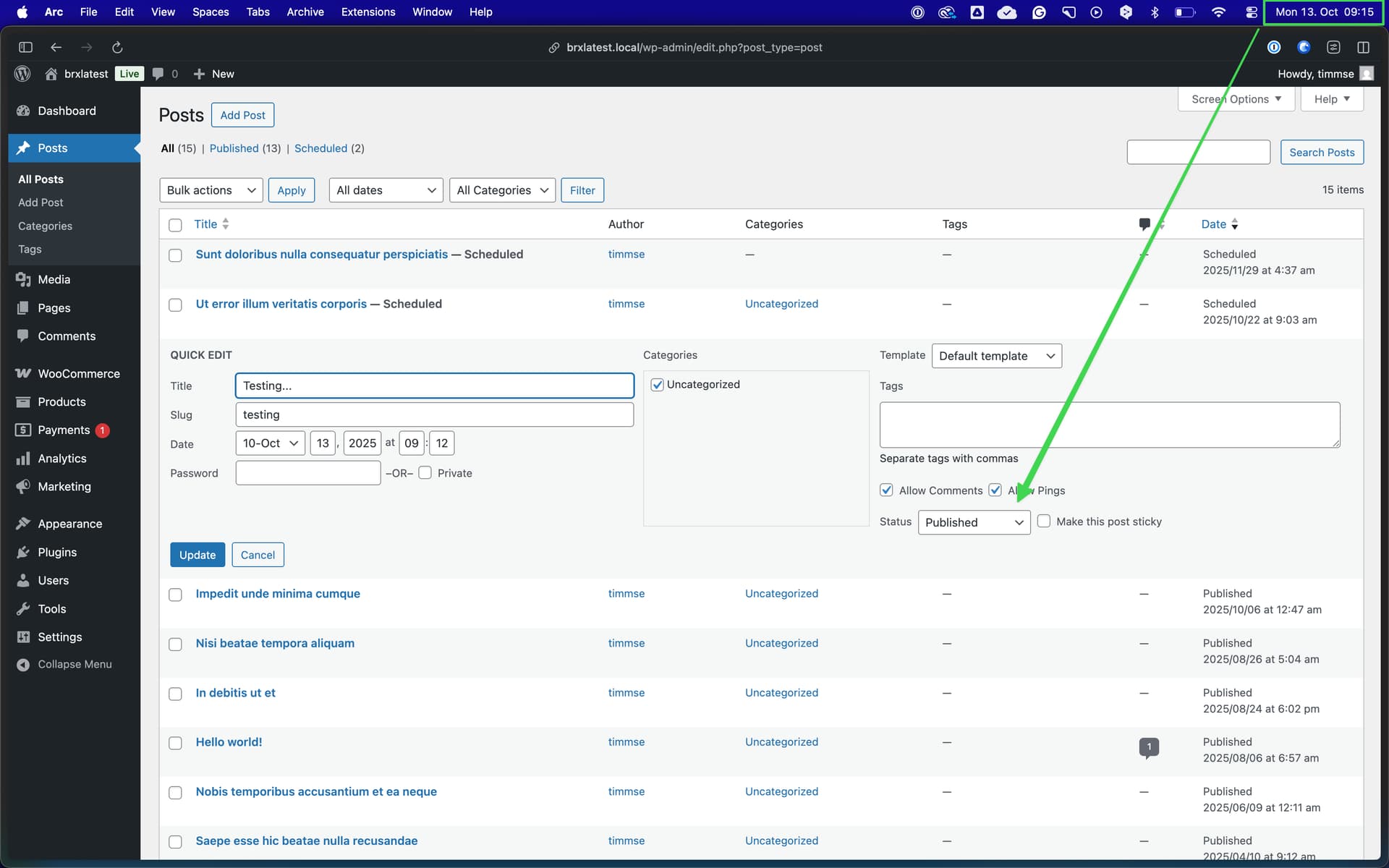
The reason why it’s showing scheduled is probably because your template is not published, but scheduled Edit it with WordPress and check the status on the right:
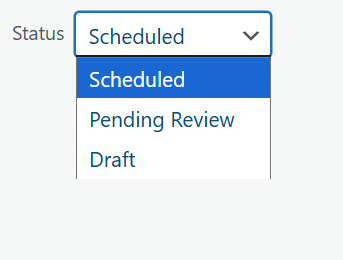
But in the Bricks template list, when I click “Quick Edit”, it shows the status “Scheduled”.
I believe this is a typo or bug because there is no “Published” option available in the Quick Edit view.
This issue is happening only with my Romanian site. I tested the same thing with other languages and did not face the issue. Currently, it occurs only with this language.
Thanks!
I suspect that it has something to do with the server time/WP time zone and the local time. The time zone is currently set to Bucharest, which is +1 hour ahead of my local time (Germany).
If I check again in an hour, it will probably say “published.” I’ll try to reproduce the problem again locally.
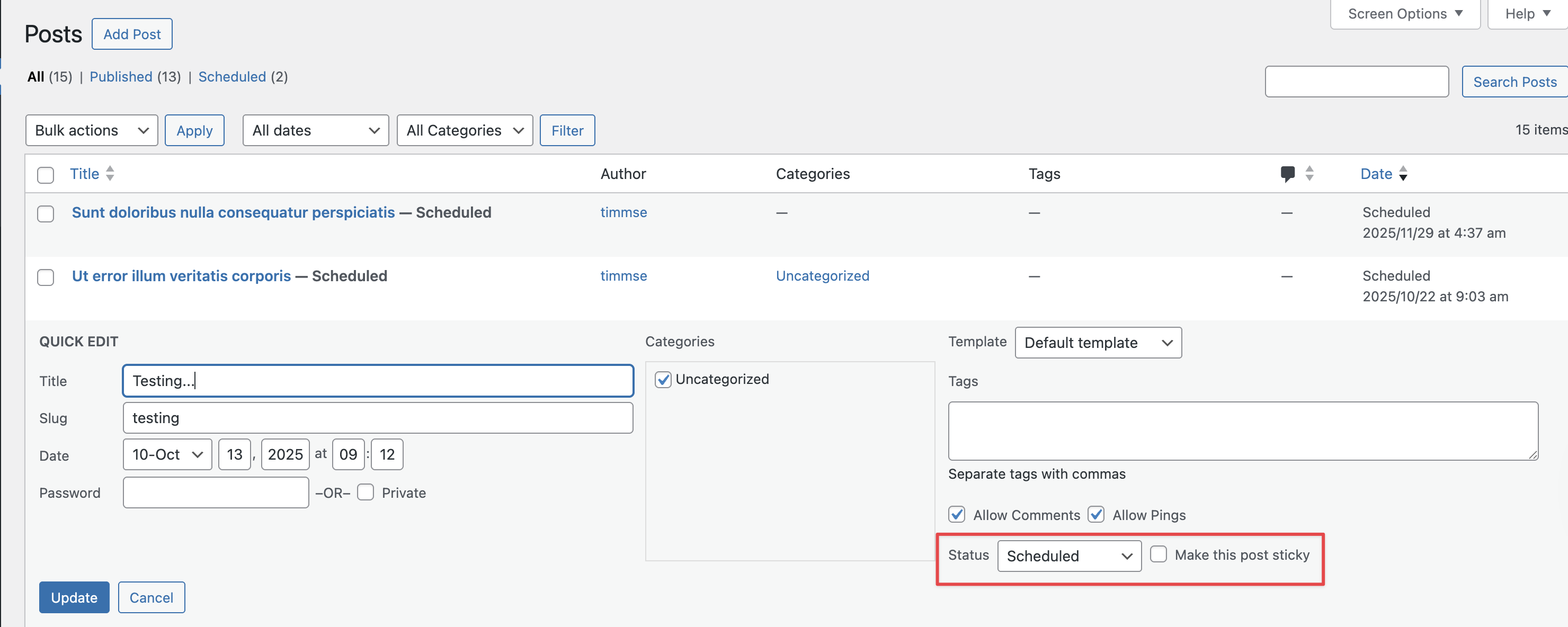
This is not a brick, but a (potential) WordPress bug.
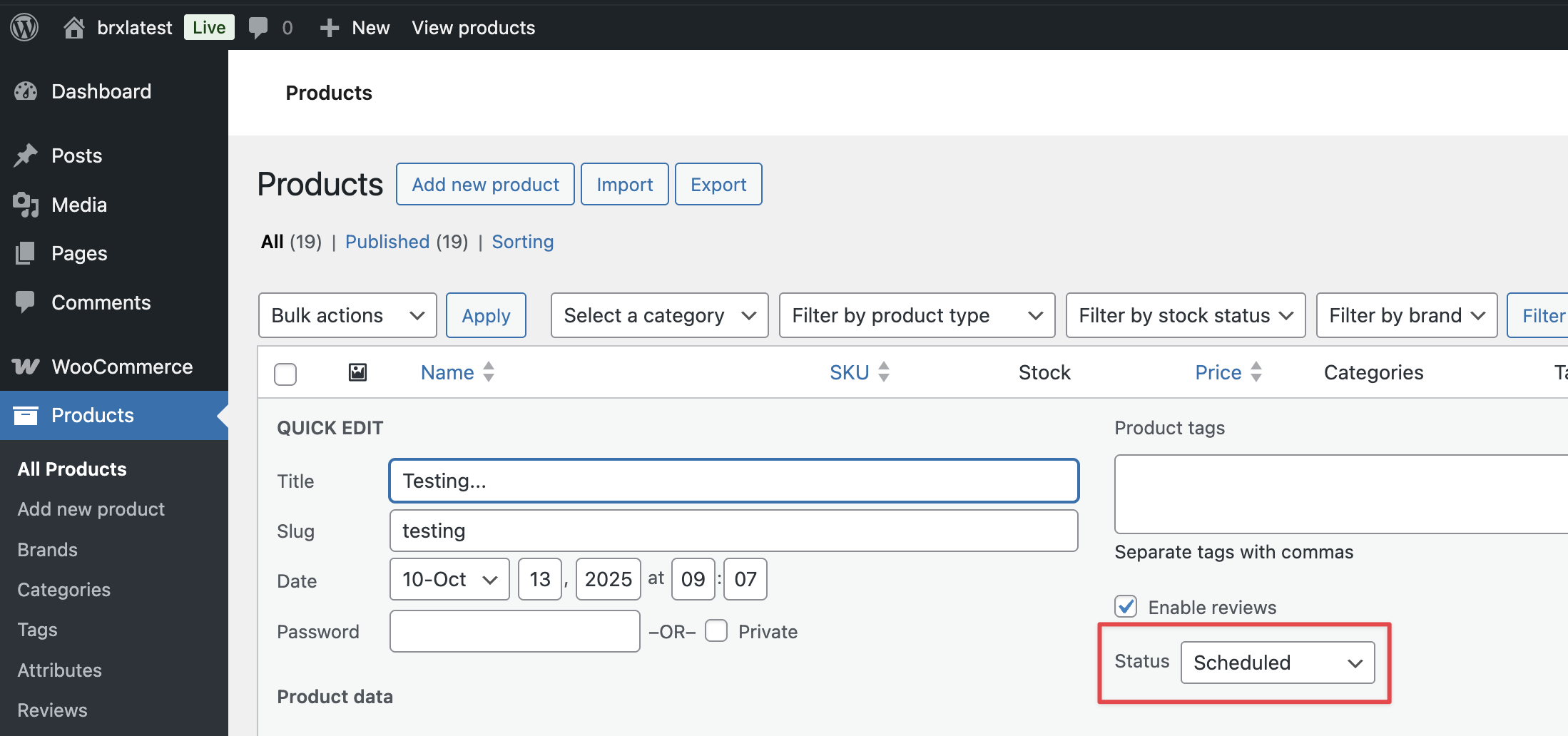
I changed the theme to “TwentyTwentyFive,” created a new WooCommerce product (products are a custom post type, just like the brick templates), published it, and the following is displayed in the “quick view”:
 Edit it with WordPress and check the status on the right: