Browser: Chrome 110 OS: Windows URL: Not accessible as page is currently locally hosted
Hello,
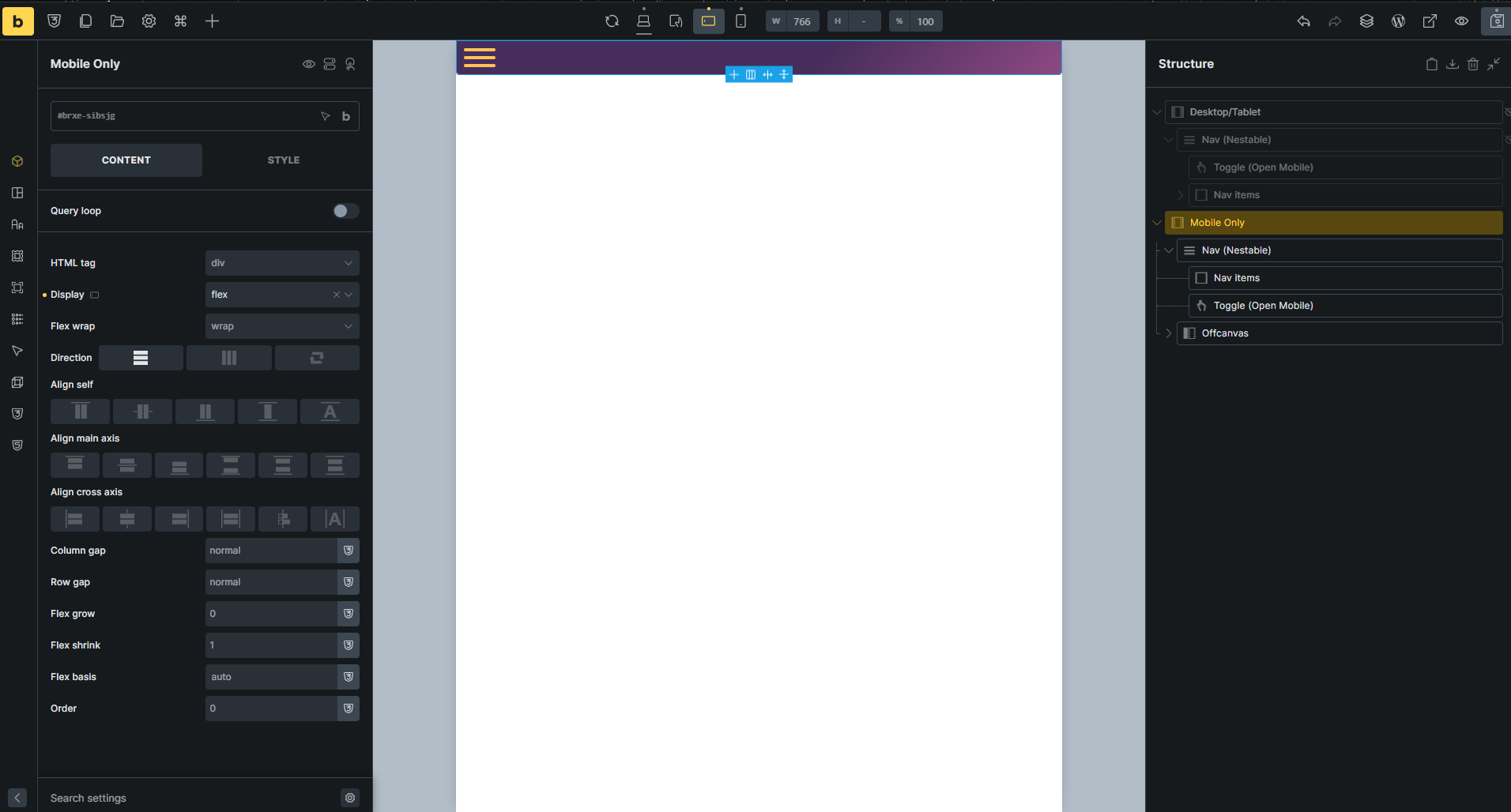
I think I may have run into a bug of some kind with the Toggle element. I’m trying to set it up to open an Offcanvas element. Both elements are situated within a container, ‘Mobile Only’ that is set to display only on the mobile landscape and mobile vertical breakpoints.
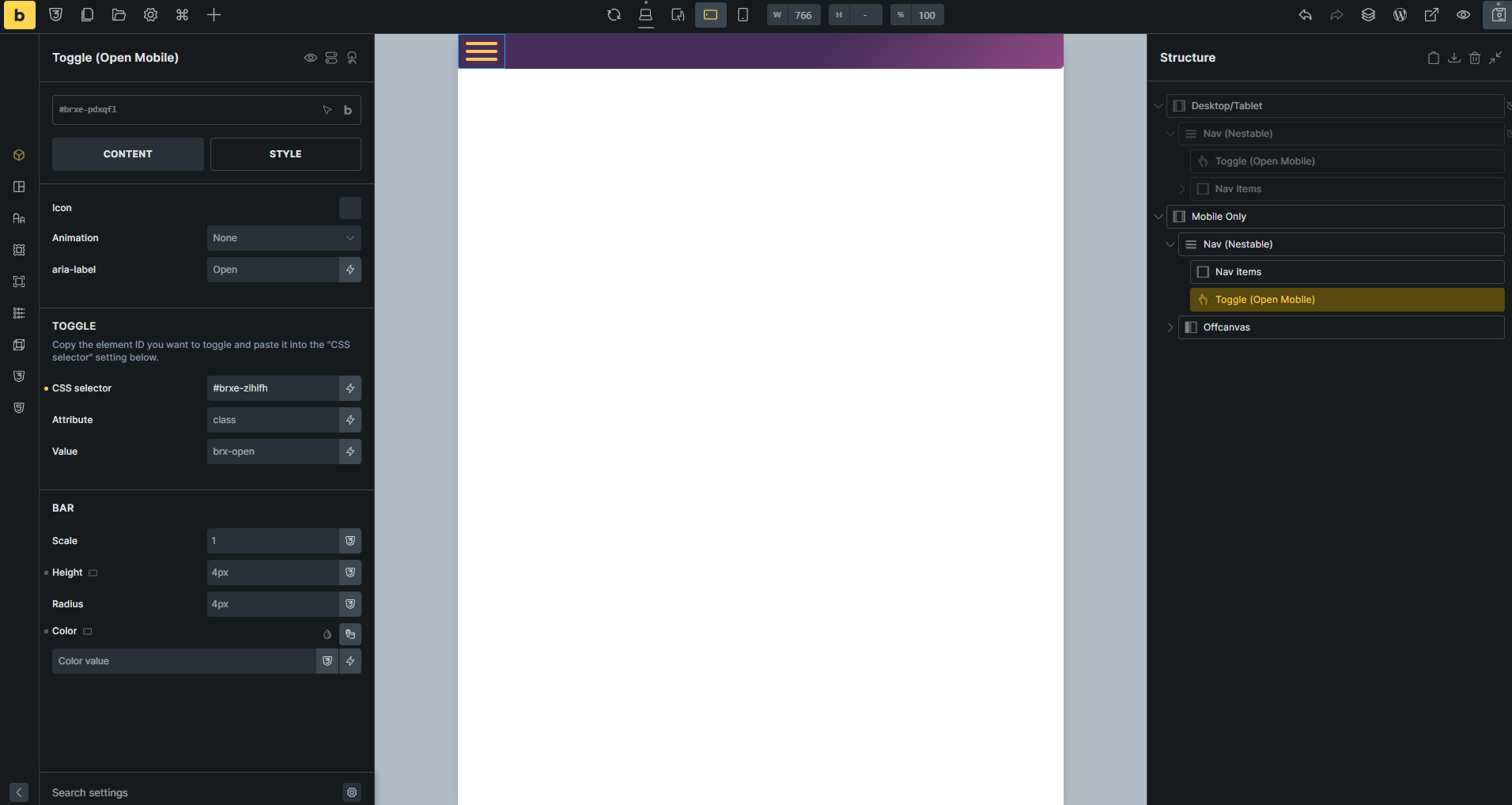
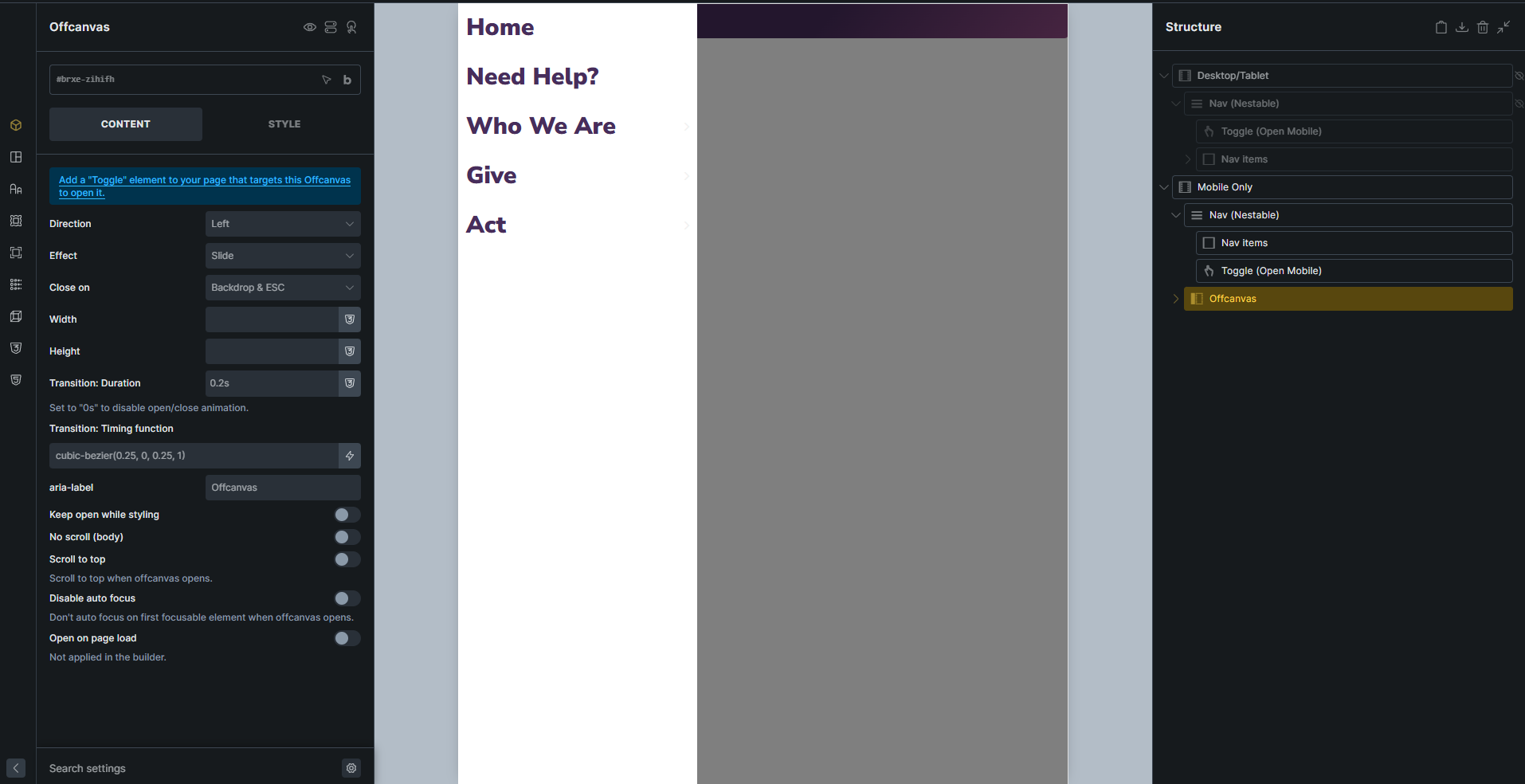
As you can see from the screenshots, Toggle element has its CSS selector set to the same css id as the Offcanvas element. I wondered if maybe the other toggles I have in the Desktop/Tablet container might be overriding this somehow, so I manually set its respective elements to specifically trigger a different CSS id. No luck.
I do not have LiteSpeed Cache, so I don’t think that’s the problem. Any help?
Hi Samuel,
Thanks so much for your report, and welcome to the forum!
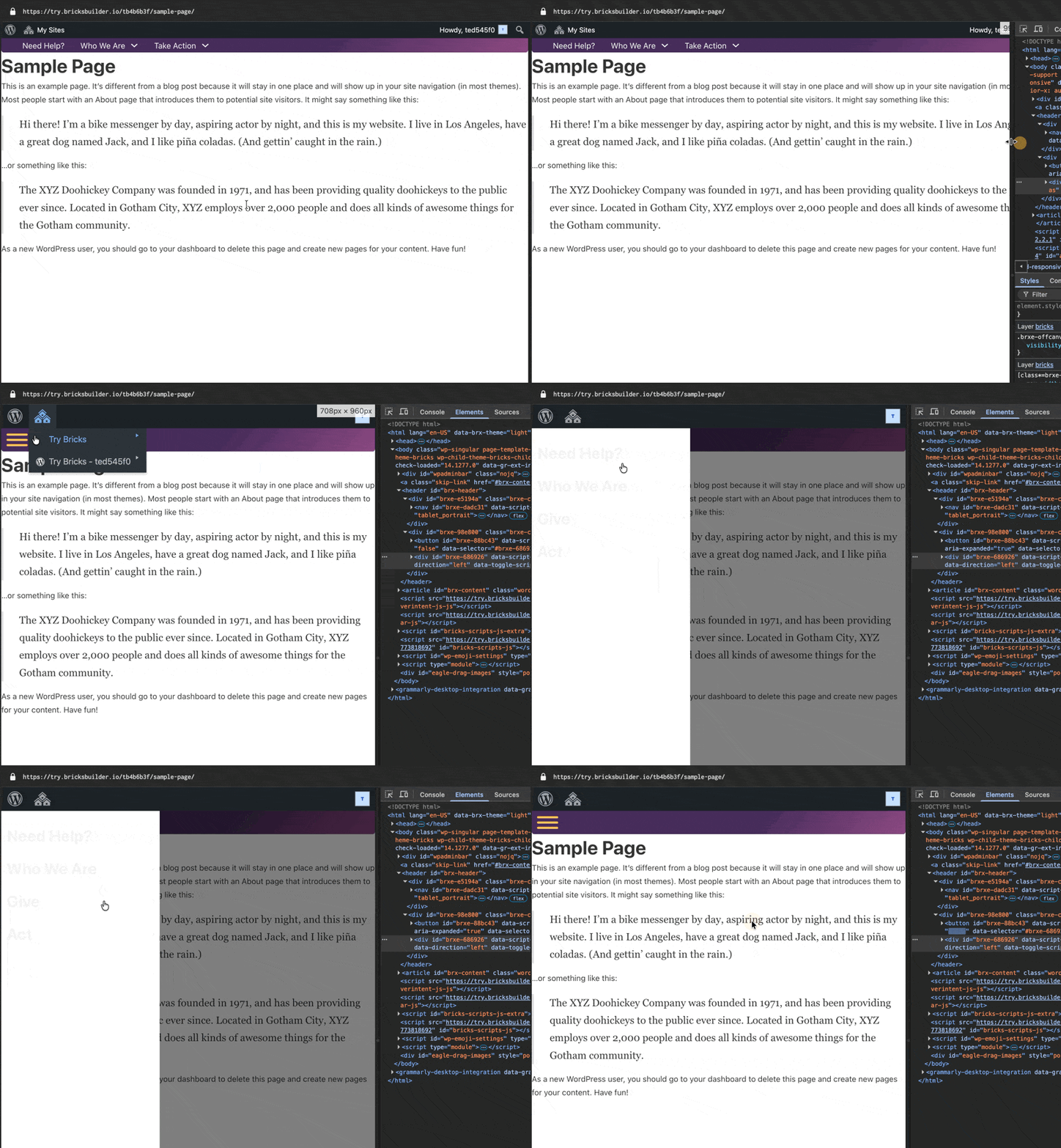
Unfortunately, I cannot reproduce the problem. Can you please provide an accesssible live installation, so we can check the HTML? If you don’t have a server setup yet, feel free to use try.bricksbuilder.io
Just out of curiosity: what is the nav nestable on mobile for? You only need a toggle element to toggle the offcanvas
Aaaah in the preview
Yes, that’s the expected behavior, since the preview simply displays the canvas, on which the toggle element doesn’t trigger when you click it either (as it would be heavily distracting)