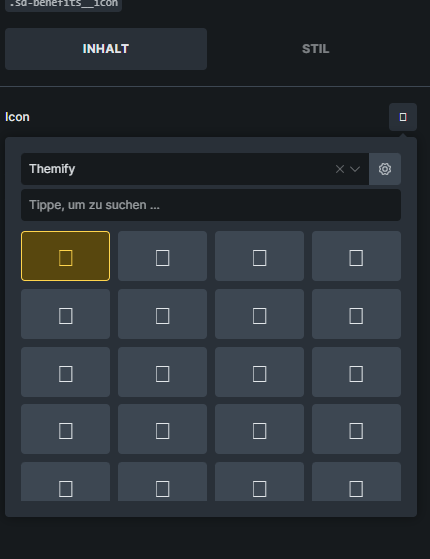
Themify Icons font not enqueued on frontend — icons render as broken squares
Bricks does not enqueue the Themify Icons font on the frontend, even though Themify icon classes are used in elements. This causes all ti-* icons to render as empty/broken squares on published pages. As shown in the screenshot, the search button icon (ti-search), trust bar icons, and other Themify icons throughout the page are all broken.
The markup is correct, e.g. But the corresponding themify-icons.css / themify.woff font files are never loaded on the frontend. The icons appear to work fine inside the Bricks builder panel.
Steps to reproduce:
Themefy icons missing in the bricksbuilder selection
Do you see bricks-themify-icons-css loaded in the dev tools? Can you share the website, and maybe try to clear all caching and perhaps even turn off all plugins, just in case?
WP-Optimize’s CSS minifier was combining the Themify Icons CSS into a merged bundle and corrupting the @font-face format() declarations — turning url(…?) format(“woff”) into url(…#hash"woff"). The browser couldn’t parse the broken font rule, so all ti-* icons showed as squares. I excluded themify-icons from CSS merging so it loads as a standalone file with intact font paths. Now it is working. No friggin clue why this happened
Ah, good catch @stellardynamix. Thanks for letting us know. I’ve marked your answer as a solution and set the topic to no bug because it’s not related to Bricks.