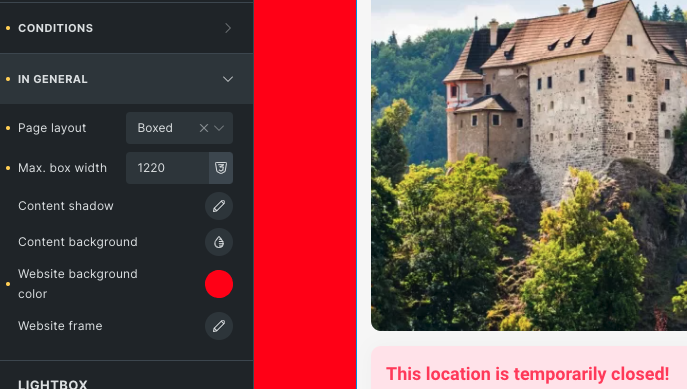
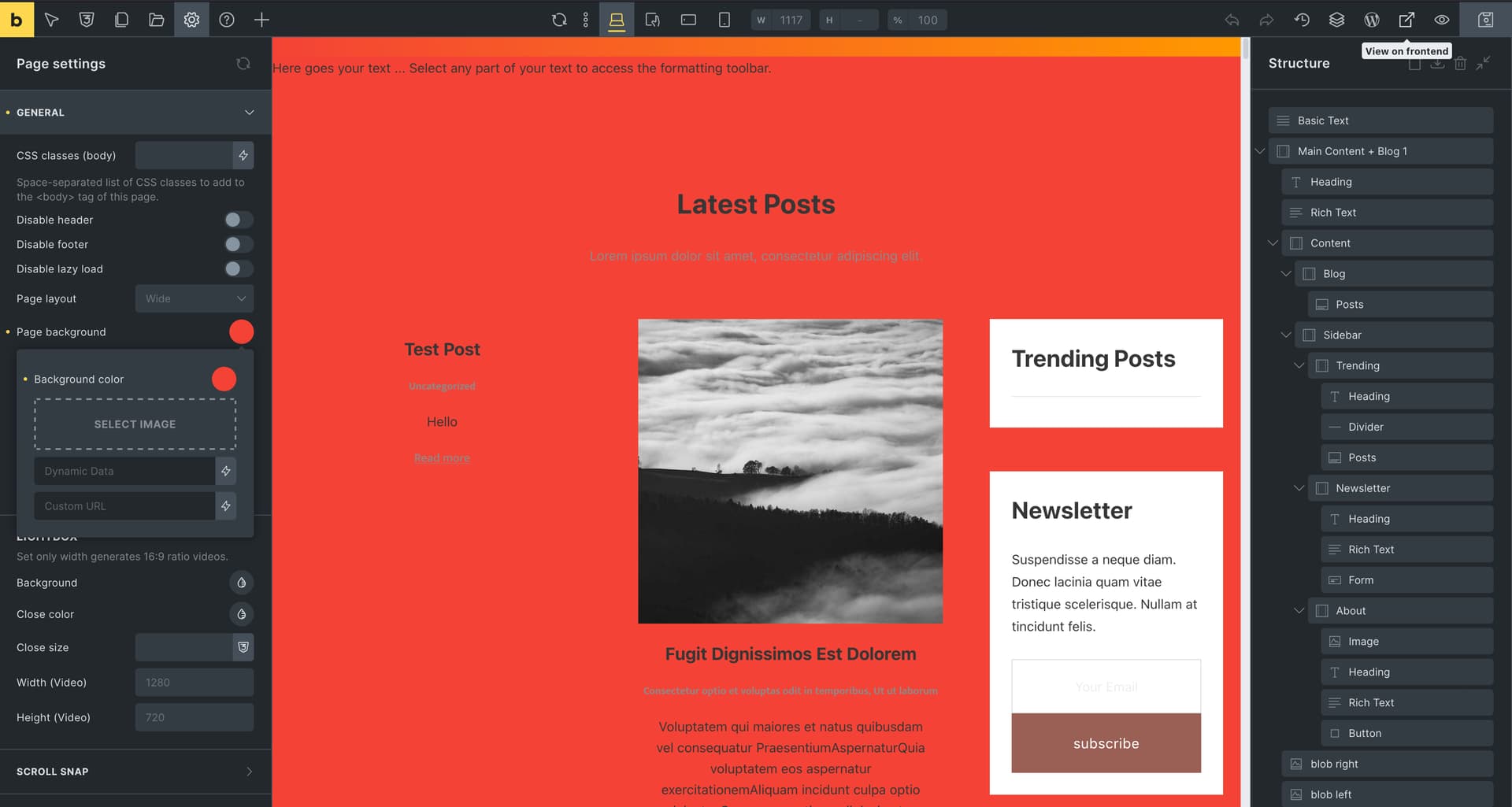
I don’t know if this is a bug, but I’m not able to get the background color from the builder. I set the layout to box and set the background of the whole site - in this example to red. But realistically this color doesn’t translate anywhere and the background is actually white. I couldn’t find this color anywhere in the console.
But, as you can see, I also have two cards, that do not have red background. This is because I have background defined in them, so please check if maybe your content already has some background color defined.
Additionally, can you share the URL of the page, where I can take a look and see why the background color does not apply?
Thanks for the quick message. I had no problem with the setup in the builder. It met my expectations, it colored out the part that was html because the structure changed to boxed. Anyway, in the frontend the change didn’t show up, even though it was implemented in the code, but I guess it clashed with another style, because Important solved it. I made the settings in the global style for all pages, not for a specific page. Where and why this conflict arose, I haven’t figured it out…
Anyway, in the meantime I changed my thinking a bit on how to resolve this situation.
Thank you for your response. Now that it’s solved (and I was not able to reproduce it), I’ll mark this as a NO BUG.
If Important solved it in your case, then yes, there seems to be one style that overrides it. So maybe you will need to figure out what this style is and change it, if you ever need this.