Browser: Chromium (Brave + Chrome)
OS: Windows
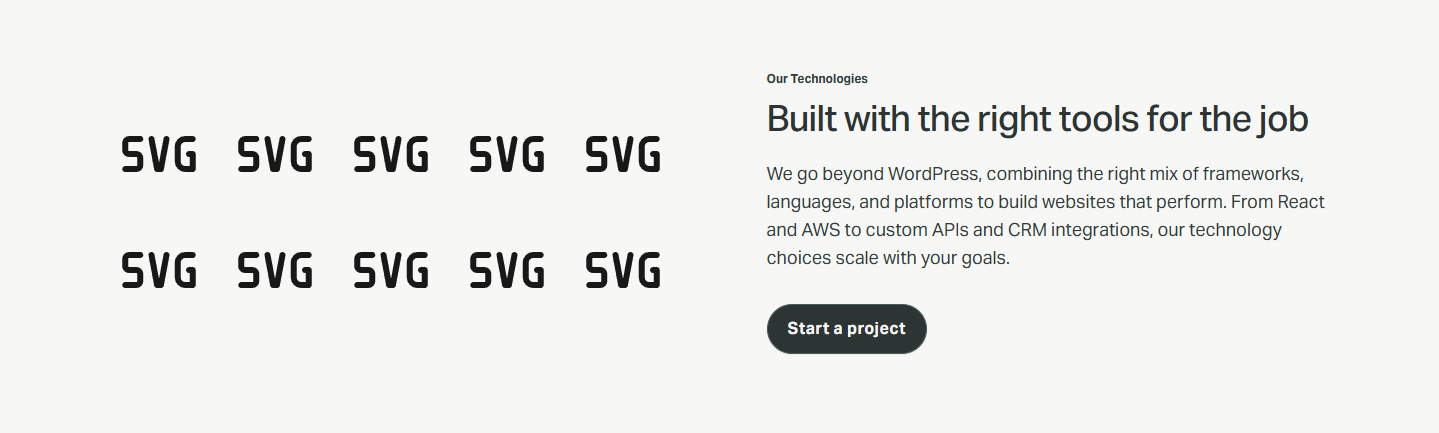
We’re experiencing a reproducible issue where any saved template (even a brand-new one containing only a single image) inserts into a page with placeholder images instead of the real media.
This is not isolated to a single site or environment.
The issue occurs on:
-
Our client site (dev + staging)
-
Our portfolio site (completely different server + environment)
-
Multiple Bricks installs with no shared templates
-
Multiple machines (confirmed on two separate computers)
What we see
-
Images inside the template display correctly when editing the template itself
-
When we DROP the template into a page:
all images become placeholder images -
Even a brand-new template with one fresh image inserted immediately shows placeholders
-
Dropped in as a template block the images render correctly
This eliminates:
-
Server configuration issues
-
Cache issues
-
Corrupted template data
-
Cloudflare/CDN (Don’t use it on client dev/staging but do on our portfolio site)
-
Security plugins
-
Browser cache
-
Hosting environment
-
Lazy load
-
Image optimization
-
Incorrect media IDs
-
Wrapper HTML
-
Template import/export issues
What we have tried
-
Clearing localStorage & sessionStorage inside the Bricks Builder iframe
-
Hard refreshing the builder
-
Logging out of WordPress
-
Fully restarting browsers
-
Testing in Firefox & Chrome
-
Reassigning images inside templates
-
Recreating templates from scratch
-
DisablingBricks performance settings (lazy load, etc)
-
Rolling back the server environment (as it was strangely working this morning when dropping templates but it has stopped).
-
Switching domains and installs
-
Creating new test templates with one clean Bricks Image element
-
Testing on completely unrelated WordPress installs
No change. The issue persists across all installations and environments.
The templates themselves are fine and if I manually right click > copy > paste into a new page it works fine, but during the “template → canvas insertion” step it loads preview images/svg’s instead
Thanks in advance for the assist.
Some screenshot examples below:
 .
.

 Thank you for letting me know. I’ll mark the topic as no-bug.