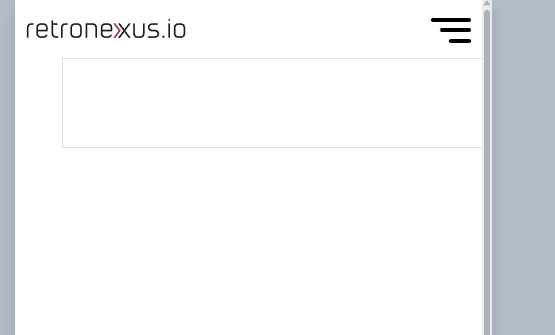
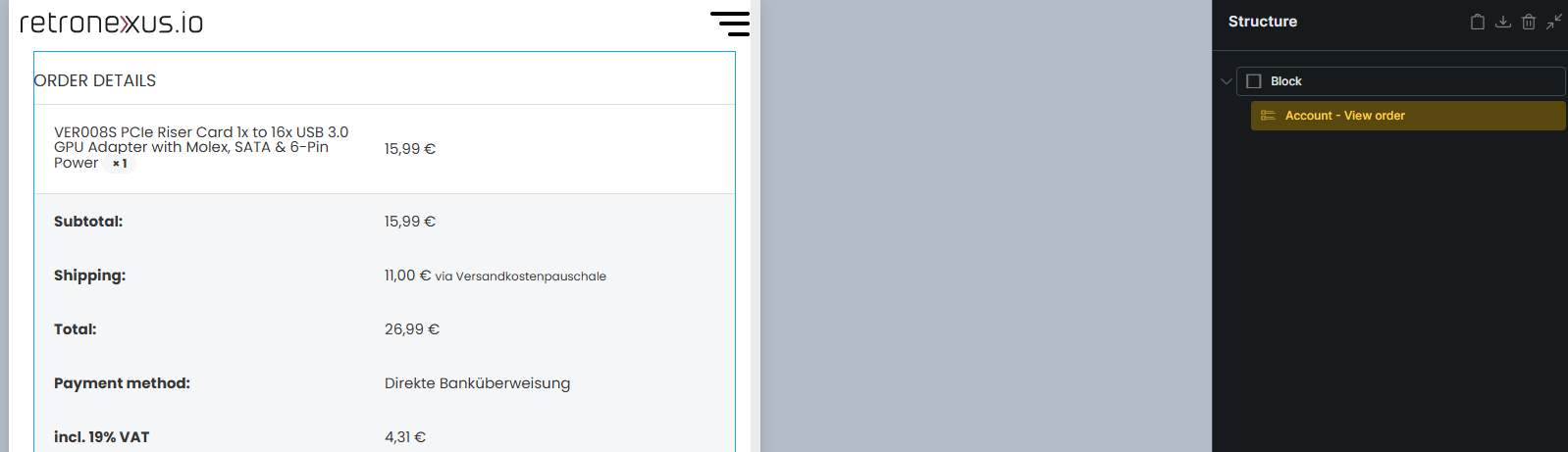
I seem to face an issue with a potential buggy Template. When I select the “Account - View Order” template, the block elements, seem to not be loaded in correctly.
Example:
When I load in the template for “Woocommerce - Pay” as an example, it behaves correctly
Just adding a simple section / Container, you see the container properly aligned according to size defined (1400px in this case and the section working fine.
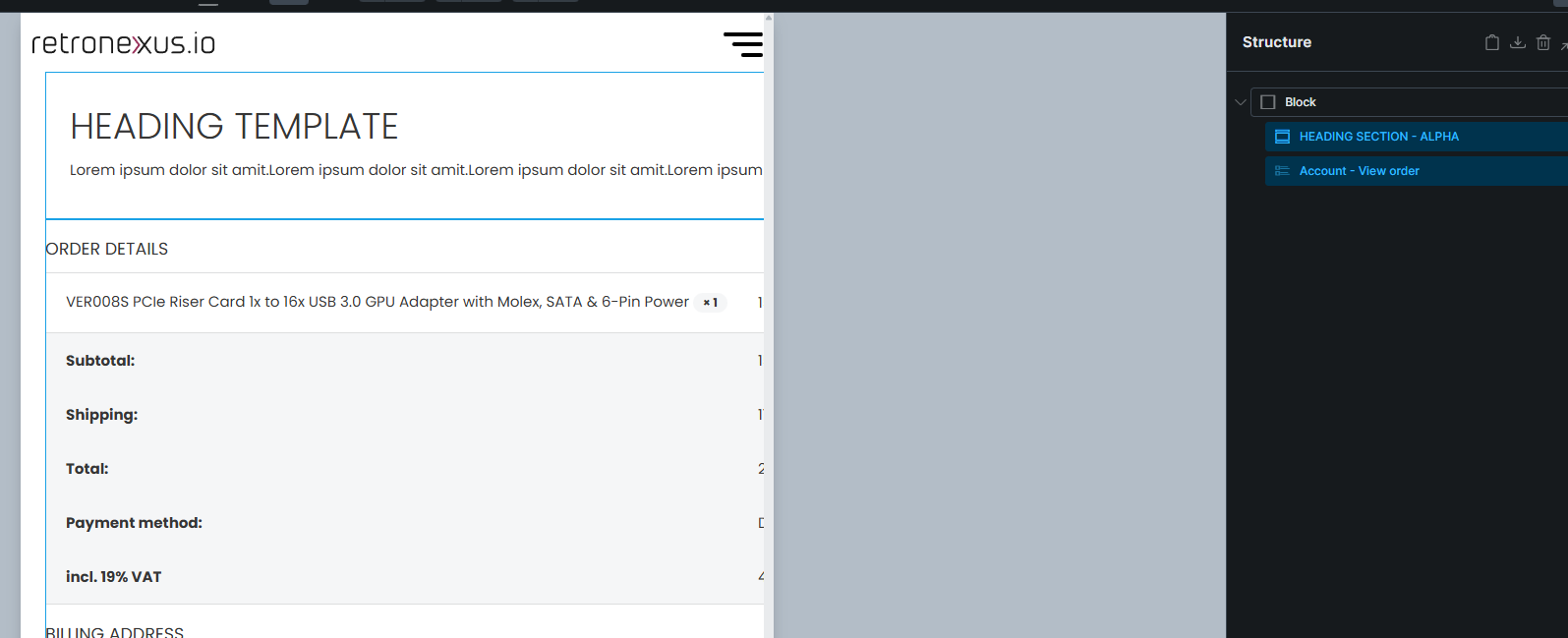
The Account-view-order template seems to have a bug:
As you can see the container seems shifted, and also the mobile versions are not working. The container seems frozes and doesnt adjust to size. I only noticed this issue in this template so far.
I am not fully clear on this one, the approach works for all the other templates, is there a specific setup that different for this one in particular?
It would be needed as soon as I use more than just the plain element. When I add my header component for example I need to align the components, and the moment I do that, the template brakes. Only if the element stands on its own it seems to work
The account templates are entirely different compared to almost any other template since they “live” inside of the Account - Page element, which you would ususally wrap with a section > container.
Sorry for asking a bit more on that, as I am not fully clear. I read the article on this one yesterday, but from the documentation it was not clear to me on how to approach this:
The example in this document shows, how you created a Woocommerce - Account - Orders template. This one I have too. But is it then, that you added the element Account-Orders directly into it?
I am not clear on why I would then need to create a template for Account - View Order
I understand, that this works with the “Orders” element to be shown in the Account - Orders template.
But it does not work currently for the Account - View Order template. I don’t understand currently, why I can use my sections and components in all other Account Templates, except this one. Maybe you can check on this one?
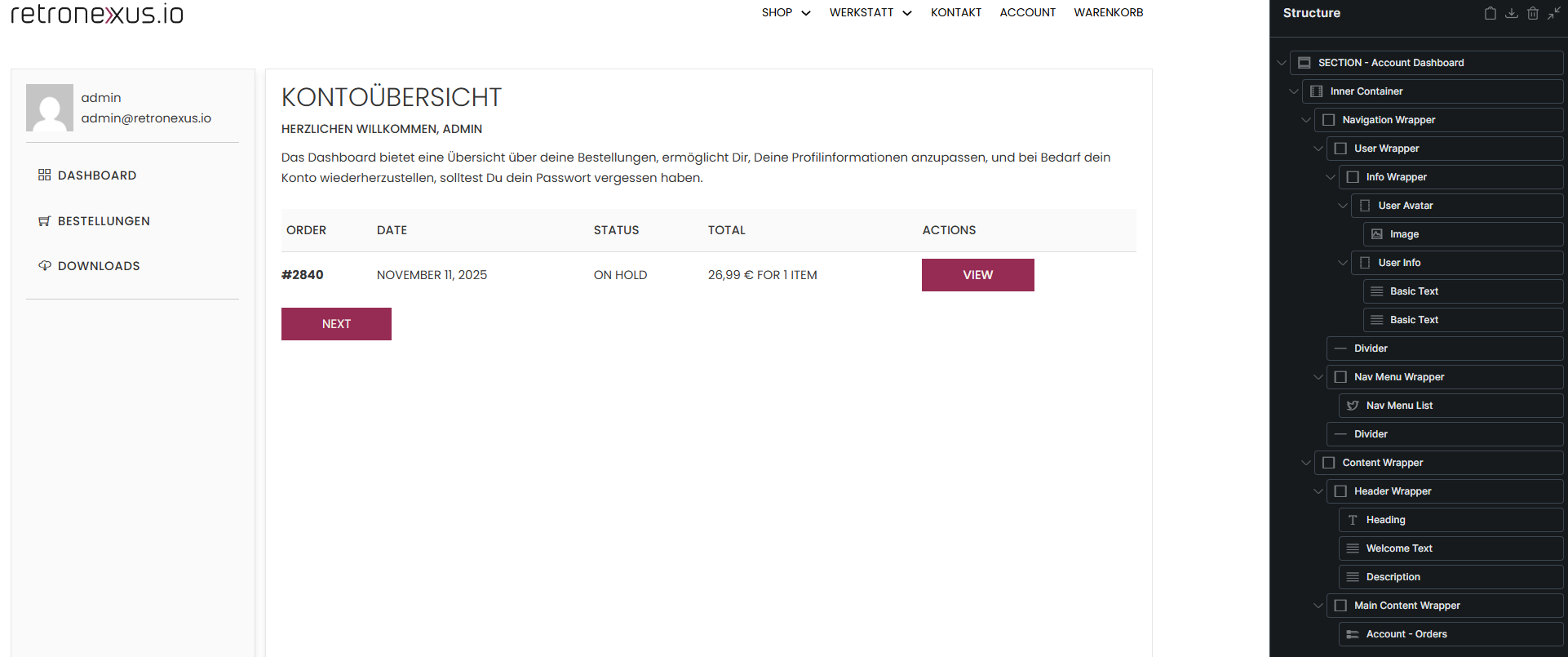
Here is my template for Account - Orders
Exactly built to the approach you describe in your document and it works absolutely fine.
No problem at all, but there’s no point in editing your previous posts after someone has already replied to them. Just create a new reply if you want to provide more details – that makes it a little easier to follow the thread
This is because you are not precisely following the steps described in the academy article, but have created a custom setup. In your case, everything (by which I mean a custom menu on the left-hand side and “endpoint content” on the right-hand side) is located within the template for the respective endpoint.
That’s fine, but it’s a slightly different approach that requires some tweaking
Actually, the problem should be solved by simply setting the container within your account endpoint templates to 100% width (instead of its default px width). Can you try that?
If that doesn’t work, please provide a live link to the website so I can take a quick look myself.
My intention was not to spam this thread, but point taken, regarding following the thread!
you are fully right, I didn’t notice that I went against the article’s approach. I made a change just now to adjust for that, and now it should be implemented correctly. I didn’t notice that i designed the custom menu and content display within the endpoint. Now that I changed this, of course it is being displayed correctly.