NO BUG: SVG icons removed when template inserted into a page

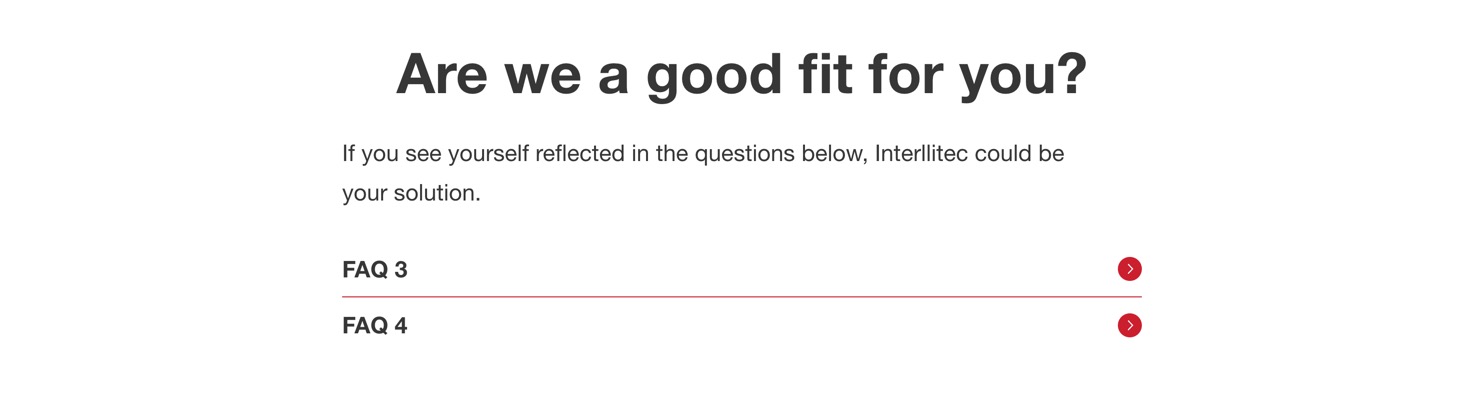
I have a section template that contains an accordion (nested) element. This is how the template look on the front end:

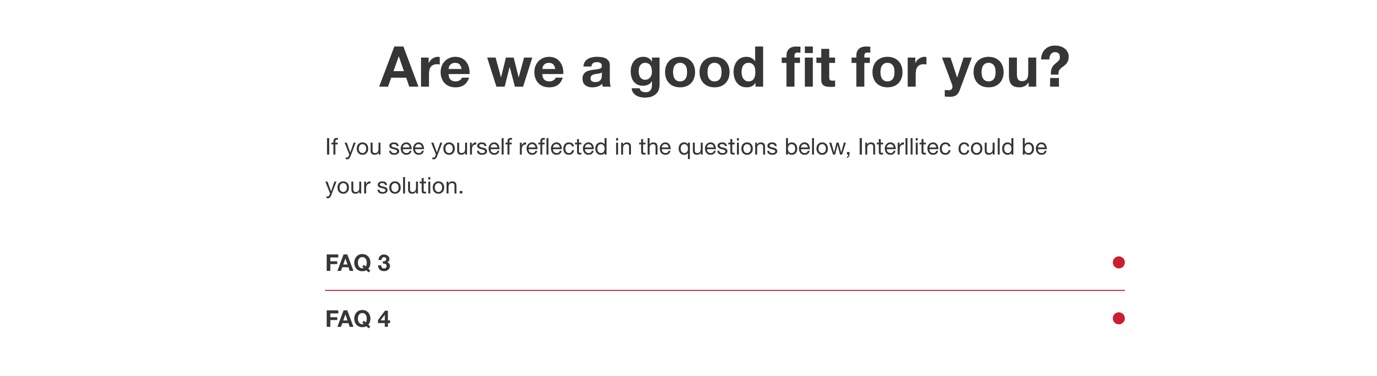
If I insert this template into a page, the icons used in the title block are removed. Inspecting ther DOM, the SVG element has just completely vanished:

Hi @ainom ,

Please let us know how you configure the Icon element on that template so I can follow to replicate it.

I tried SVG source and my custom SVG icon set, but they work as expected.

Are you using the template element on the actual page?

Regards,
Jenn

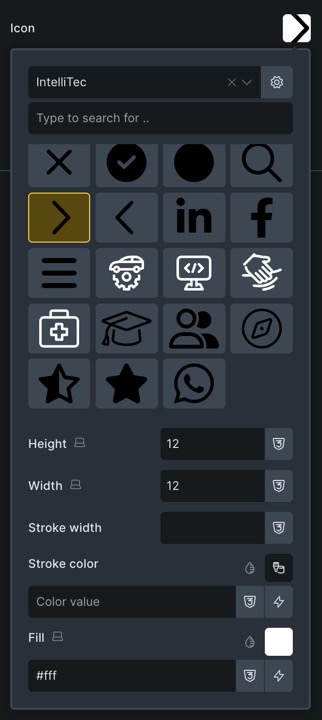
The icon is one selected from a custom icon set, width: 12px, height 12px, fill: #fff.

Hi @ainom ,

Unfortunately, we can’t replicate this issue.

Please send admin access to helo@bricksbuilder.io and include this forum thread URL as a reference.

Let us know the actual page URL in the email as well.

Regards,
Jenn

Hi Eric,

As per our email conversation, enabling SVG upload and ticking “Import Images” when inserting the template to the page via the Template manager in the builder solved the issue.
I marked this thread as “NO BUG”

Regards,
Jenn