Found similar entries here - but not the same case.
Made a template with the Accordion and a SVG icon (collapse / expand). It is all safed well and also loaded, if the template is used inside a template element. But… if the template is imported on an other place at the site, the SVG is missing.
Thx. It´s pretty easy. Create a template with an accordion element and give it a SVG as icon. Now import the template wherever you like. On my side the SVG icon ‘connection’ is lost - I get an ‘x’ as icon.
If that not helps, let me know and I´ll do a screencast…
Well, I tried with both accordion elements, and it works for me in both cases Unfortunately, I still don’t know what you mean by “import the template.” Is it “insert” via template manager?
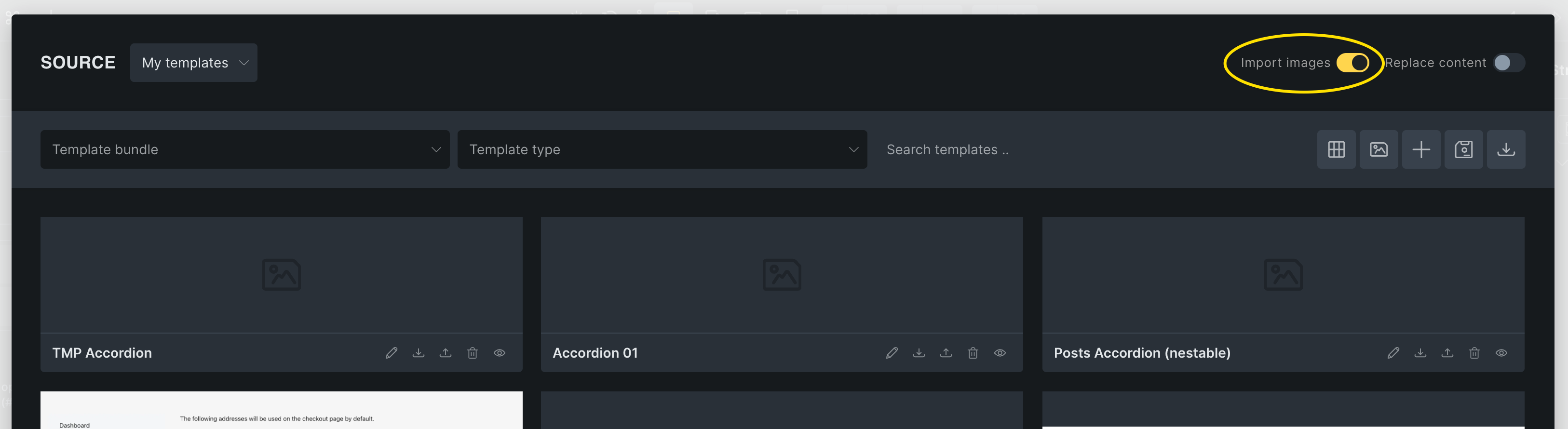
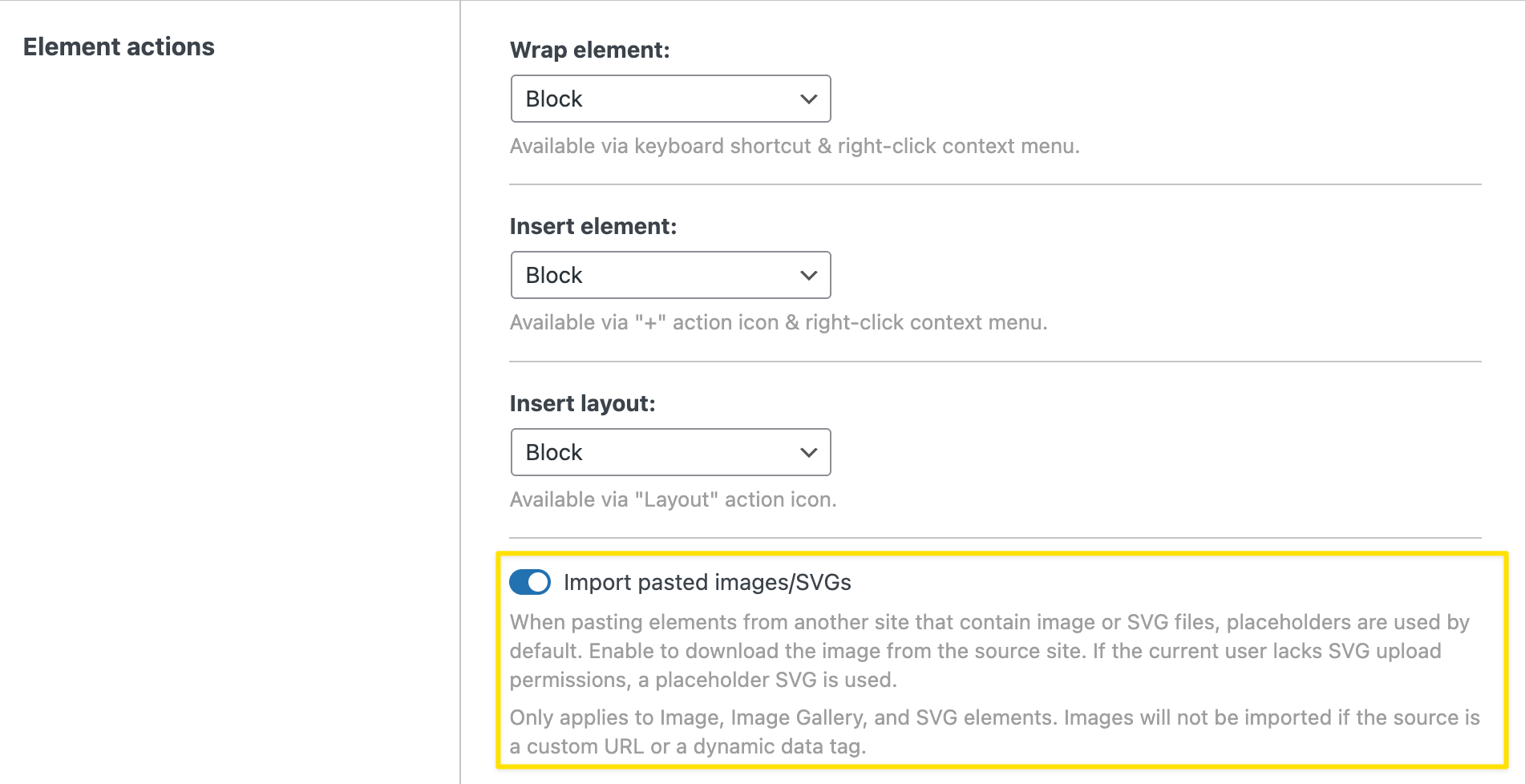
If so, make sure “import images” is enabled.
Sorry - wasting your time! First project with intense use of templates for a client. We had to change some SVG rights and of course use ‘Import Images’ at the templates section. Somehow I thought it is only neccessary for external images - not the ones that are available in the media library.
 Unfortunately, I still don’t know what you mean by “import the template.” Is it “insert” via template manager?