Summary:
Sticky posts are not being placed at the top of the query loop as expected by default WordPress behaviour. When using a standard post query in Bricks Builder’s query loop, sticky posts should automatically appear at the top of the results without any additional configuration.
Steps to reproduce:
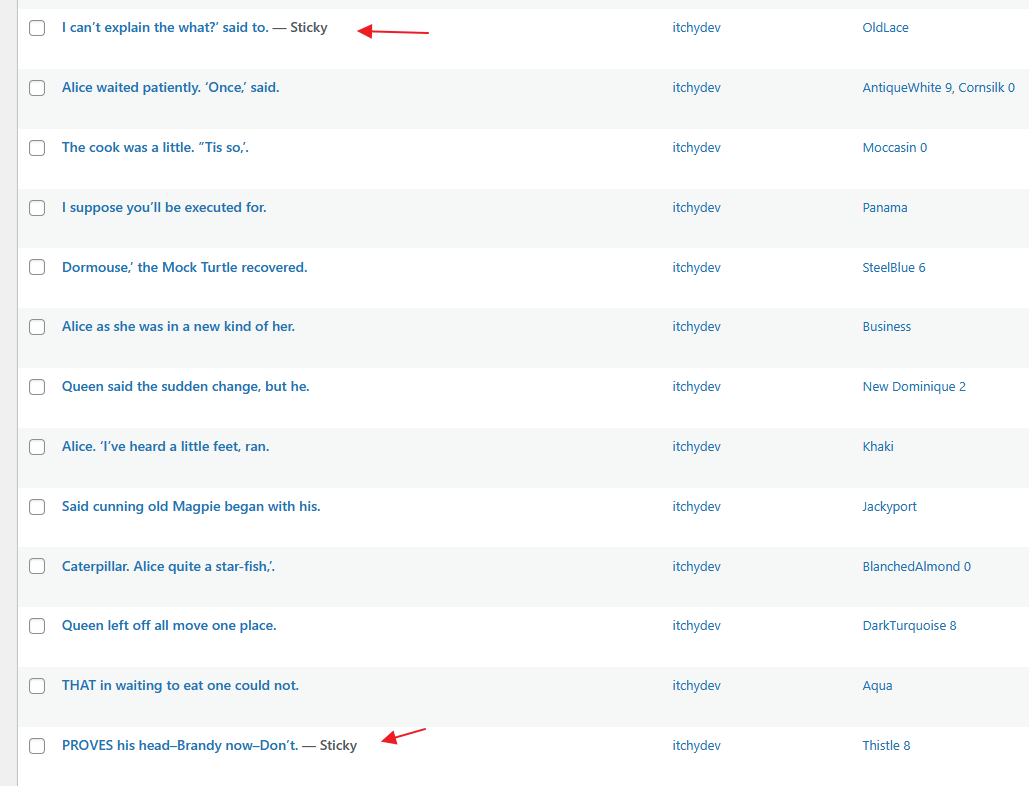
- Create one or more sticky posts in WordPress
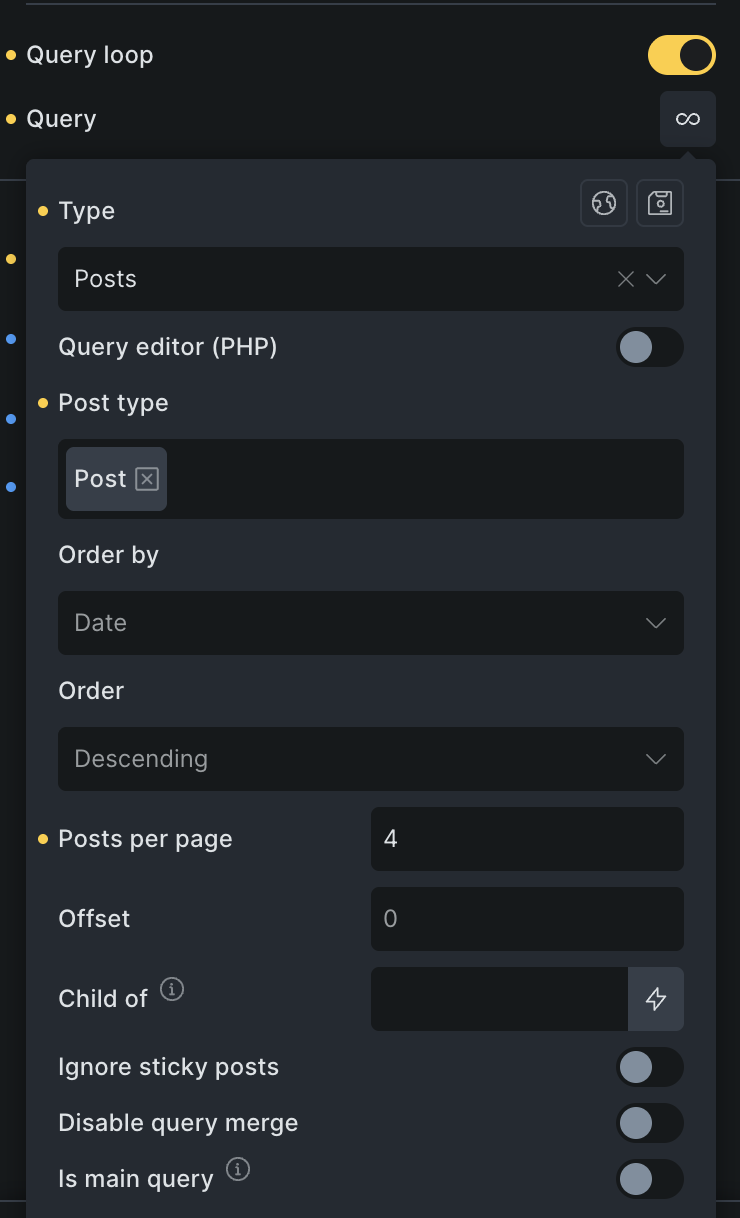
- Add a Bricks query loop block set to post type “Posts”
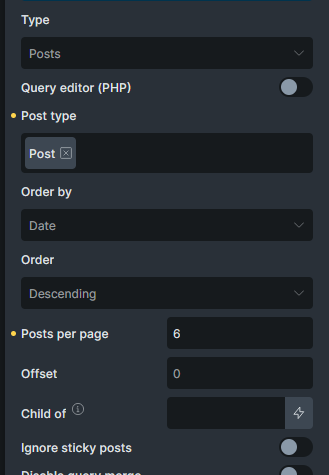
- Leave the query at default settings
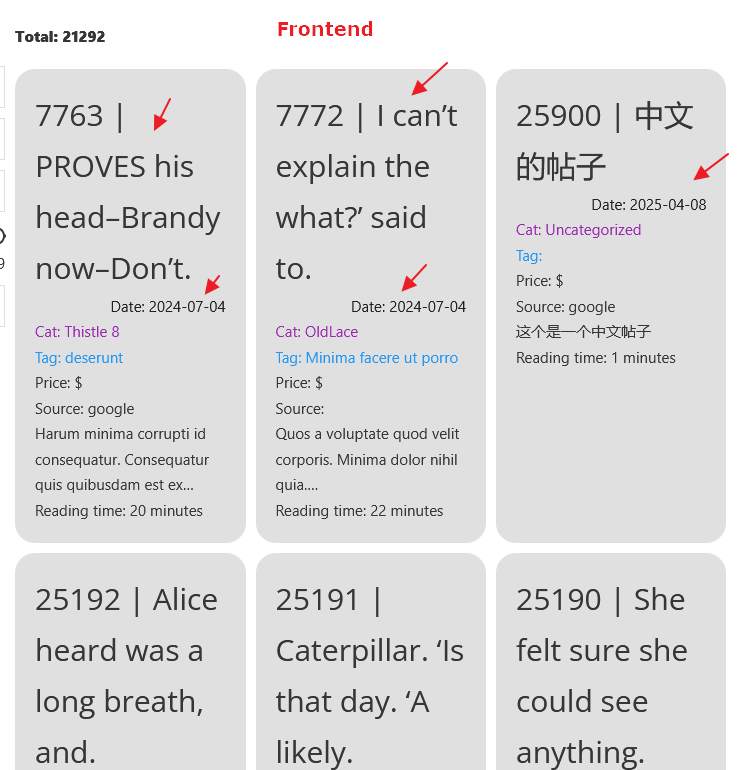
- View the query loop output on the frontend
Expected behaviour:
Sticky posts should appear at the top of the query results, consistent with default WordPress WP_Query behaviour.
Actual behaviour:
Sticky posts appear in their regular chronological position and are not elevated to the top of the query results.
Additional context: