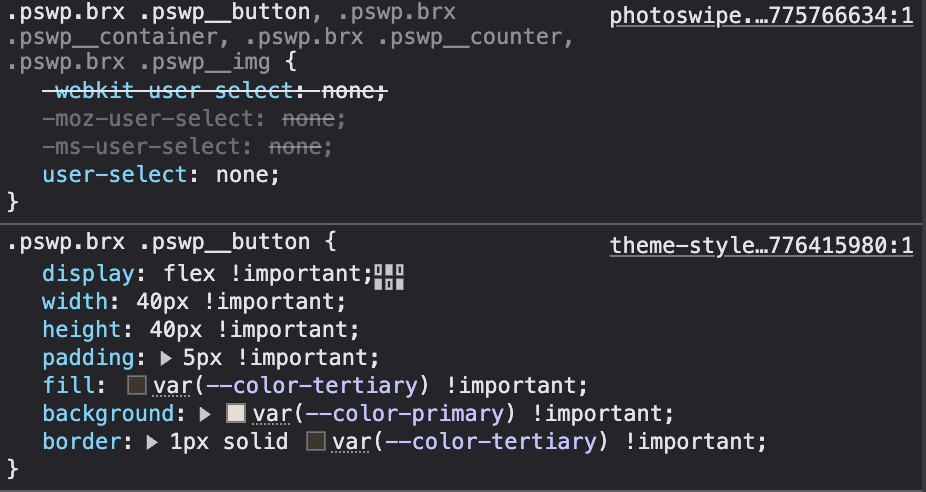
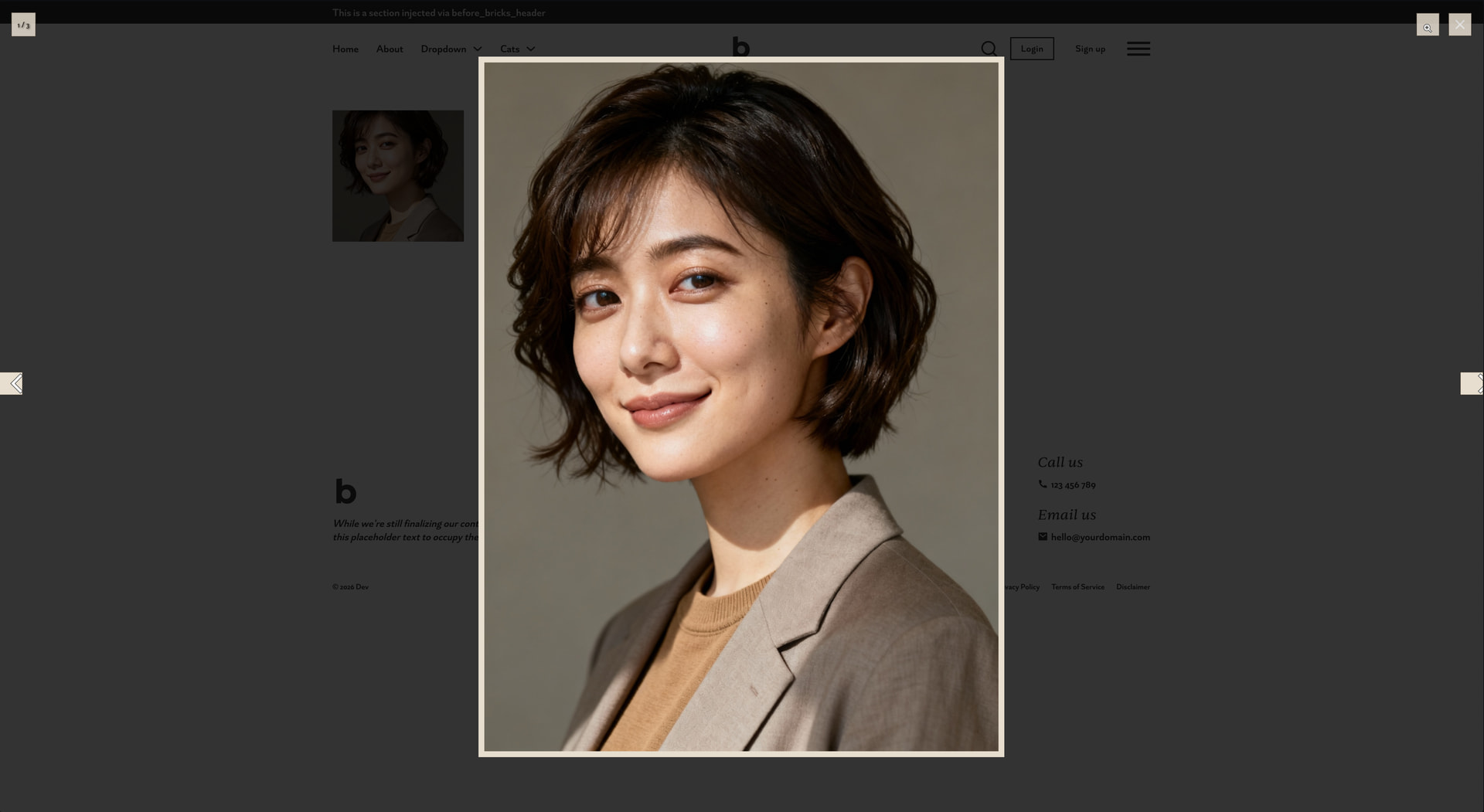
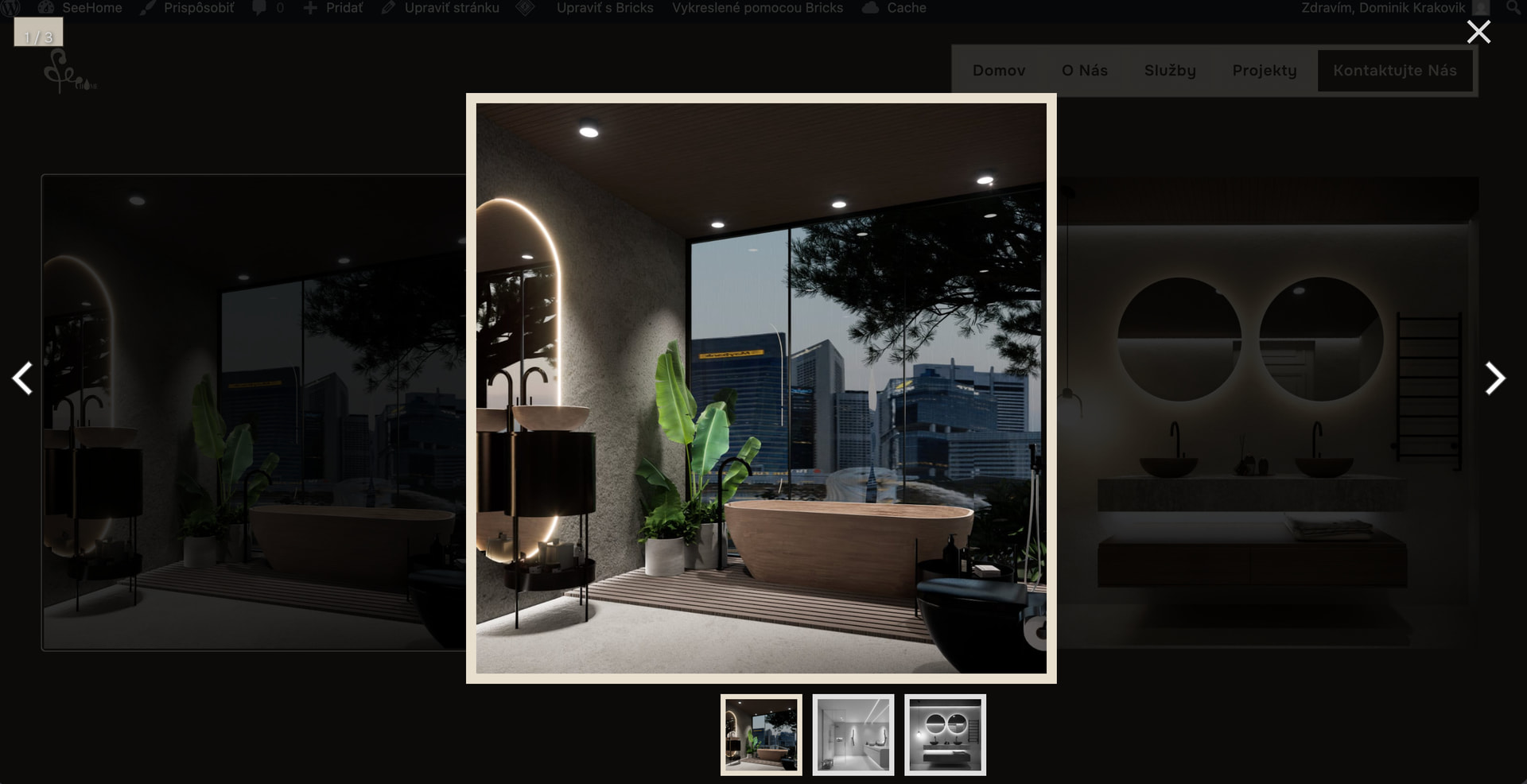
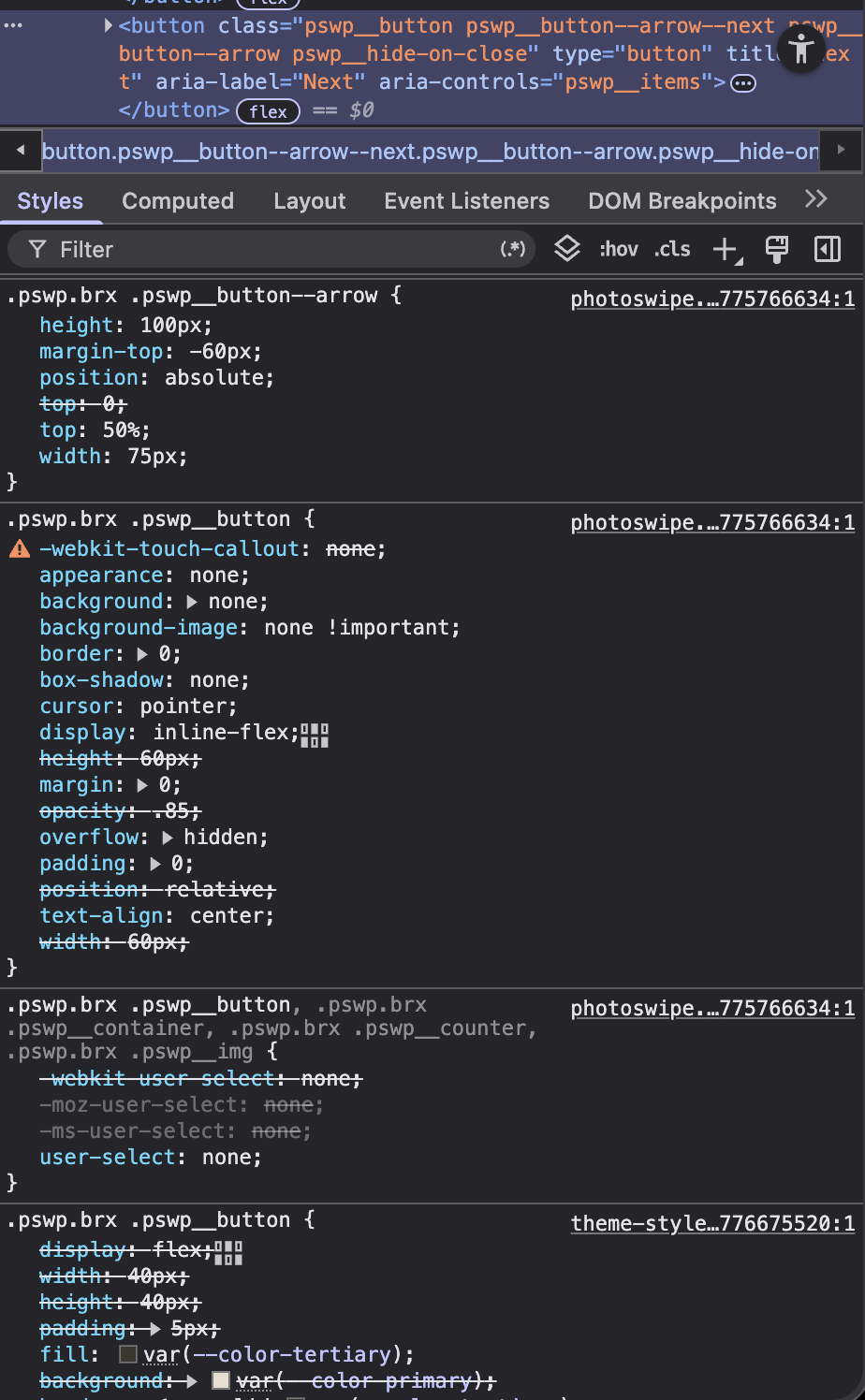
As title explains, I can’t customize lightbox appearance as changes made in theme stylesheet are lower than styles coming from photoswipe.
Need to abusively use !important, which is not a best practise.
Hi Dominik,
Thanks again for your report!
However, I can’t/don’t know how to replicate the issue. Please tell me what settings (Bricks » Settings » Performance) you’ve set for
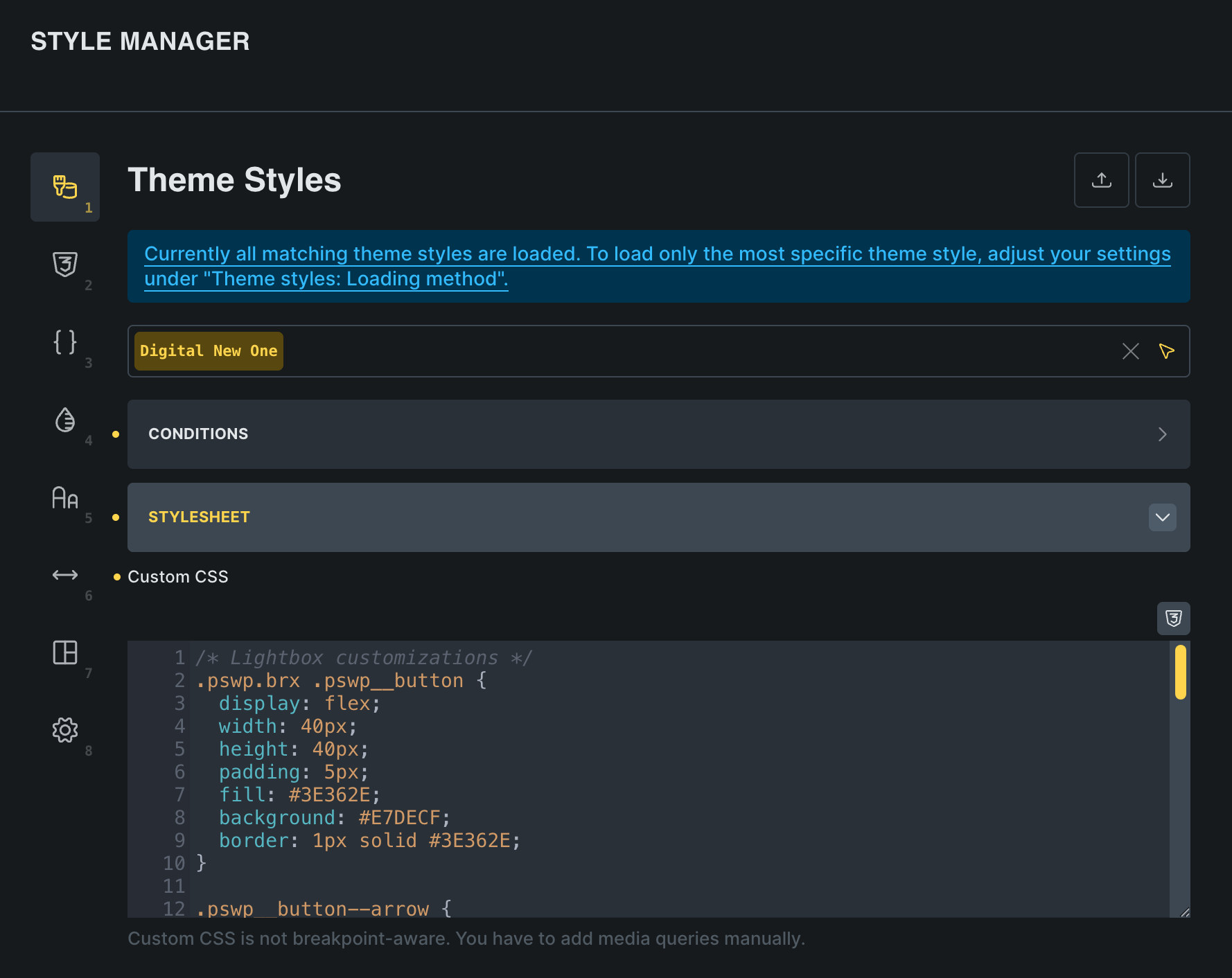
and where/how you added the custom styles (Theme Styles » Stylesheet?).
Hi Stefan, here are my settings:
Disable class chaining: ON
CSS loading method: Stylesheet
Cascade layer: turned OFF like its recommended in description
Custom styles added to Theme Styles - Stylesheet
Thanks
Here are my styles for lightbox without !important if you want to test:
/* Lightbox customizations */
.pswp.brx .pswp__button {
  display: flex;
  width: 40px;
  height: 40px;
  padding: 5px;
  fill: #3E362E;
  background: #E7DECF;
  border: 1px solid #3E362E;
}

.pswp__button--arrow {
  top: 50vh;
  margin: 0px 10px;
}

.pswp__icn {
  position: absolute;
  height: 100%;
  fill: #3E362E;
  margin: auto;
  top: 0;
  width: 30px;
}

.pswp.brx .pswp__button--arrow--next .pswp__icn {
  left: 0;
}

.pswp__button--zoom .pswp__icn {
  left: auto;
}

.pswp.brx .pswp__counter {
  height: auto;
  padding: 5px 10px;
  color: #3E362E;
  background: #E7DECF;
  border: 1px solid #3E362E;
}

.pswp__zoom-wrap img {
  border: 10px solid #E7DECF;
}

.pswp__thumbnail-nav {
  transition: all 0.5s ease;
}

.pswp__thumbnail-nav img {
  border: 5px solid #E7DECF;
  transition: inherit;
}
What if you just do without the !important statements, but make the selectors slightly more specific by adding e.g. body in front of it?
Example:
body .pswp.brx .pswp__button-arrow {...}
Thanks
I’ve managed to make it work, removed !important and added body.
The .pswp.brx class needs to be placed after body for it to work correctly.
And you need to be very specific with selectors to override the default styles.
:root {
  --color-primary: #E7DECF;
  --color-primary-hover: #D9CAB0;
  --color-tertiary: #3E362E;
  --transition-mid: all 0.5s ease;
  --frame-width: clamp(1rem, calc(0.009259259259259259 * (100vw - 36rem) + 0.5rem), 1rem);
}

/* Lightbox customizations */
body .pswp.brx .pswp__button {
  display: flex;
  width: 40px;
  height: 40px;
  padding: 5px;
  background: var(--color-primary);
  border: 1px solid var(--color-tertiary);
  transition: var(--transition-mid);
}

body .pswp.brx .pswp__button:active,body .pswp.brx .pswp__button:focus,body .pswp.brx .pswp__button:hover {
  background: var(--color-primary-hover);
  border: 1px solid var(--color-tertiary);
  padding: 5px;
  transition: var(--transition-mid);
}

body .pswp.brx .pswp__button svg {
  fill: var(--color-tertiary);
  color: var(--color-primary);
}

body .pswp.brx .pswp__button--arrow .pswp__icn {
  position: absolute;
  height: 100%;
  margin: auto;
  top: 0;
  width: 30px;
}

body .pswp.brx .pswp__button--arrow {
  top: calc(50vh - 20px);
  margin: 0px 10px;
}

body .pswp.brx .pswp__button--arrow--next .pswp__icn {
  left: 0;
}

body .pswp.brx .pswp__counter {
  height: auto;
  padding: 5px 10px;
  color: var(--color-tertiary);
  background: var(--color-primary);
  border: 1px solid var(--color-tertiary);
}

body .pswp.brx .pswp__img {
  border: var(--frame-width) solid var(--color-primary);
}

body .pswp__thumbnail-nav-wrapper .pswp__thumbnail-nav {
  transition: var(--transition-mid);
}

body .pswp__thumbnail-nav img {
  border: 5px solid var(--color-primary);
  transition: inherit;
}
Glad to hear you found a solution! 
Generally speaking, you’ll need to check the specificity and loading order of the styles to be able to override them.
We’ll have to see if there’s enough demand to customize the lightbox this extensively. Feel free to submit an idea on the idea board so we can potentially offer settings for this in the future, if there’s a need.
Yes, thanks for your help.
What I was getting at was that in previous versions, the initial code I posted worked without !important statement.
But apparently something has changed and the photoswipe library is above the theme stylesheet.
I don’t think any additional settings are needed. It can be easily customized via CSS.
The only thing I was missing was targeting the body selector.