Browser: Chrome 110 OS: macOS / Windows / Linux / etc. URL: Link to a page that illustrates this issue Video: Short screen recording that illustrates this issue (free tool: jam.dev)
In Bricks style manager I defined a global variable for a color, named test123
When i edit a heading i see it in the variable list for color.
When i select it, nothing happens.
When i type it in: var(–test123) the color is applied.
Is this a known issue ? or am i missing something ?
If i give you a link to my (test) site, you will need an admin account.
Because it happens when editing a page.
How can i share this just with you ?
Or is there another save way ?
Hi Hans,
Unfortunately, I can’t watch the video because it doesn’t seem to be public. Please make it publicly available, and send temporary login credentials and a link to this thread to help@bricksbuilder.io using the email address you used during the purchase.
Thanks, Hans!
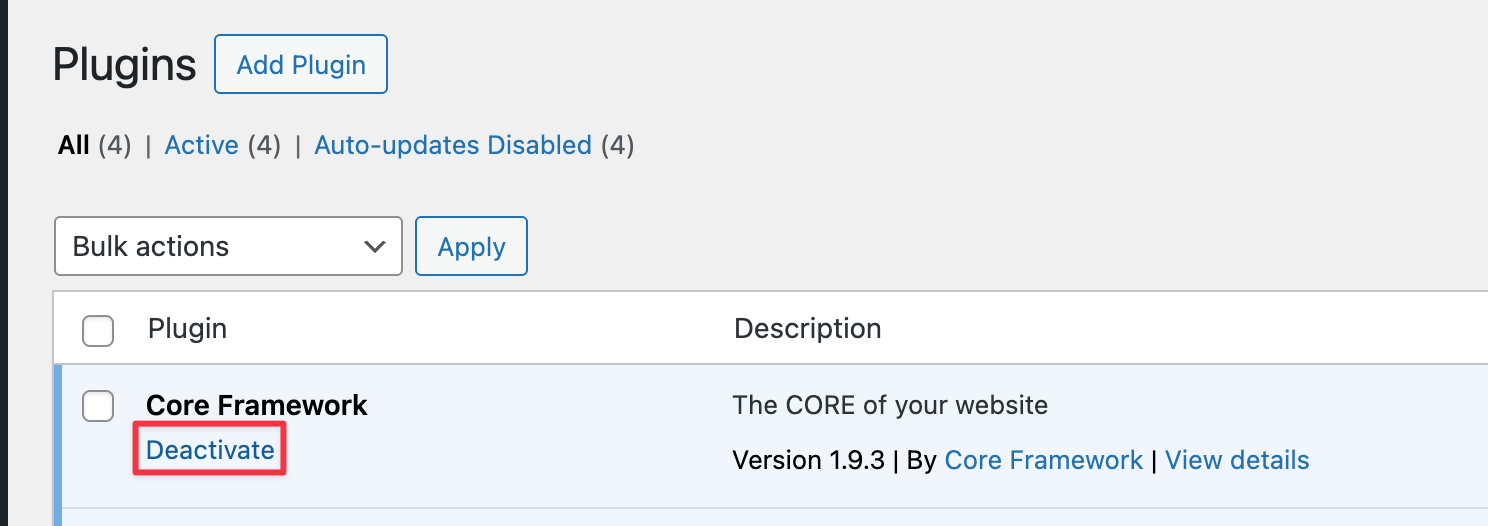
Seems as if the Core Framework plugin is not fully compatible yet / leads to the issue.
Once disabled, it works just fine. Please get in touch with Core Framework support