Browser: Chrome 110
OS: Windows 11 Home
URL: Don’t have a publicly accessible URL
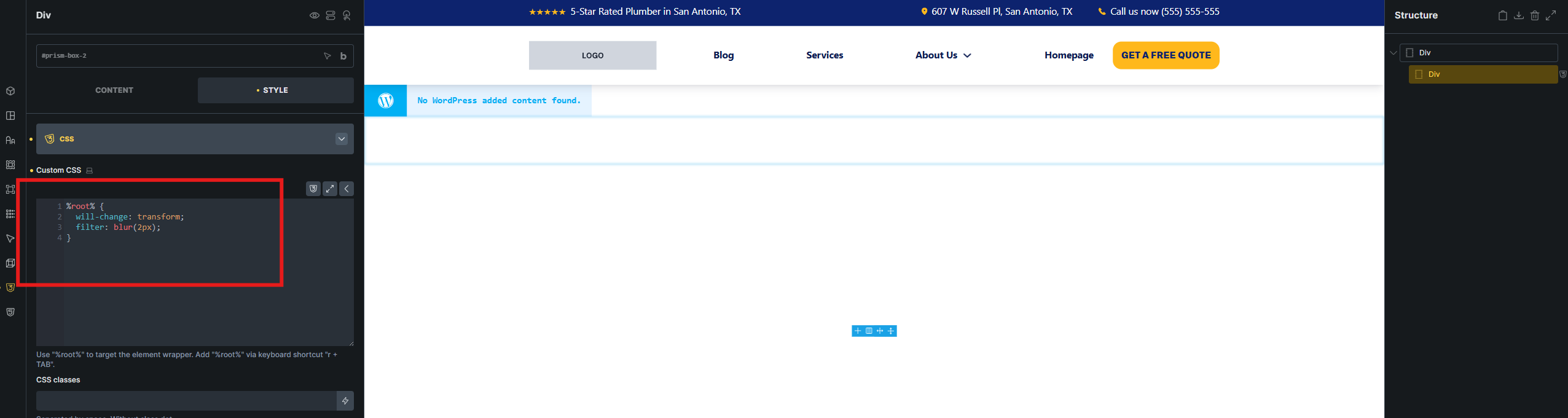
If I import the following JSON the %root% selector is not being replaced with the ID of the element when the JSON is pasted to the Bricks editor.
{"content":\[{"id":"oqwfba","name":"div","parent":0,"children":\["clncio"\],"settings":{}},{"id":"clncio","name":"div","parent":"oqwfba","children":\[\],"settings":{"\_cssId":"prism-box-2","\_cssCustom":"%root% {\\n will-change: transform;\\n filter: blur(2px);\\n}"}}\],"source":"bricksCopiedElements","sourceUrl":"https://template-prosites.pdms.ca","version":"2.2"}
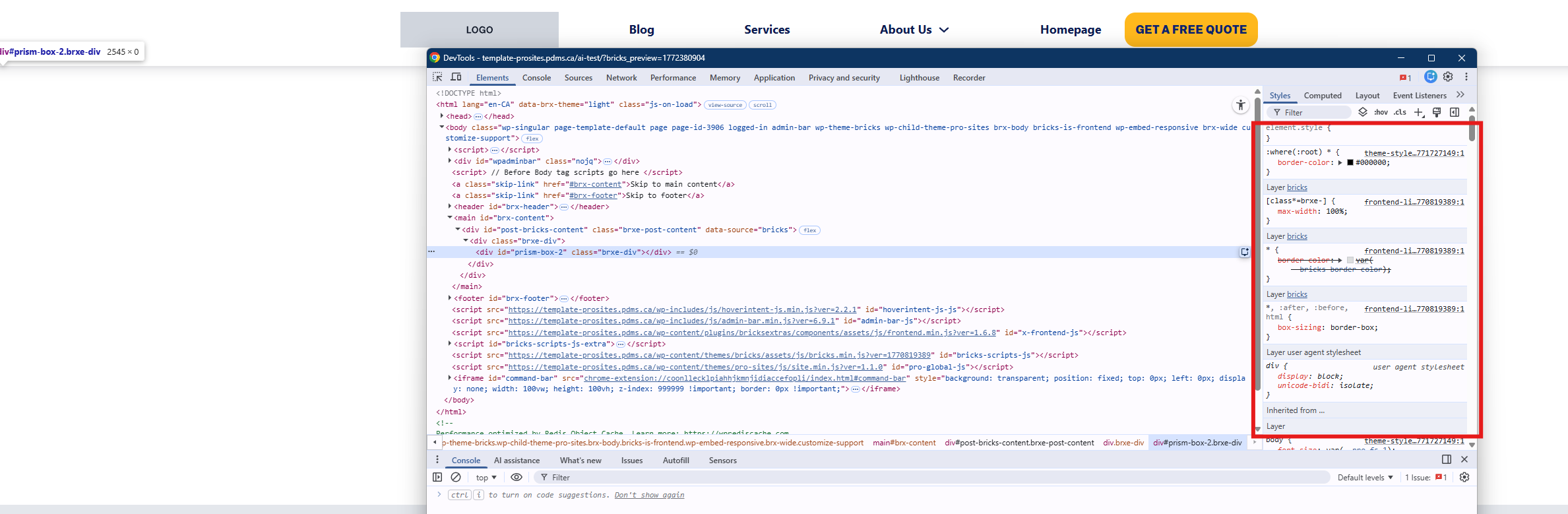
Once imported, if I edit the custom CSS in the editor UI and save the page, the %root% selector is replaced with the correct ID and the styles are loaded. However, simply saving the page without making a change to the custom CSS will not trigger the replacement of the ID.
 Case closed