Browser: Chrome 150.0.7871.187
OS: macOS 26.2
URL: Link to a page that illustrates this issue
Video: Short screen recording that illustrates this issue (free tool: jam.dev)
I’m still fairly new to this builder and having an issue I could isolate to the rich text block. Initially I had disabled all plugins and deleted any type classes I set up and neither was the problem. I read in this group there were different times when the Rich Text was an issue. Once I used a basic text block it started rendering it fine — no issues with heading or buttons.
What is happening here? I’m stymied and so frustrated. I’ve never had this issue with any builder.
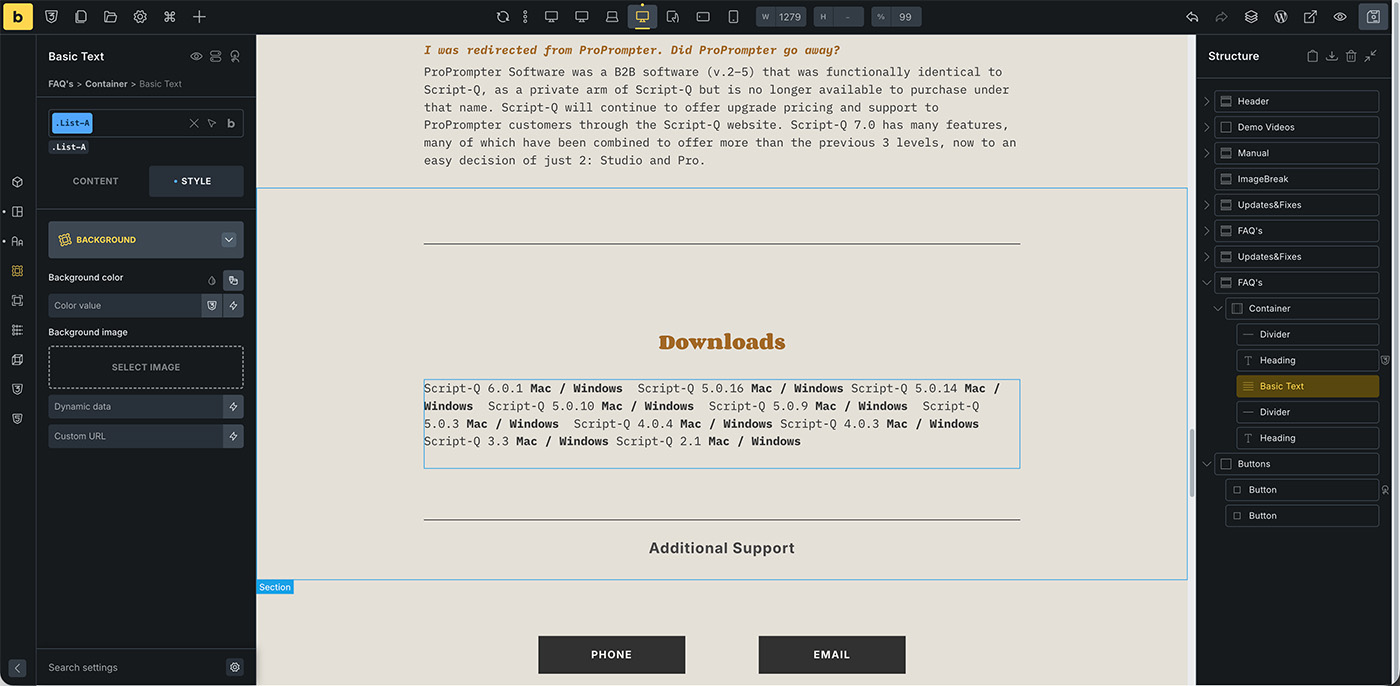
This is what it should look like (Downloads section)
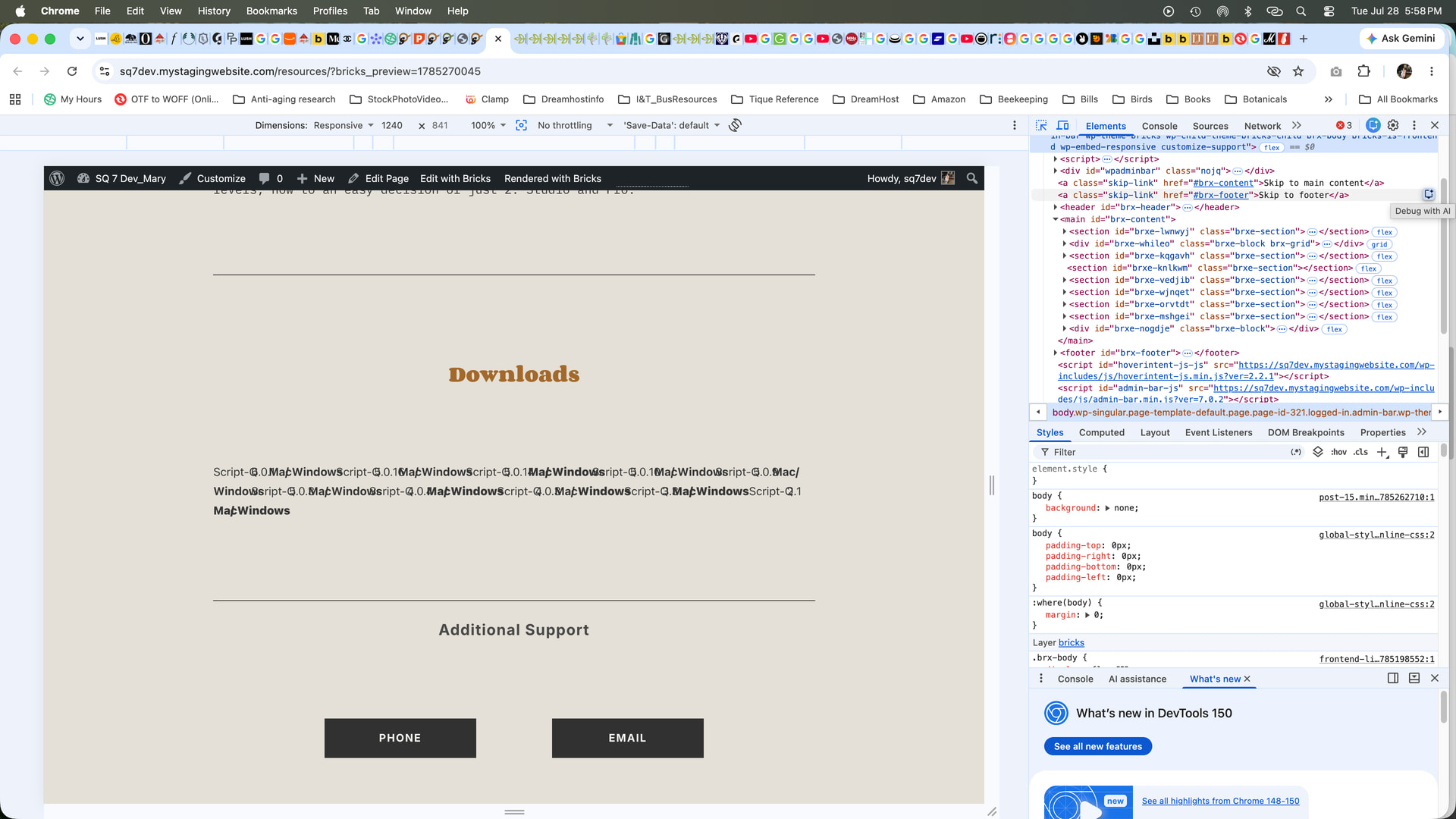
This is how it’s rendering
Thank you so much in advance. I’m sure I’m overlooking something. Even with all the plugins deactivated (I’m pretty bare bones, security plugins, ACF, Code Snippets and a Child Theme) nothing helped and I can’t find any resolutions that are working for me.

