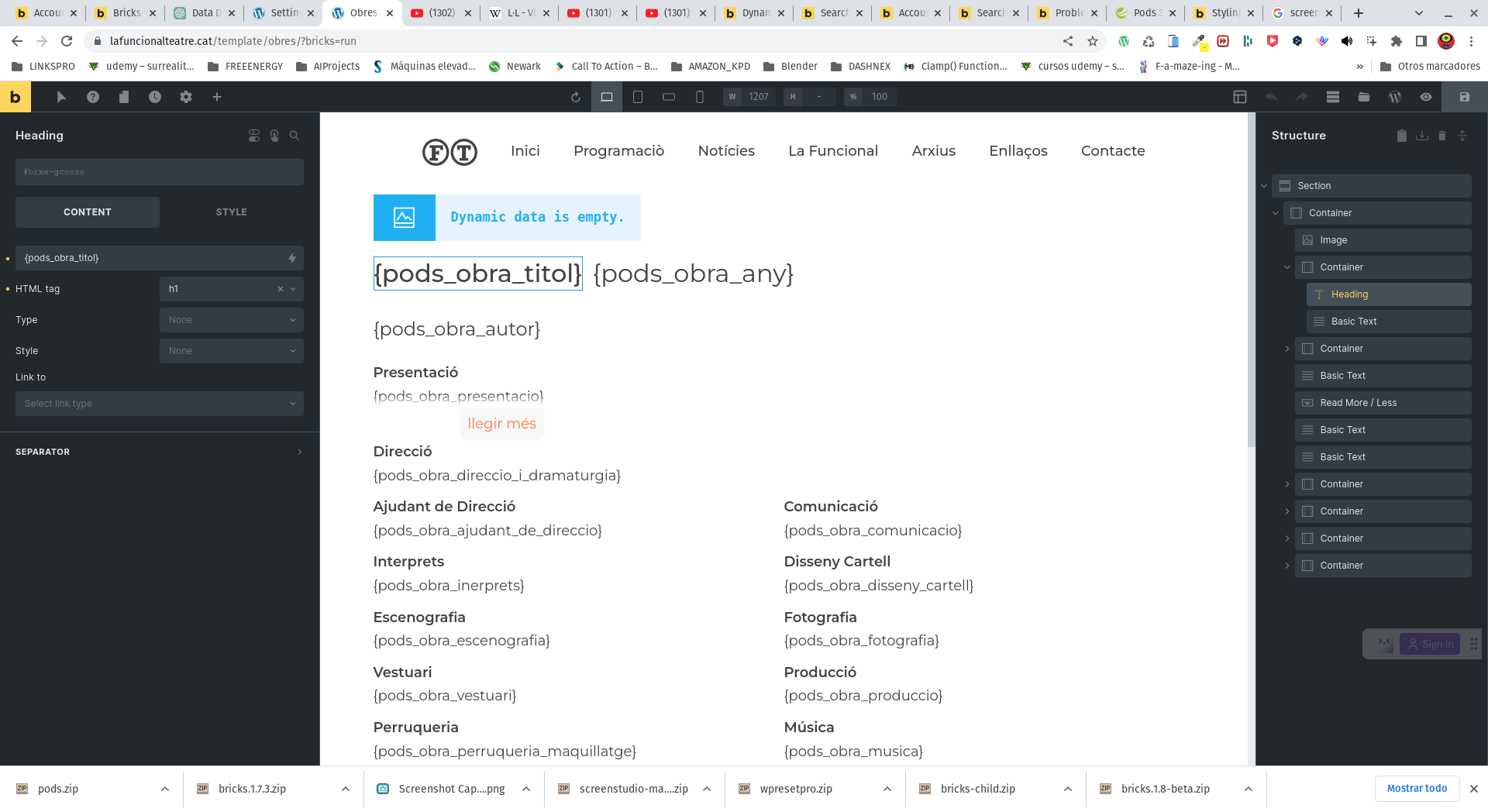
Hello Bricks team, can you help me with this? I’m attaching a screenshot. I can’t get the dynamic data to display in the builder so that I can design in a more visual way. I have already enabled the experimental option, but I haven’t noticed any improvement. Can you guide me?
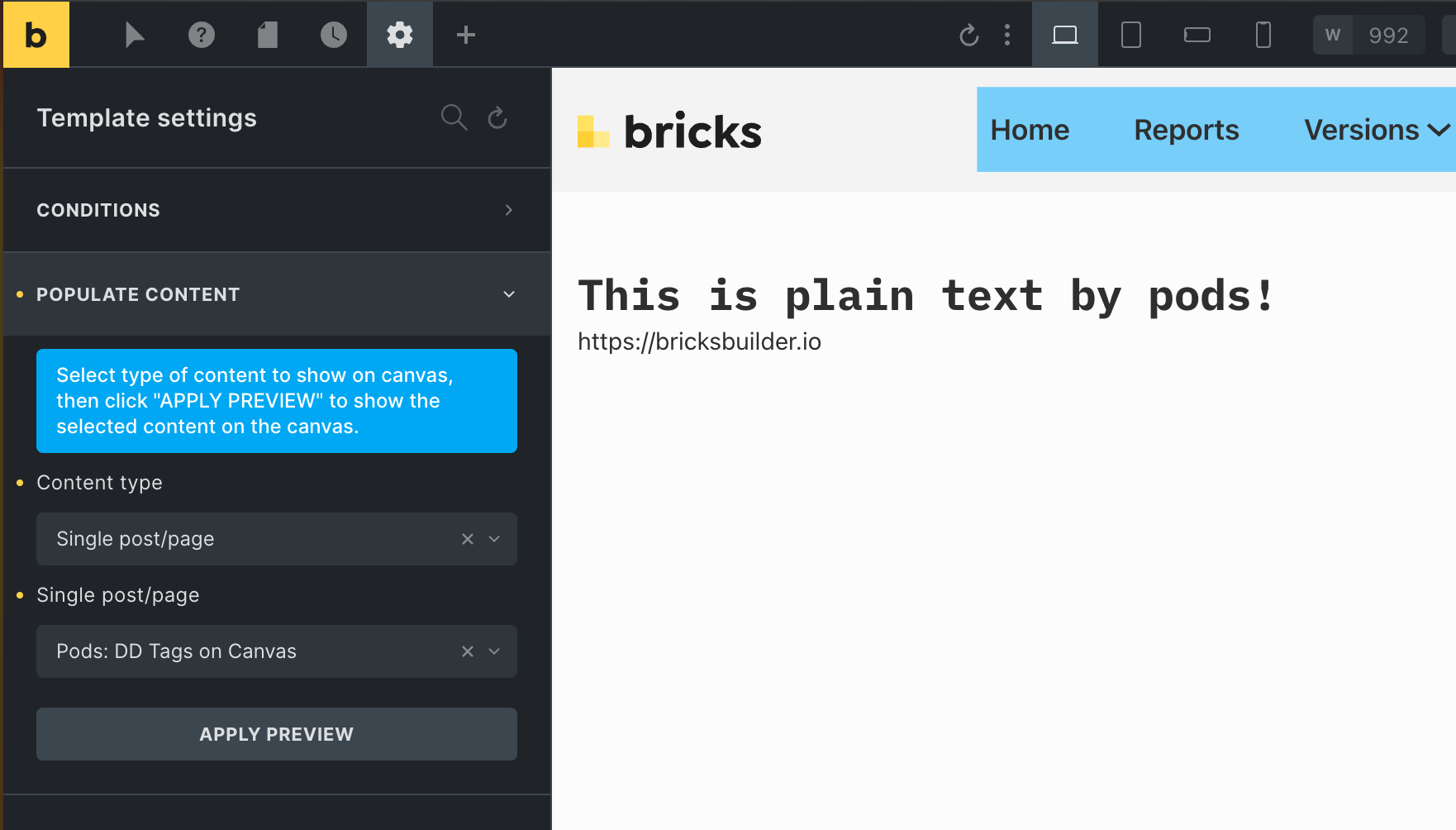
I see that you are currently working on a template that probably does not have the Pods data available. Please make sure that you have selected a post in the “Populate Content” settings of the template in which the Pods fields are filled in. Otherwise, nothing can be displayed.
I’m having this same issue. My dynamic data is not rendering in the builder whcih makes it very difficult to design. We have some complex pages which draw on many custom fields and it is very difficult to design with the data displaying like this.
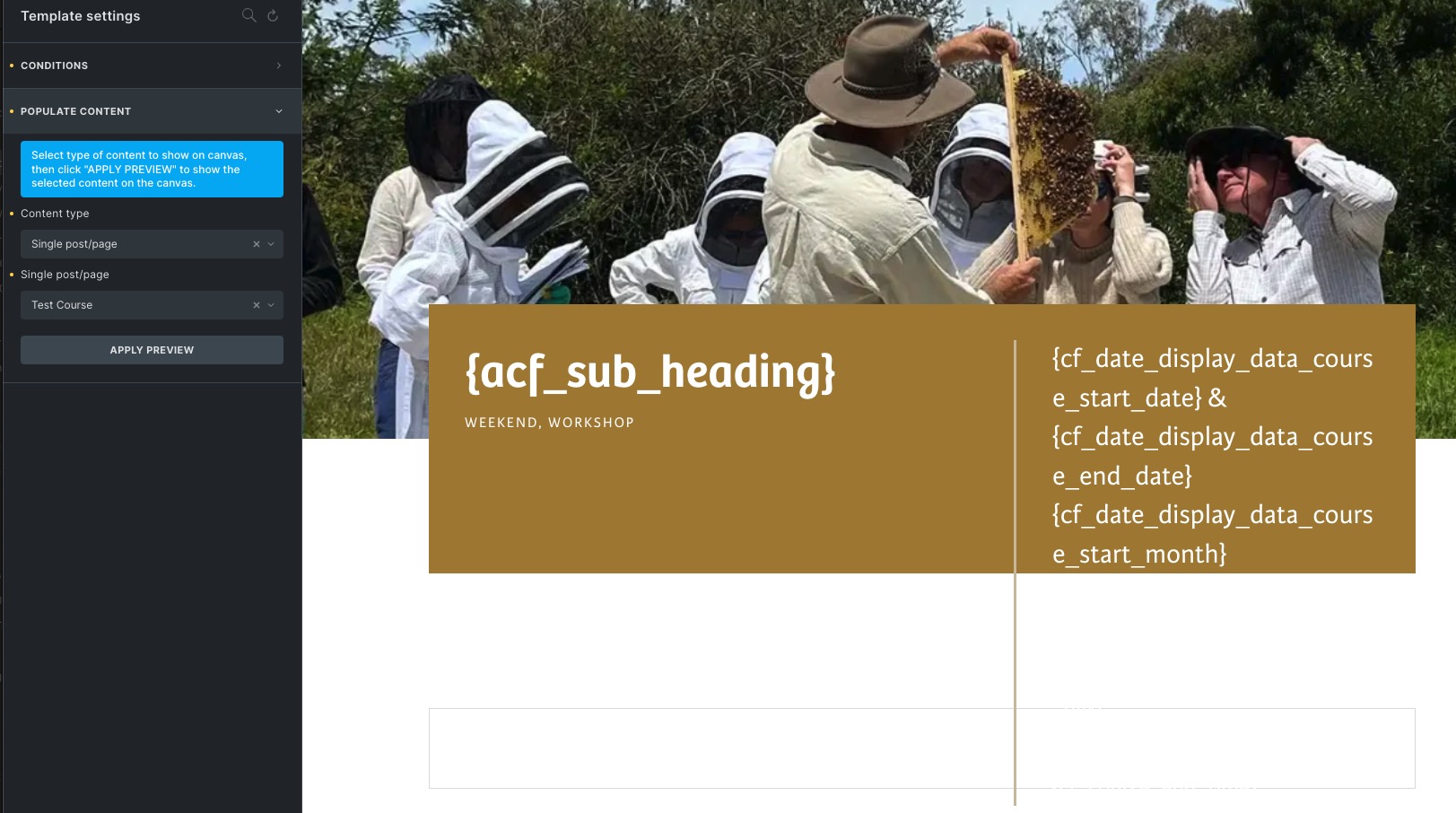
This one is a template page and as you can see I have choses a post to populate, but it isn’t working for the ACF fields even in the preview mode. I have to view the actual post to see the data rendered. It is the same on my Loops. No rendering.
Extremely difficult to design efficiently and effectively.
Hi @timmse Enabling “Render dynamic data text on canvas” solves the problem, but I need a small refinement.
When the current text element is selected on the canvas and the cursor is on the text, it still displays the dynamic data. I need to click somewhere else to see rendered text on the element.
Please make it always render text on the element & show dynamic data in settings panel only.
Clicking directly into the text opens inline editing, so Bricks displays the dynamic tag for editing. To keep the rendered text visible while adjusting its settings, select the element in the Structure panel instead.