NO BUG: Radio filter hiding empty when condition is NOT checked

Browser: Chrome 110
OS: Windows

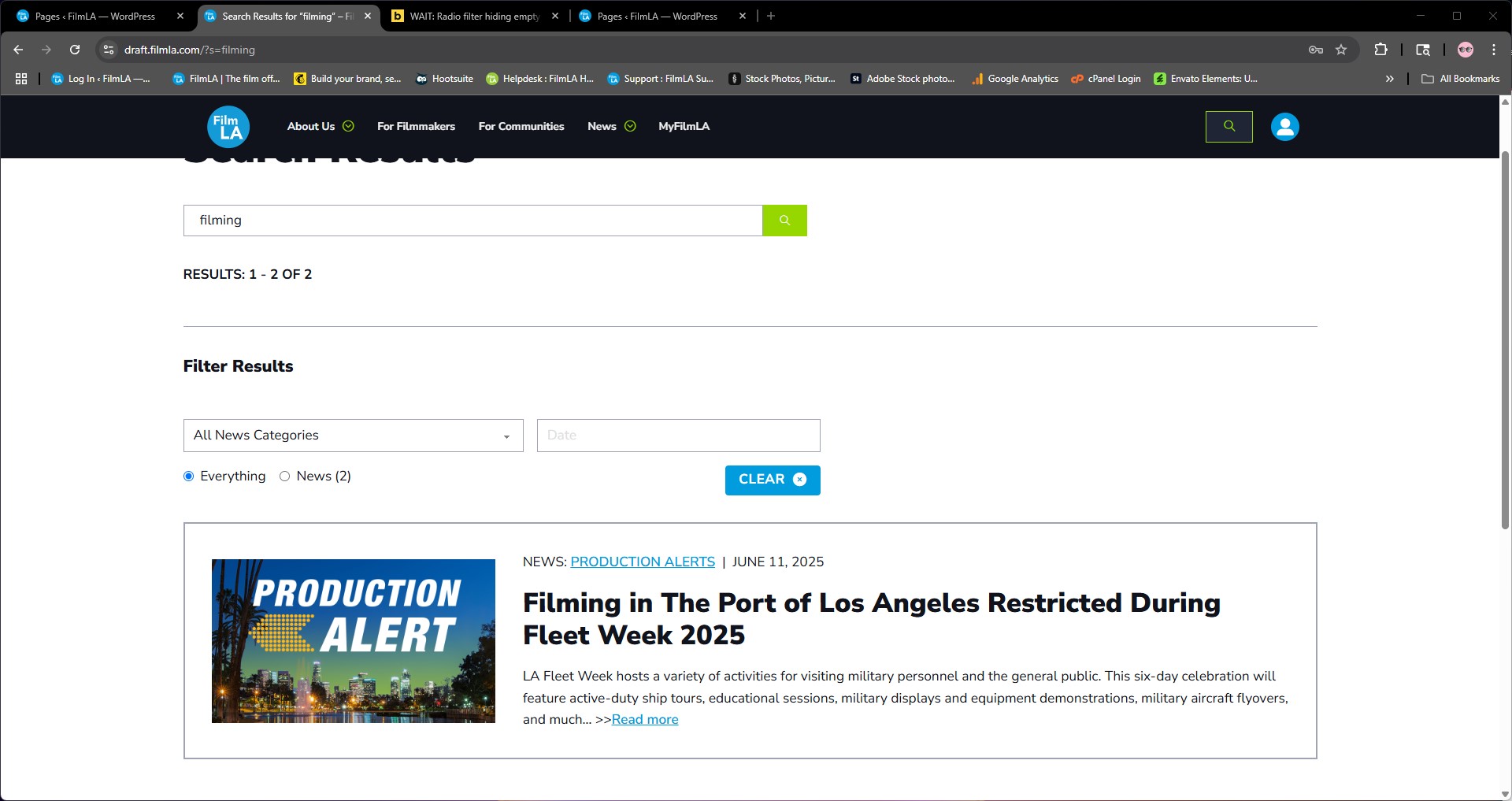
I have a query loop set up for my search page results and am using a radio filter. The source is a wordpress field, post types. When the search results do not include a post type, it does not show as a radio button. With other filter types, empty result types will show with a (0) next to them. I did NOT check the “hide empty” condition nor any other hide condition.

Hi Michelle,
Thanks so much for your report, and welcome to the forum!

Please provide a live link and information on what to search for. Thank you!

Best regards,
timmse

The website is in coming soon mode and not publicly visible yet.

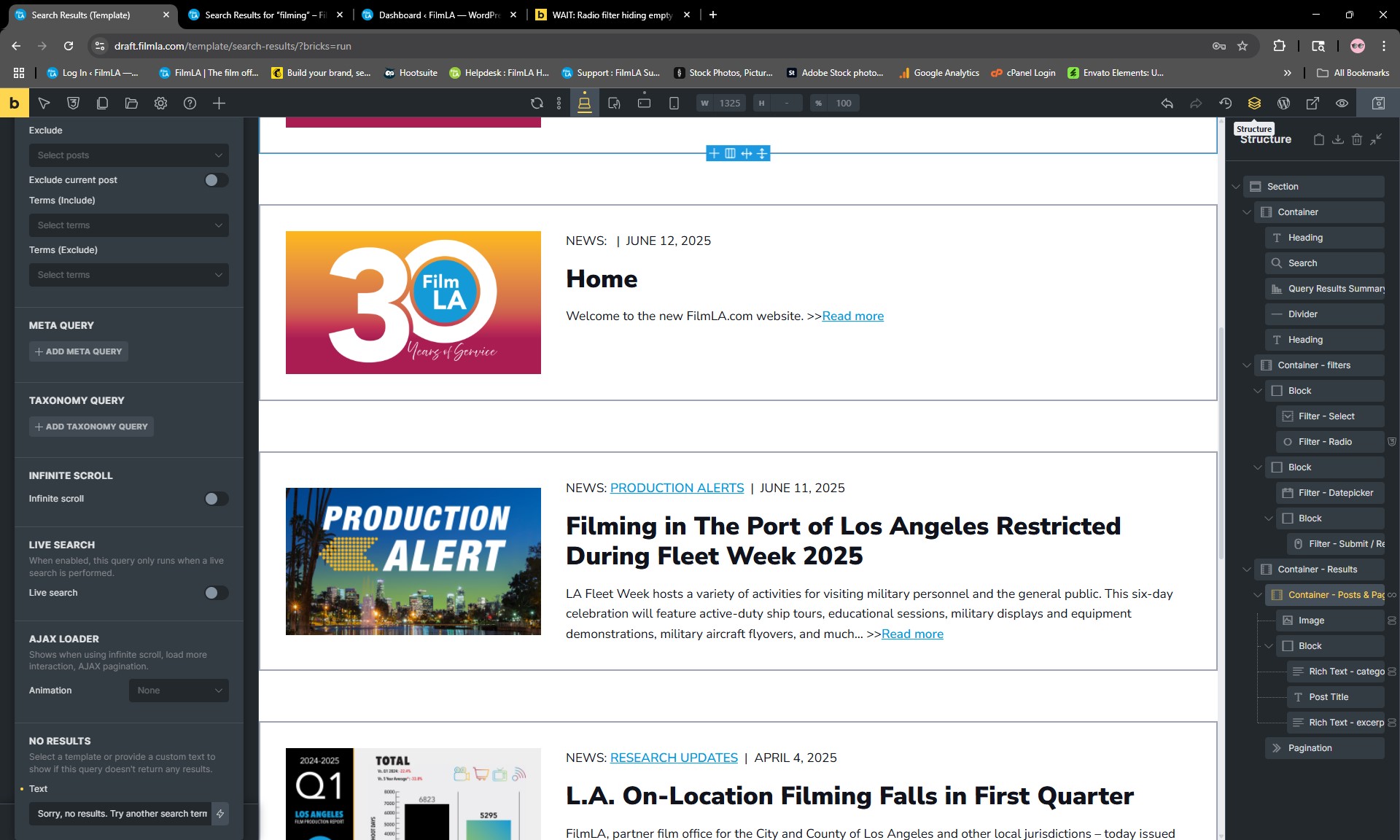
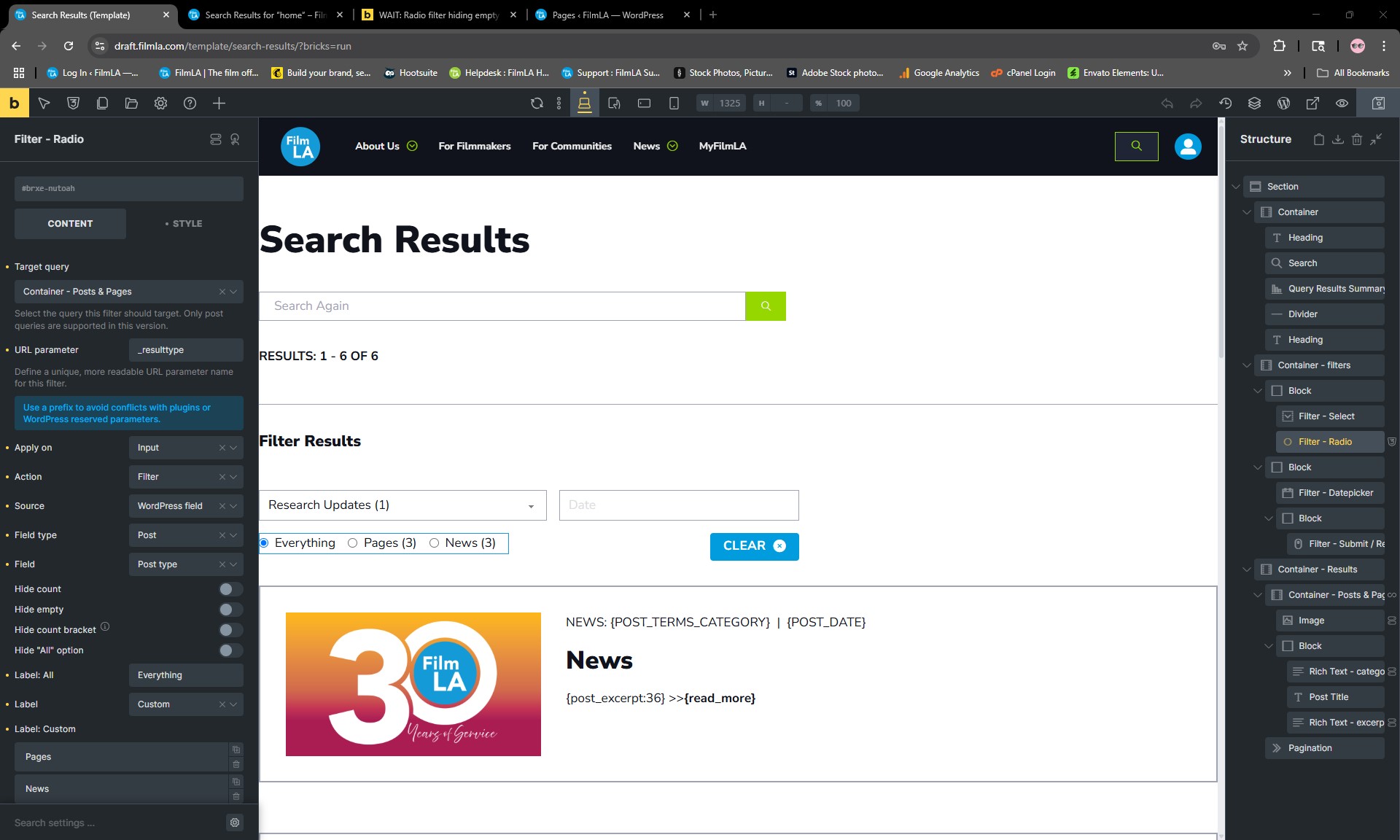
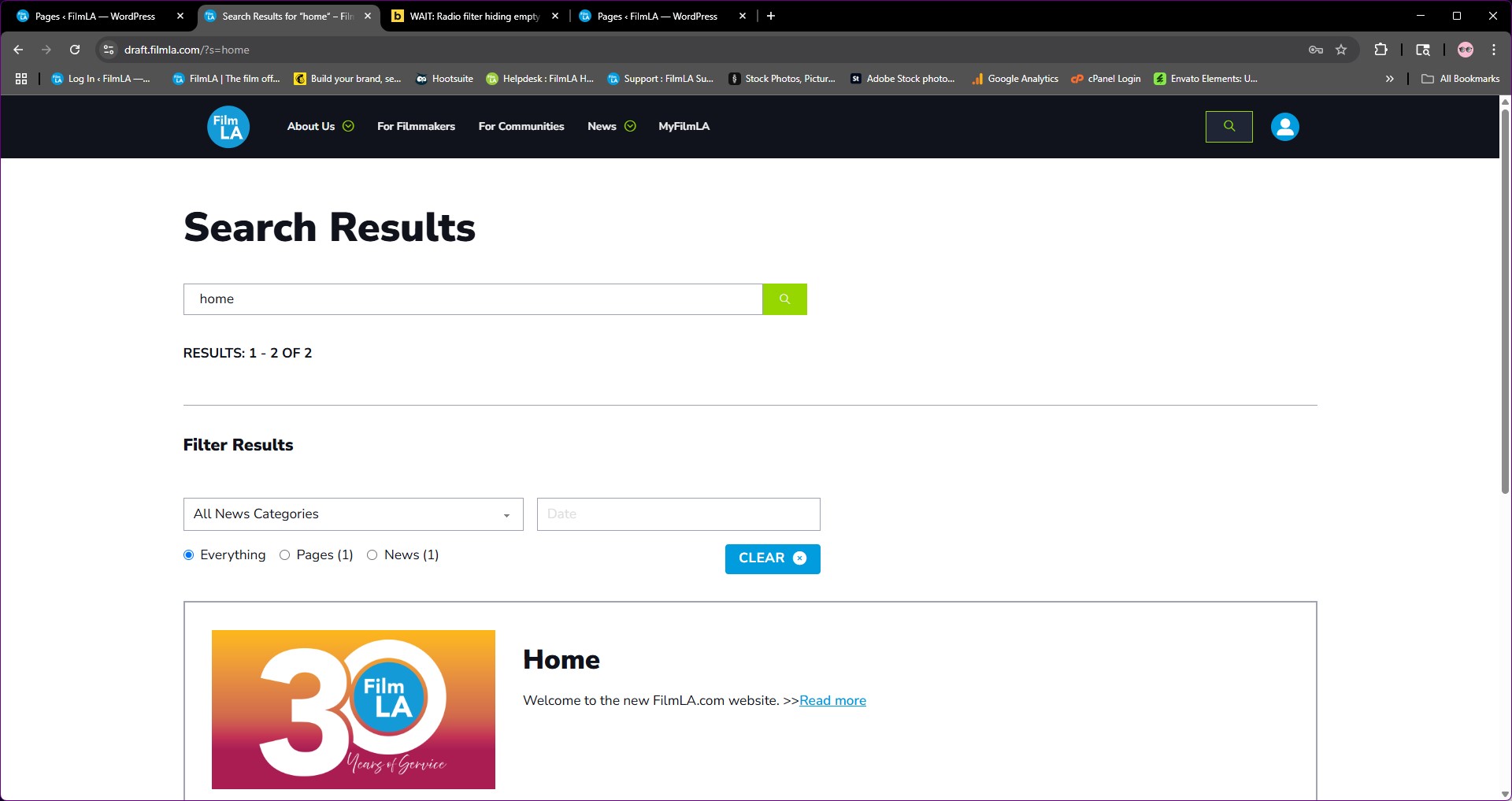
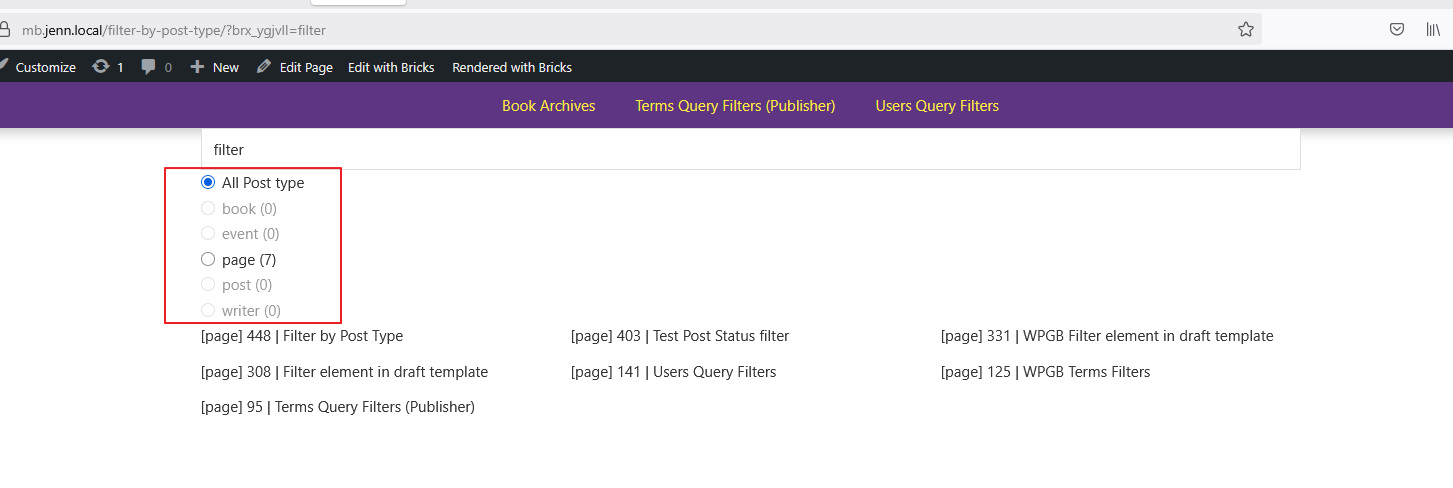
Here are screen shots showing search results for “filming” where a post type is empty and thus the radio button does not show, and a search for “home” where there is a result for all post types and all radio buttons show. Also, a screenshot where you can see the radio filter settings are NOT set to hide empty.
Thanks!

Hi @filmlocally ,

Please provide a screenshot of your Query setting for the Search Template.

Did you set it as “Main Query?” Do you have any other third-party filter plugins installed?

You can try installing 2.0-rc, as we solved several issues related to Query Filters.

By the way, I can’t replicate this issue locally.

Regards,
Jenn

Hi, I set it to “Main Query” and it did not make a difference.

The only plugins I have installed are: Google Site Kit, ACF, WP Optimize and SSO for Azure AD.

This website will go live in 1-2 months, and it seems 2.0 is still in testing, so I don’t think it is the appropriate choice right now.

Screen shots for Query settings:


Hi @filmlocally ,

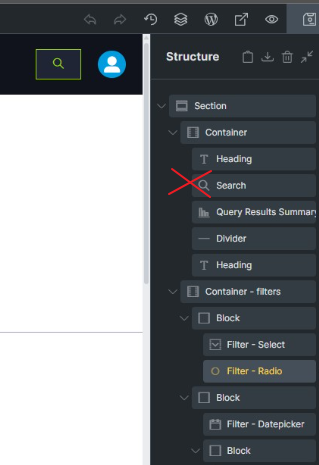
Noticed that you are using the Search element instead of Filter-Search element.

image

If you want to make the search compatible with the Query Filters, please use Filter-Search element and set the URL parameter to “s”

Regards,
Jenn

1 Like

Just saw this response. This resolved it. Thanks!