Query loops placed in a header or footer template break when being rendered on taxonomy archive template pages.
For example, a footer with multiple query loops outputting all posts for a handful of CPTs (i.e. services, products, etc.) will be blank when viewed on a taxonomy archive page.
Note that those same footer query loops work fine on post archive pages. This just seems to be an issue with taxonomy archives.
in case somebody wants to see a “use case” for this filter to link the search query from the Bricks Search widget together with WPGridbuilder Facets on the Result Template Page.
What I did:
First, I added the filter into a WPCodeBox snippet:
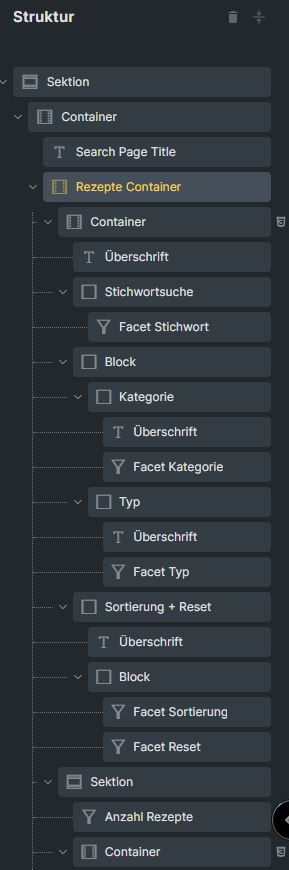
‘gfpkfh’ is the Container element under everything else is included; all the facets, the query and the layouts.
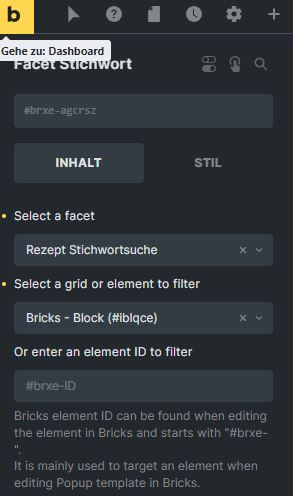
The WPGridbuilder Facets under this main Container element ‘gfpkfh’ all have my query block in the “Select a grid or element to filter”, in my case it is #iblqce.
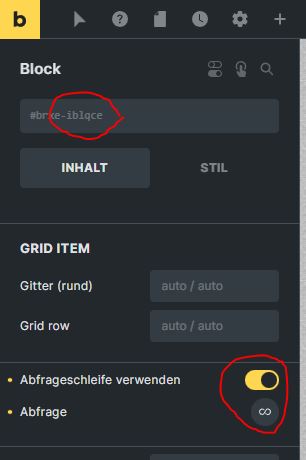
My query #iblqce:
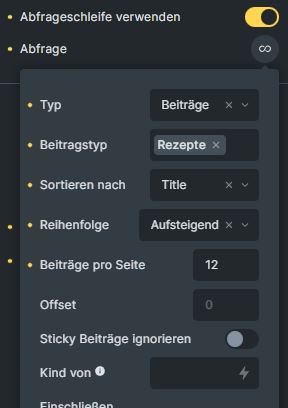
In my query, I defined that I only want to see results that are in the custom post type “Rezepte” and I also defined the sorting:
These query settings will be “merged” with the query settings that come from the Search widget.
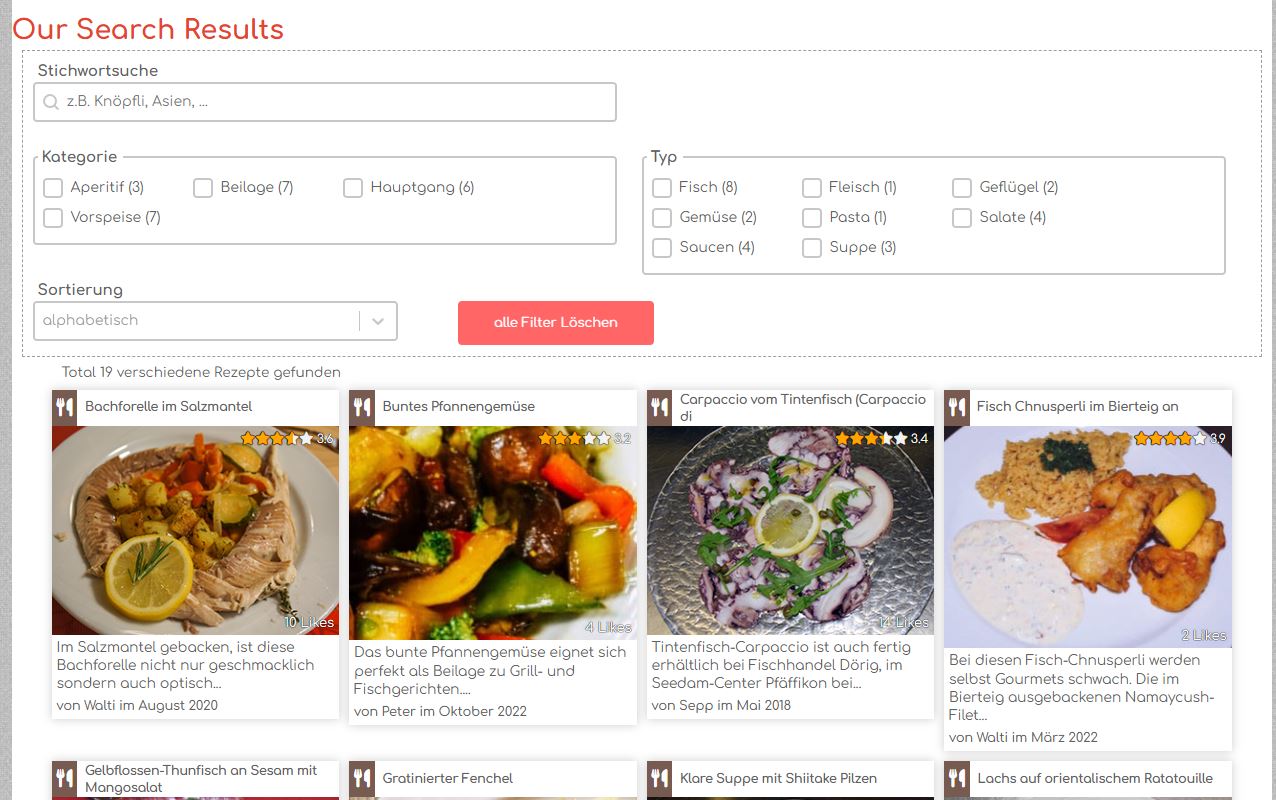
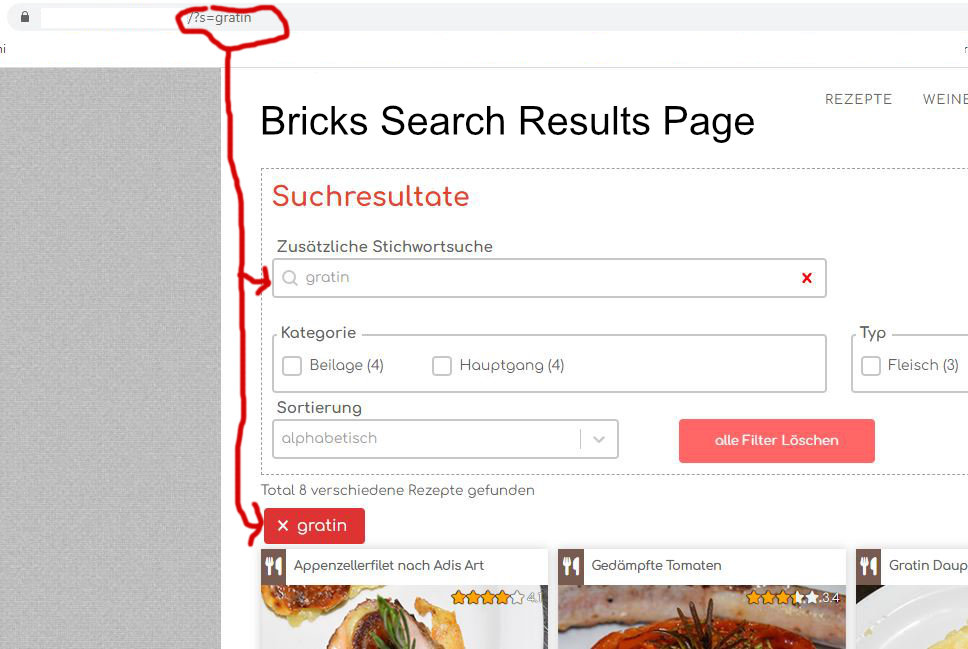
That’s it. When I search for something via the Bricks search widget in the header, the Bricks Search Results template page is shown with my own query, my layout and the WPGridbuilder facets:
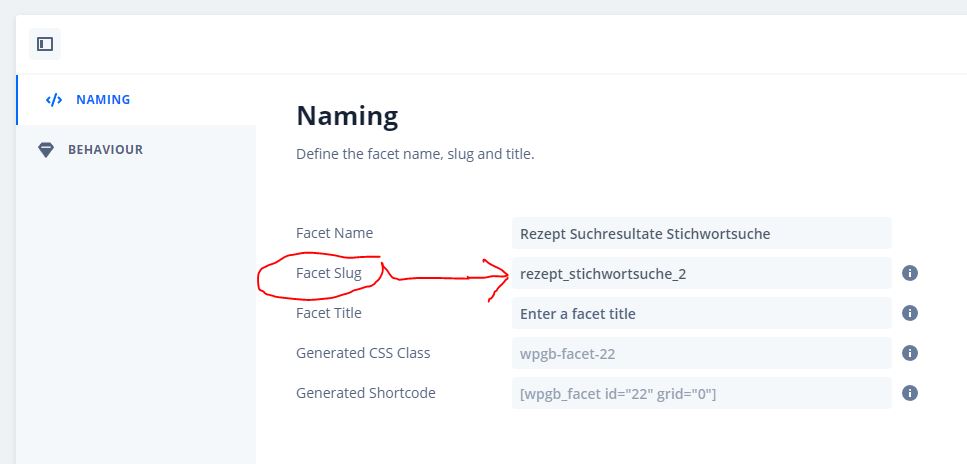
Update. If you have a WPGridbuilder Search facet in your Bricks search results page and want that this Search facet shows the terms / words / whatever the user entered in the Bricks search form widget to look for when the results page is loaded:
so that the Search facet is only filled with the search terms if the page is a search page and if there is a search parameter (=“?s”) in the url of the page. This makes sure that only the Search facet on the search results page is getting updated.