NO BUG: Query Loop display item ok in editor but display same item in frontend

Here is my query in query editor:
return [
‘post_type’ => ‘activites’,
‘posts_per_page’ => -1,
‘meta_key’ => ‘_aph_activite_date_et_heure_fin’,
‘orderby’ => ‘meta_value’,
‘order’ => ‘ASC’,
‘meta_query’ => [
[
‘key’ => ‘acf__aph_activite_finie’,
‘value’ => “non”,
‘compare’ => ‘=’,
],
],
];

In the editor, the different elements appears correctly (titles are different for each item)

but in the front end some part like the titles are the same for each items:

Hi Philippe,
Thanks so much for your report!

Would you be so kind as to send temporary login credentials and a link to this thread to help@bricksbuilder.io using the email address you used during the purchase?

Best regards,
timmse

email sent.
I notice that if I create a first query loop and display things (just the title for exemple) this part has the bug on the front end, and then if I create a second query loop on the same page with the same query, the second query is displayed correctly on the front end.
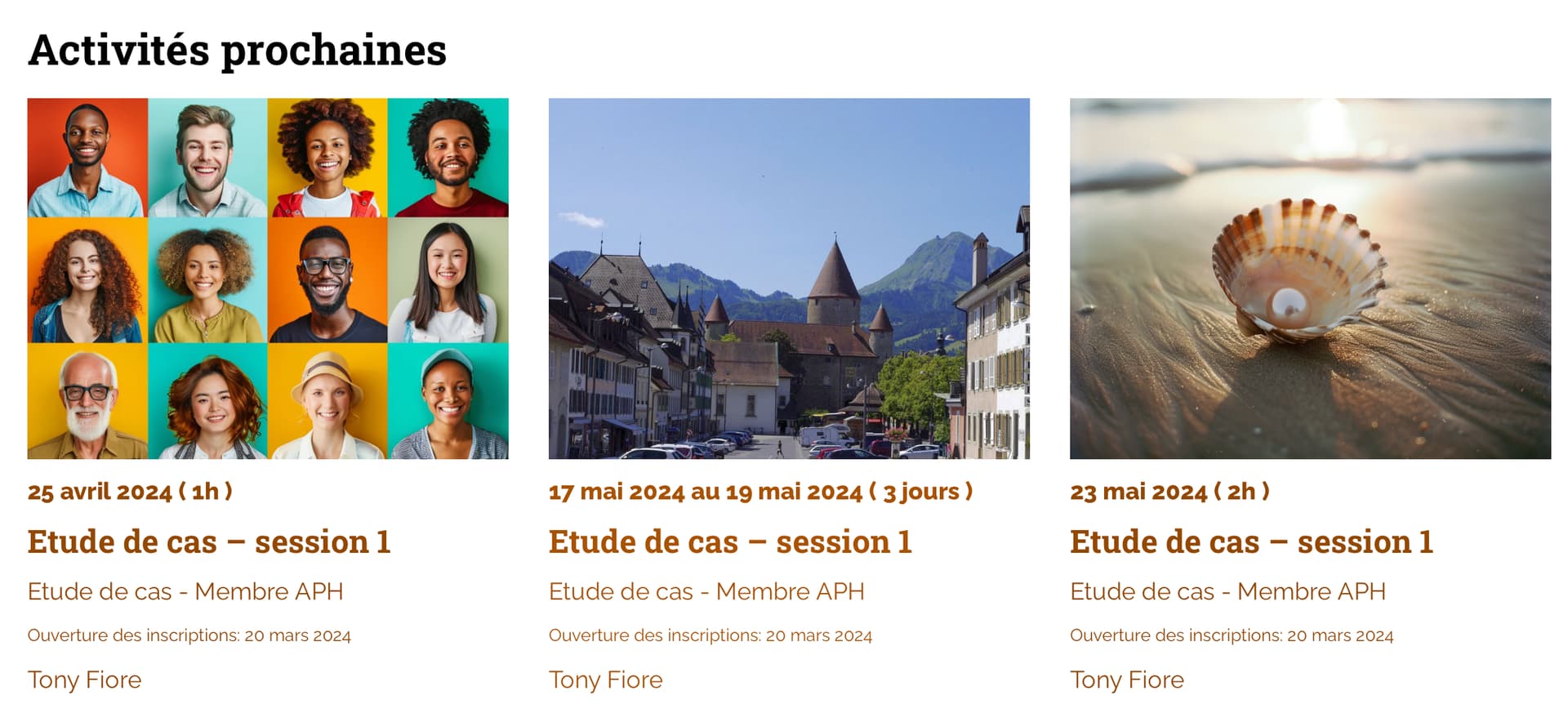
Hey,
I emptied the query editor, activated “is main query”, reinserted the query editor code, signed the code and now it seems to work :thinking:

I’ve tried on my production site and it doesn’t work my custom post type archive activites now display the shop page

Then please send the access data to the production website, maybe I can solve the problem there too :slight_smile:

Hey Philippe,
the post type was set to “Products”, so there may have been overlaps with the query editor code.

The main thing is: it works now :slight_smile:

thanks for your help! :upside_down_face: