Browser: Chrome 110
OS: macOS / Windows / Linux / etc.
URL: Link to a page that illustrates this issue
Video: Short screen recording that illustrates this issue (free tool: jam.dev)
Hi, I’m having the same problem I mentioned in the thread.
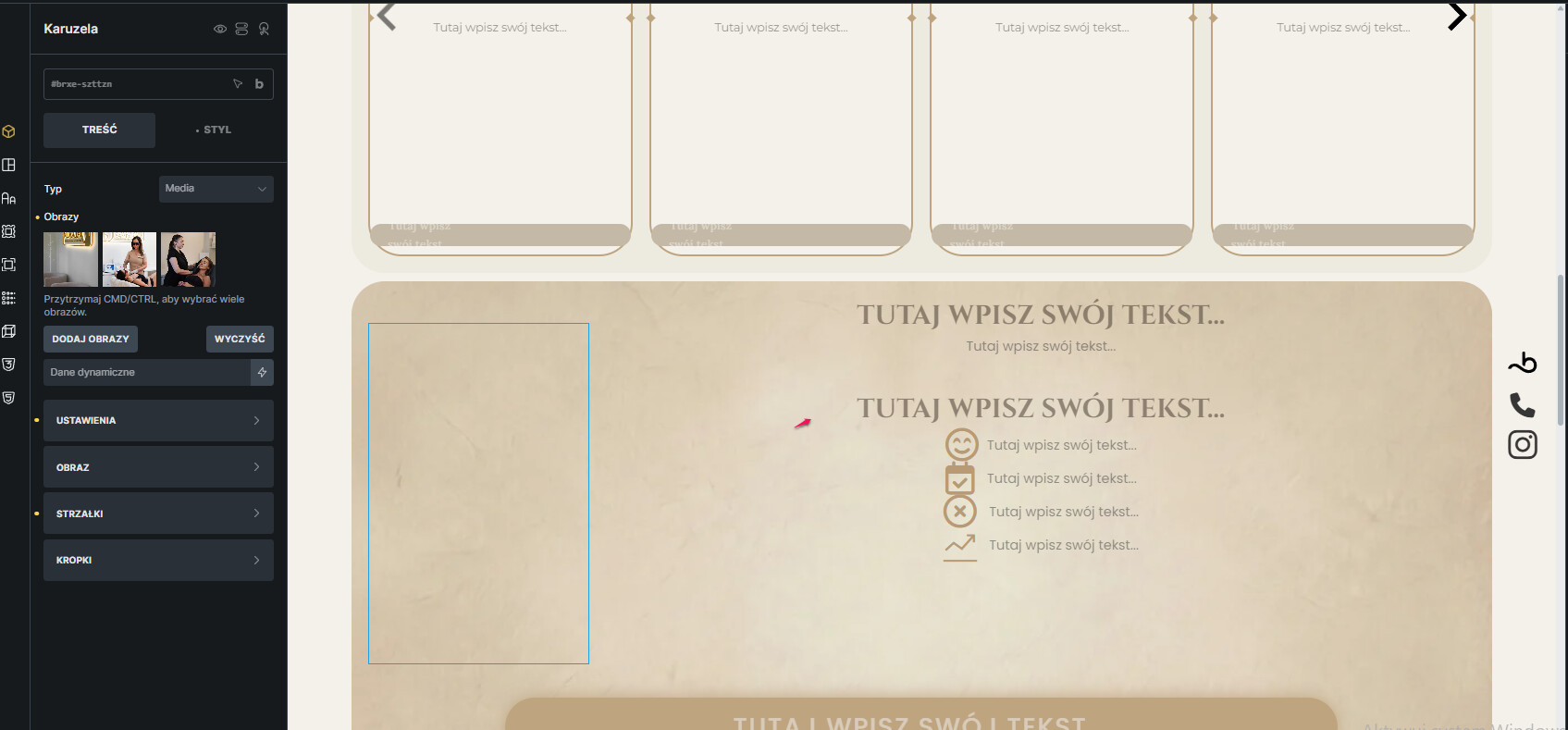
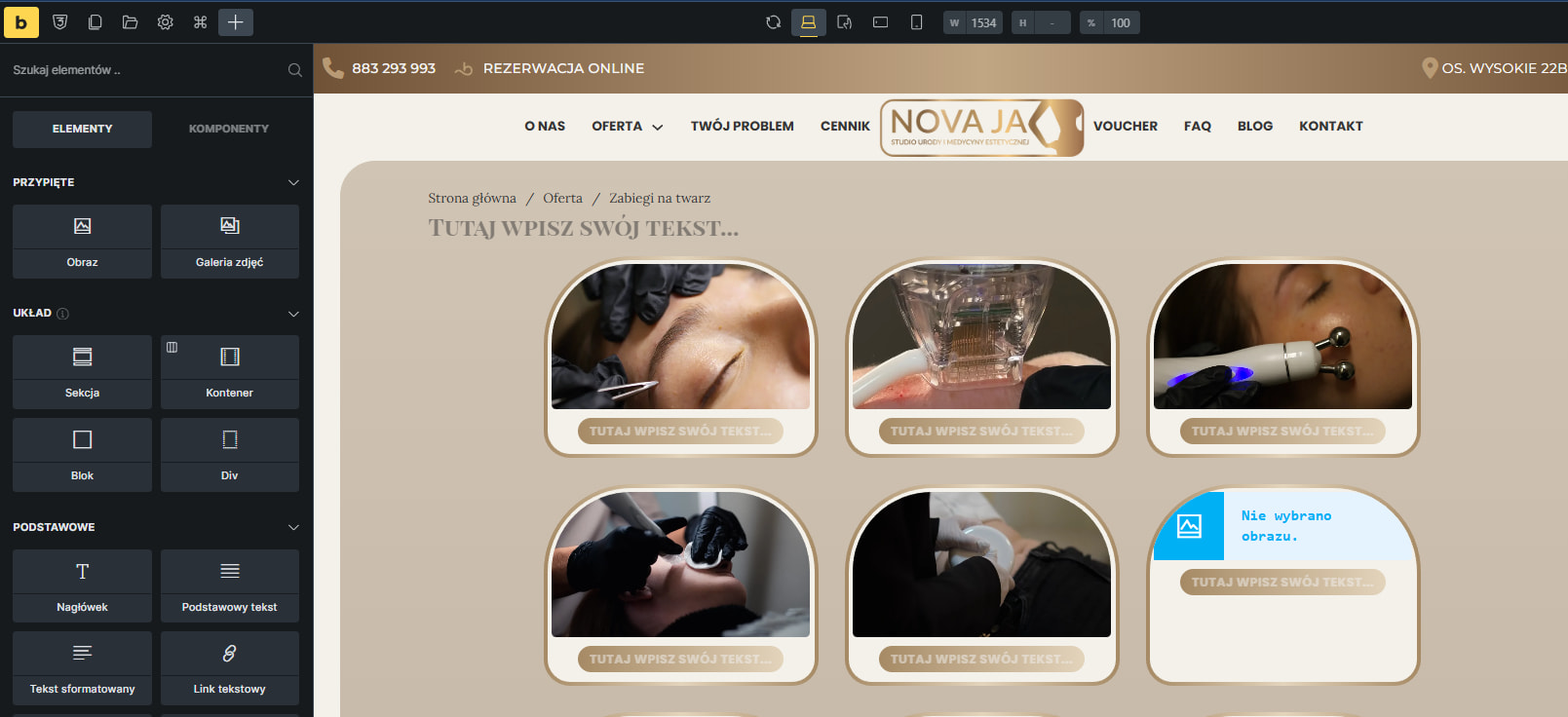
When I try to edit blocks, I see what I see in the second screenshot after adding them.
The day before, everything was fine and I hadn’t added anything. The day after, I got this error and I don’t know how to fix it. I haven’t used any other themes besides the “bricks” child theme.

I’ve also noticed that, for example, when I want to add a photo and choose from the media library, it doesn’t work either. I can only select the image but not confirm it.
I see that the photo carousel has also disappeared, although it is visible in the settings bar on the left.