Good morning,
I’m experiencing an issue with a slider inside a popup: it always loads images from the wrong post.
Project context:
- Series of CPTs (pastry recipes) divided into 4 categories
- Each CPT has custom fields for: information, ingredients, nutrients, and photo folder ID
- Using Happy Files to organize images; the generated folder ID is manually inserted into the CPT’s custom field
Page structure:
- 4 cards-grids generated with query loops (one per category)
- Outer loop: retrieves the category
- Inner loop: populates the grid with posts (card containing featured image and title)
- Click on card → popup opens
The problem:
In the popup:
- The info (from Custom Fields) displays correctly ✓
- The slider always loads images from the first category ✗
Example: clicking on the first post of any category, the slider always shows images from the first post of the first category.
Technical settings details.
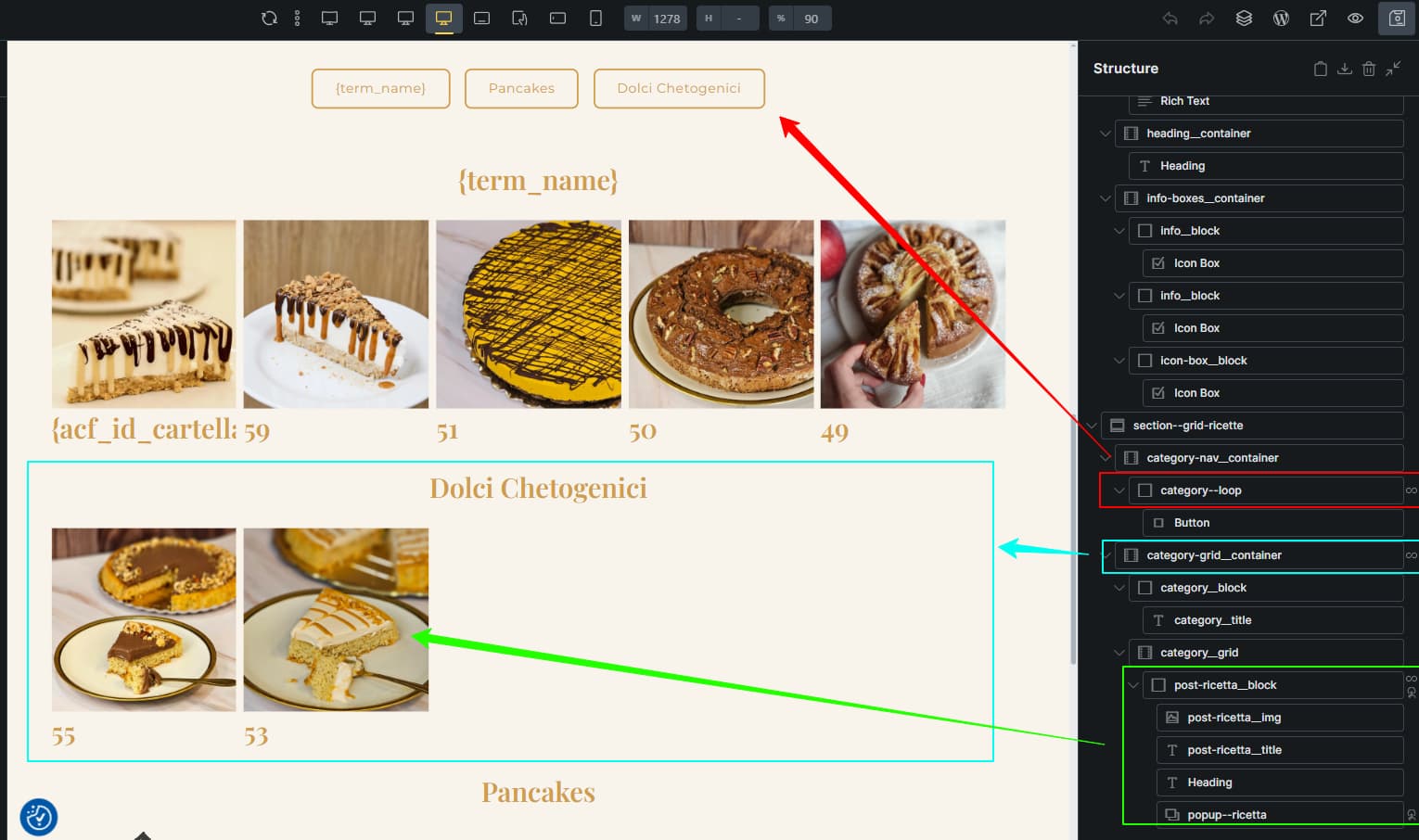
The cards-grid page with nested loops

Card loop settings
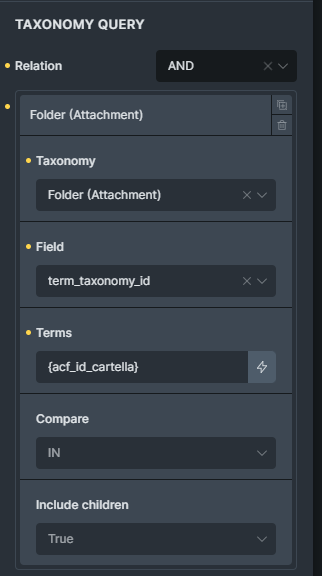
Taxonomy query associated with the loop
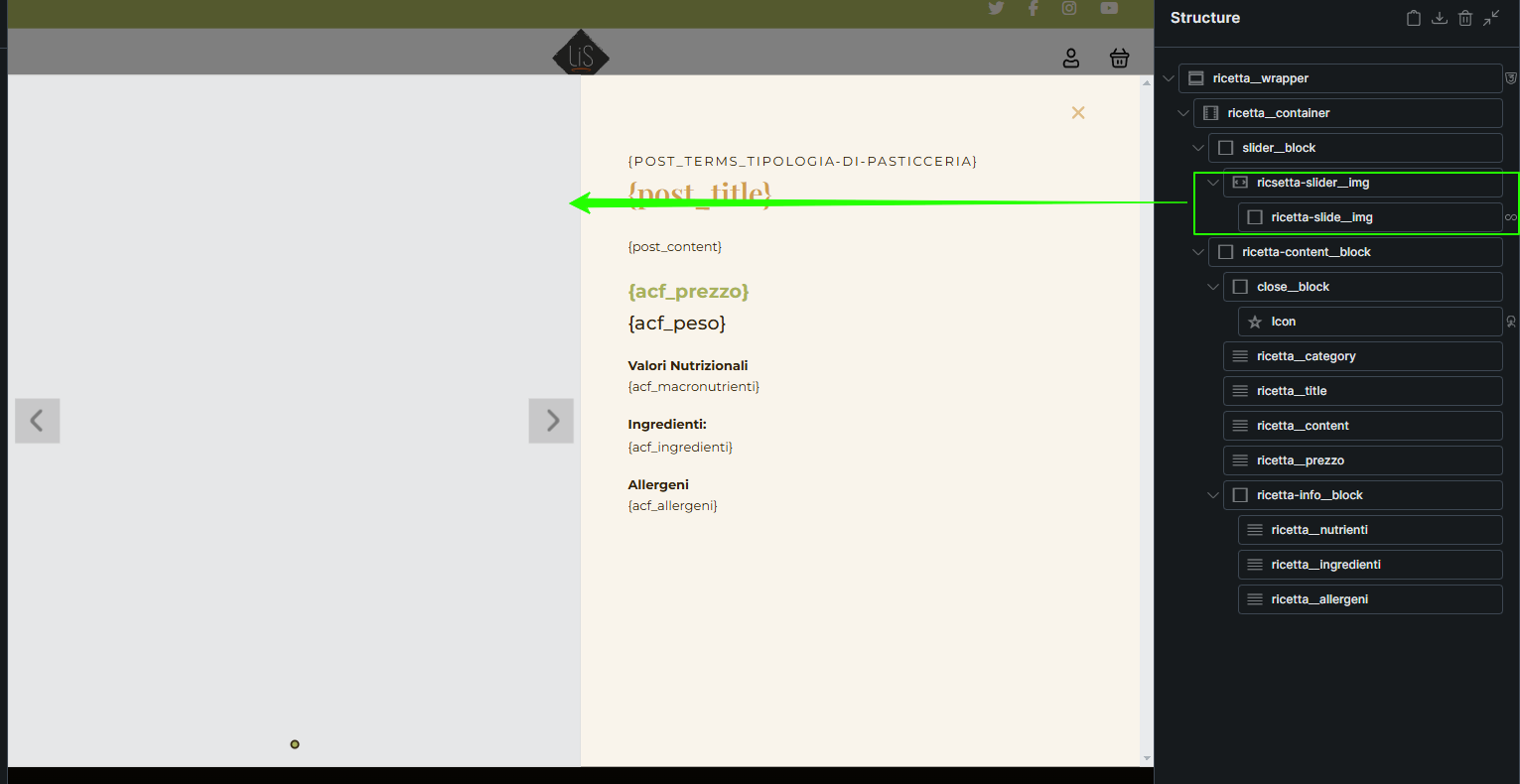
The popup
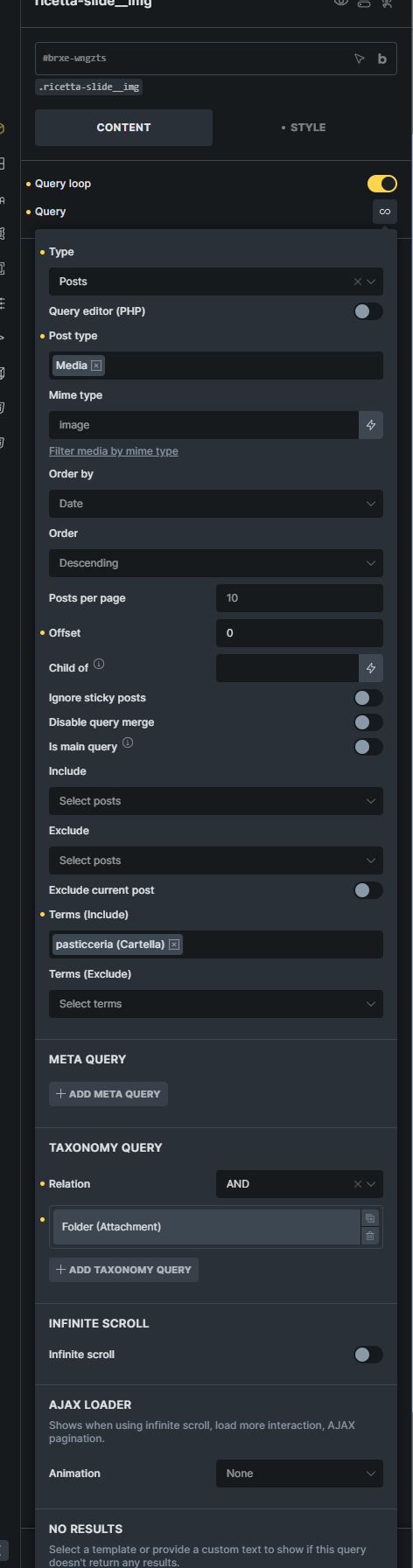
General query settings
Taxonomy query settings
Here you can check the results:
If you click the first item of the third row, the popup shows the slider from the first item of the first row.
If you click the third item of the third row, the slider is correct.
This makes me think there’s a failure in updating the slider.
The number below the cards simply represents the folder ID and serves to confirm the data is correct.
Maybe is not a bug but just a misconfiguration of my settings (I’m pretty new to Bricks)
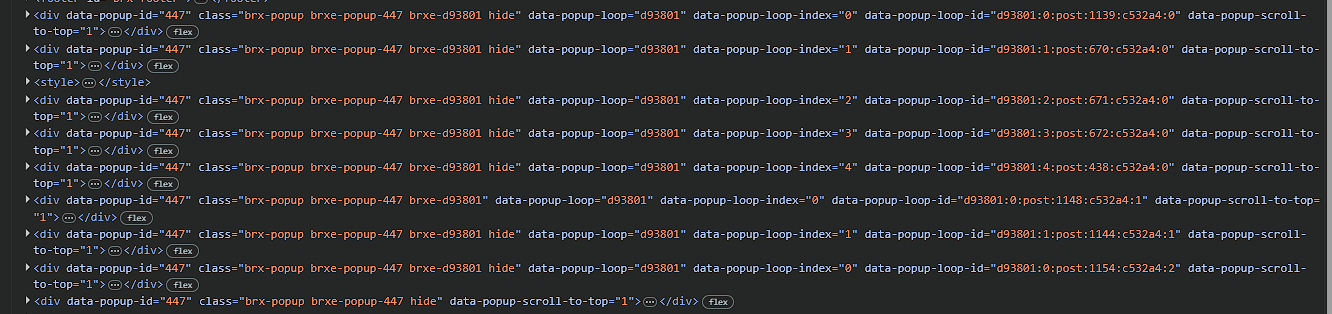
Last image, the devtools Inspection. It may help
Thank you
Davide