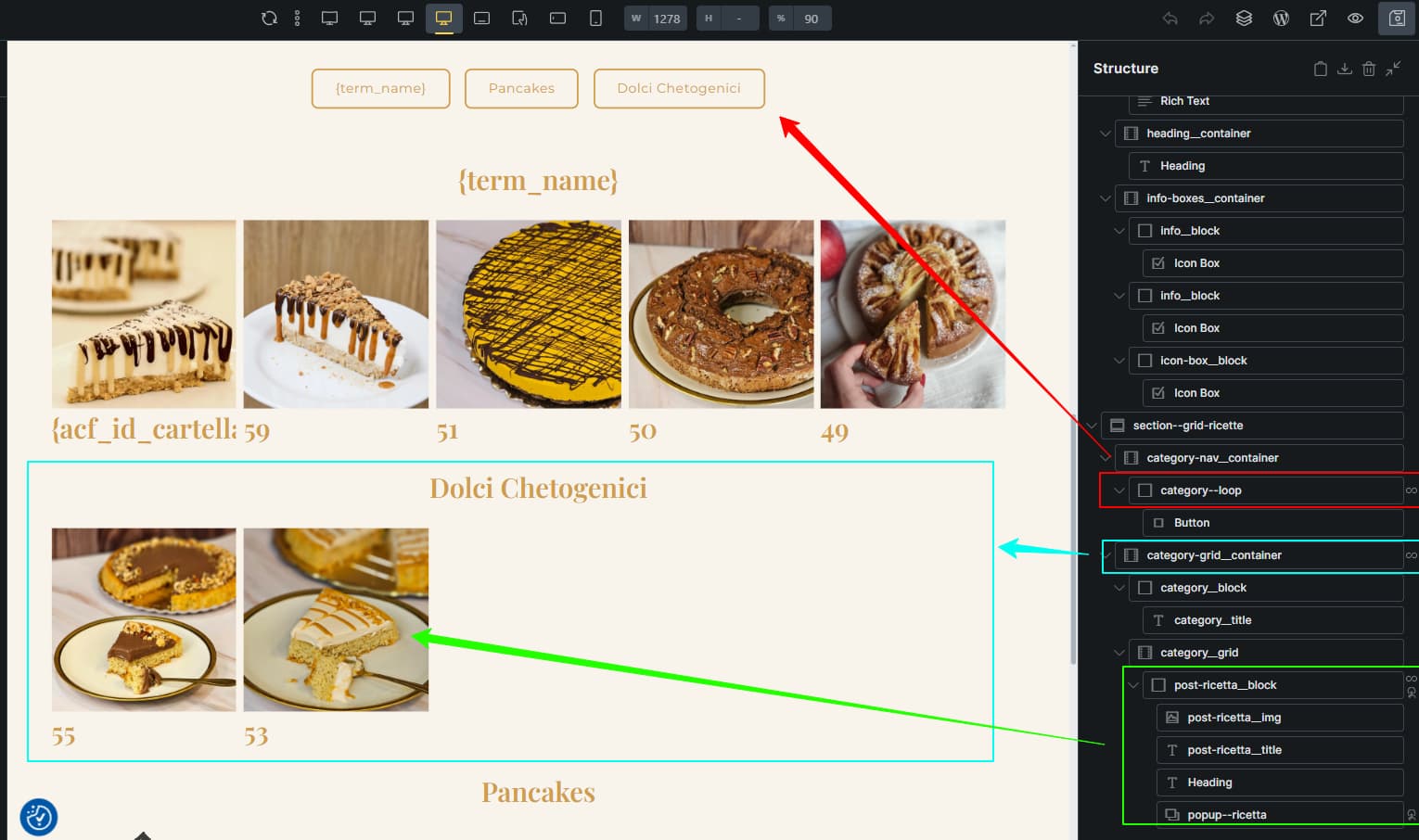
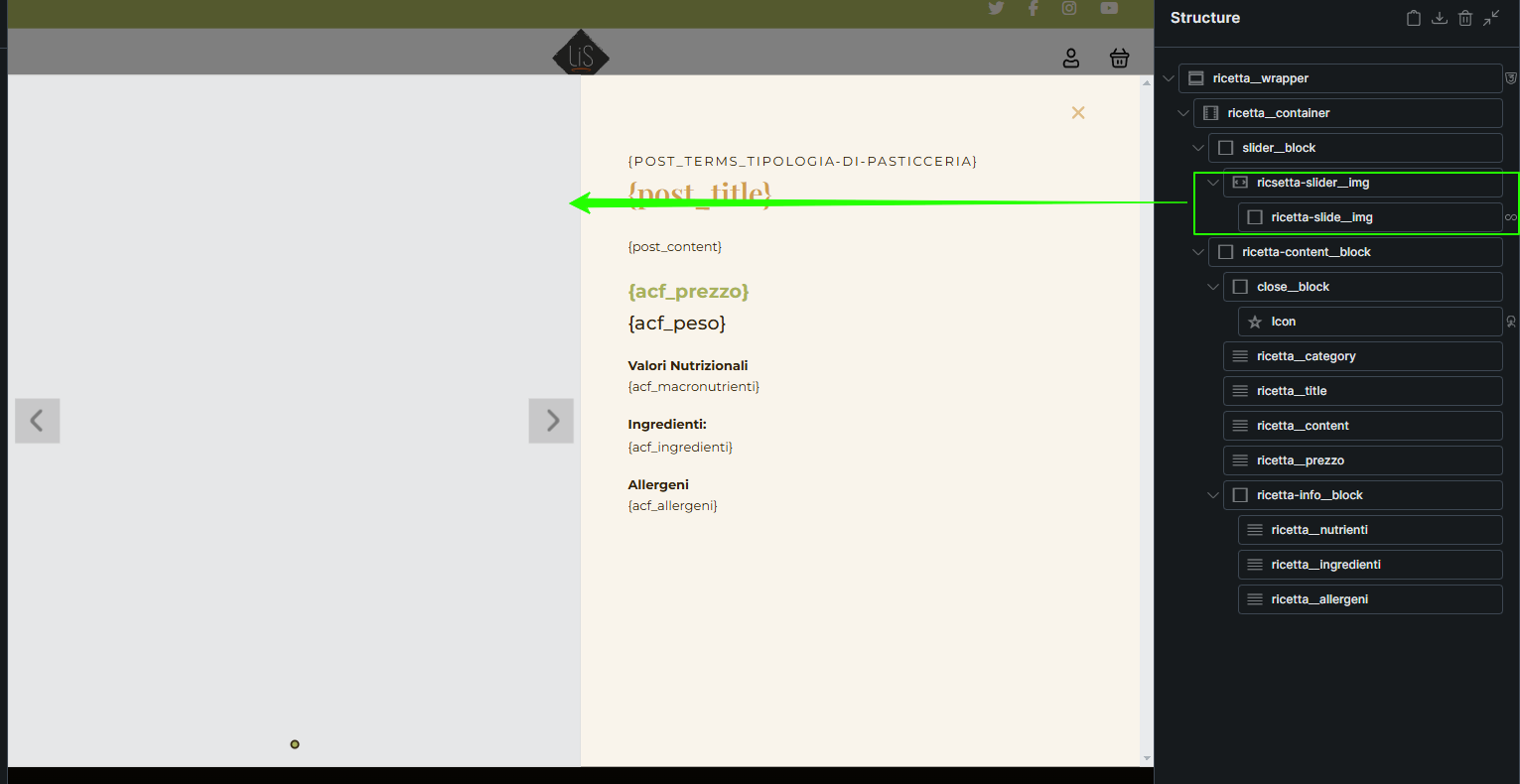
If you click the first item of the third row, the popup shows the slider from the first item of the first row.
If you click the third item of the third row, the slider is correct.
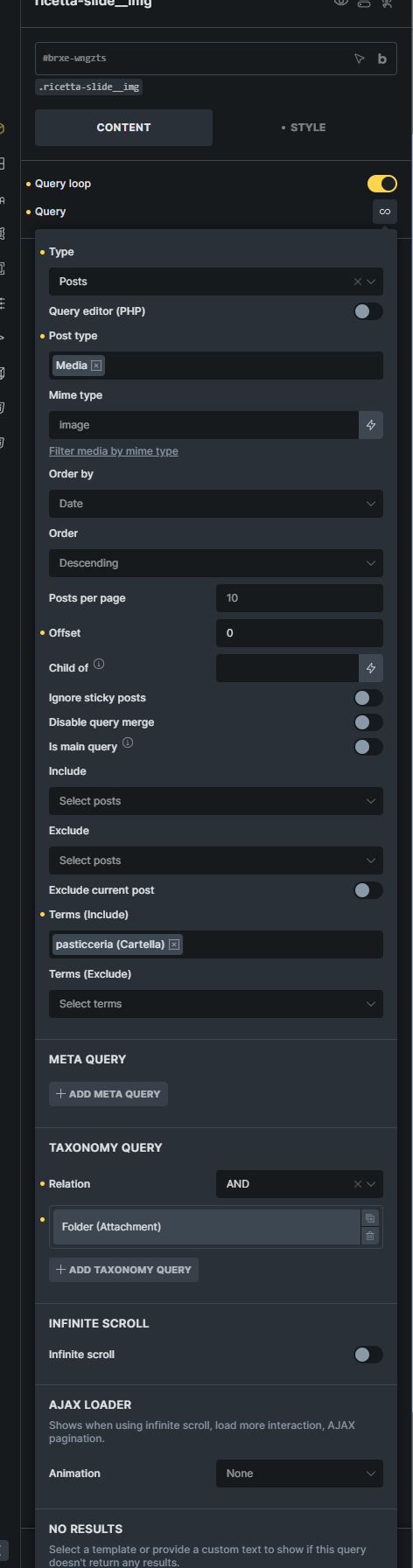
This makes me think there’s a failure in updating the slider.
The number below the cards simply represents the folder ID and serves to confirm the data is correct.
Maybe is not a bug but just a misconfiguration of my settings (I’m pretty new to Bricks)
this is quite a setup . Sadly, I don’t see the example page - I believe I get redirected to the “coming soon” page, or the gallery is not there anymore.
So, the first thing that comes to my mind is that the popup template setup may be wrong.
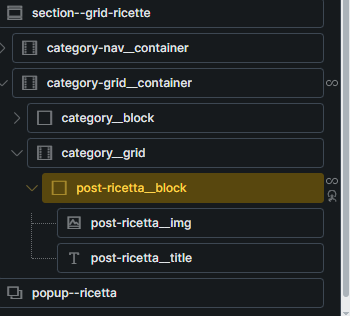
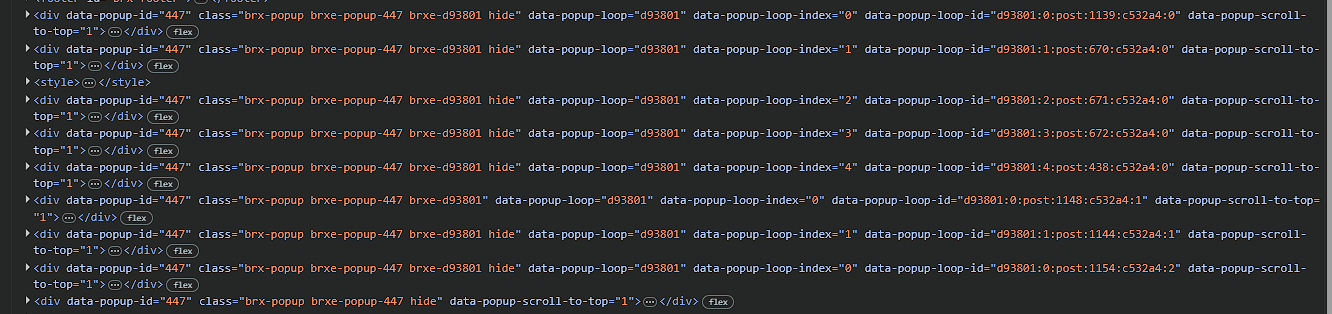
Make sure that the popup template is INSIDE the query loop: Popup Builder – Bricks Academy or if it’s Ajax based, then make sure that you pass correct context ID.
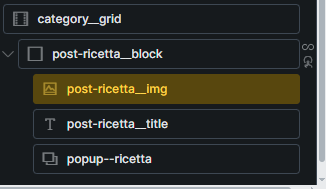
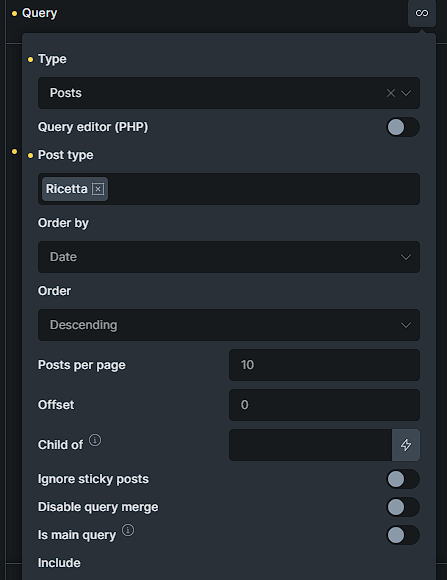
I checked the link you sent me. The structure looks correct to me (see image 1). I also moved the interaction to the block that generates the query loop - previously it was on the image - but the result doesn’t change.
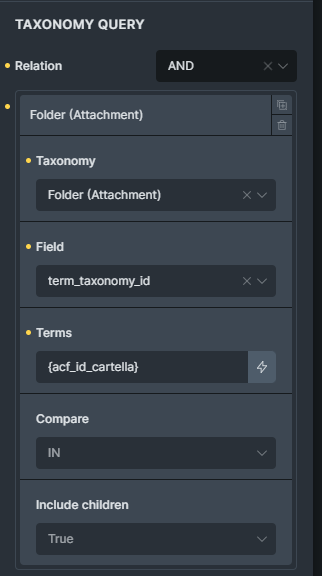
However, I’ve created a new test page called “Pasticceria Test” where I removed the nested loop structure (Categories loop + Posts loop per category) and replaced it with a single loop across all categories. In this case, the popup works correctly.
Since the site needs to be fully operational within one to two weeks at most, and my client has purchased a lifetime license, I was wondering if it would be possible to get assistance from support.
now I was able to access the page and I can see the issue. If I click the first item in the third row, the images will be from “Crostata Cioccolato e Nocciola” (first item in first row).
Can you try the following settings with the popup:
Set the popup to “Fetch content via AJAX”
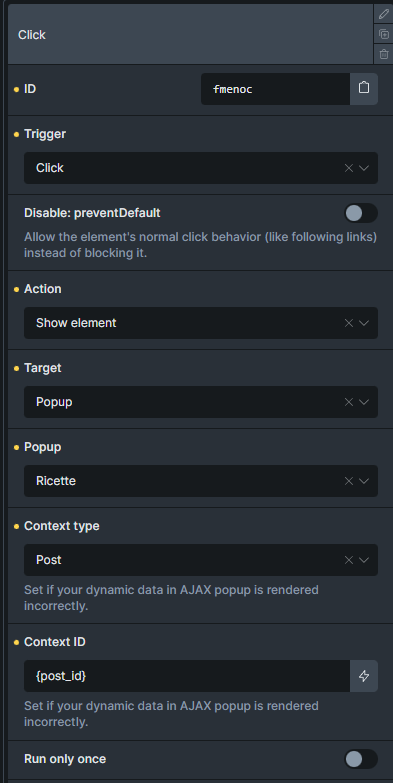
Add “Context ID” to the interaction that will open the popup → if the popup is TERM, then it needs to be term_id.
Once you set up the above, and it’s still not working, try to move the popup element outside of the query loop.
For the email support, please ask the client (license owner) to email us at help@bricksbuilder.io to confirm your email address (as you are his dev), then we can assist you over email as well.
The client should ideally include a link to this topic, so that we know what the support is about.
Hi Matej!
I tried the solutions you suggested, but none of them produced the expected result.
If I fetch the content via AJAX, setting context ID: post and post_id, it doesn’t even load the photos. If I then move the popup outside the div that generates the loop, the result is even more bizarre: it seems not to load the slider at all, unless I click outside the popup.
At the moment, on the test site, the settings are as you requested, so you can see the result.
thank you for the update. I can see the issue on your website, and I’ve tried to replicate it locally, but I can’t. It would be very useful if you asked the client to confirm your email address, and after that, you can send login to the staging website, so we can take a look.

 . Sadly, I don’t see the example page - I believe I get redirected to the “coming soon” page, or the gallery is not there anymore.