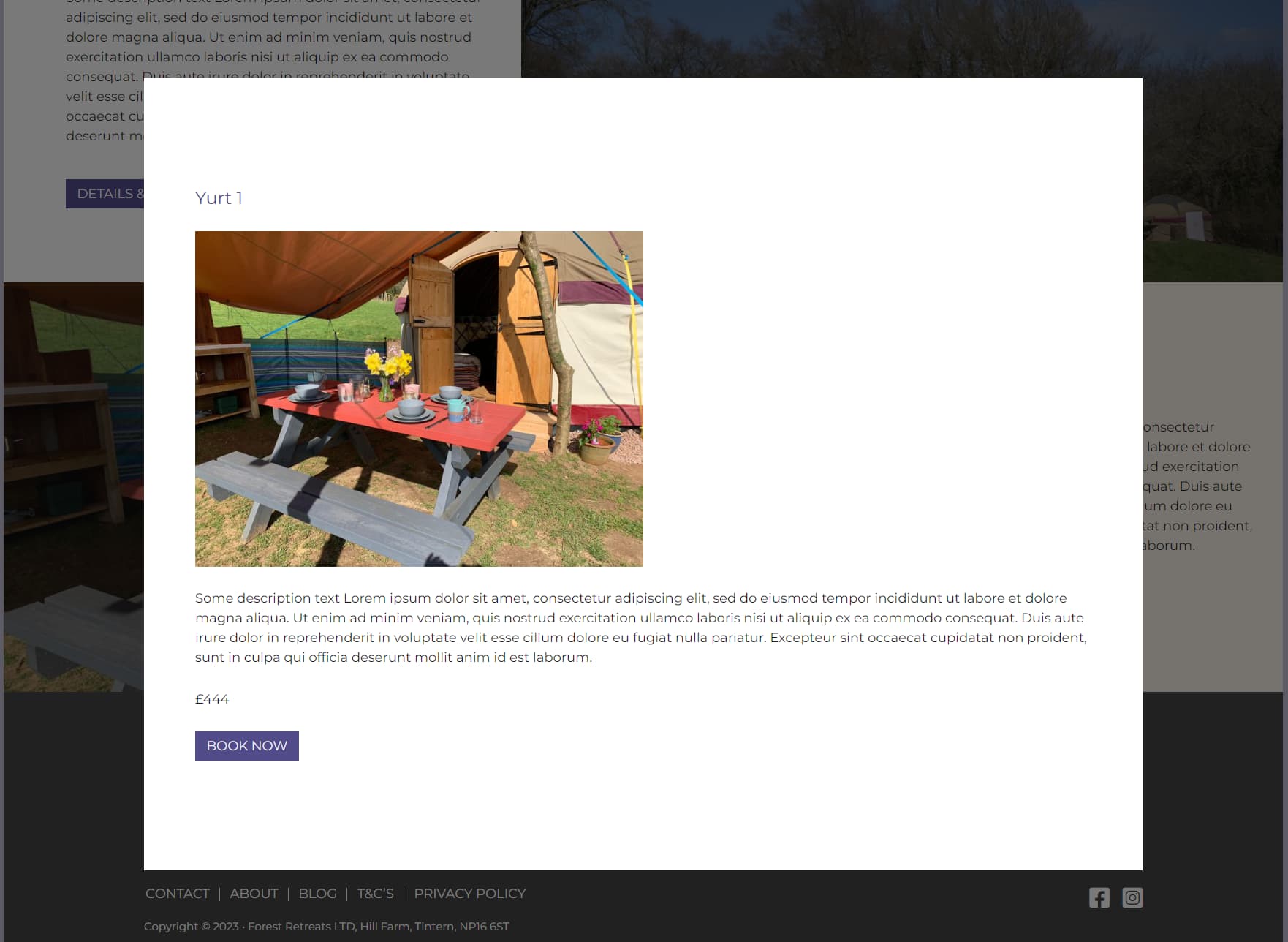
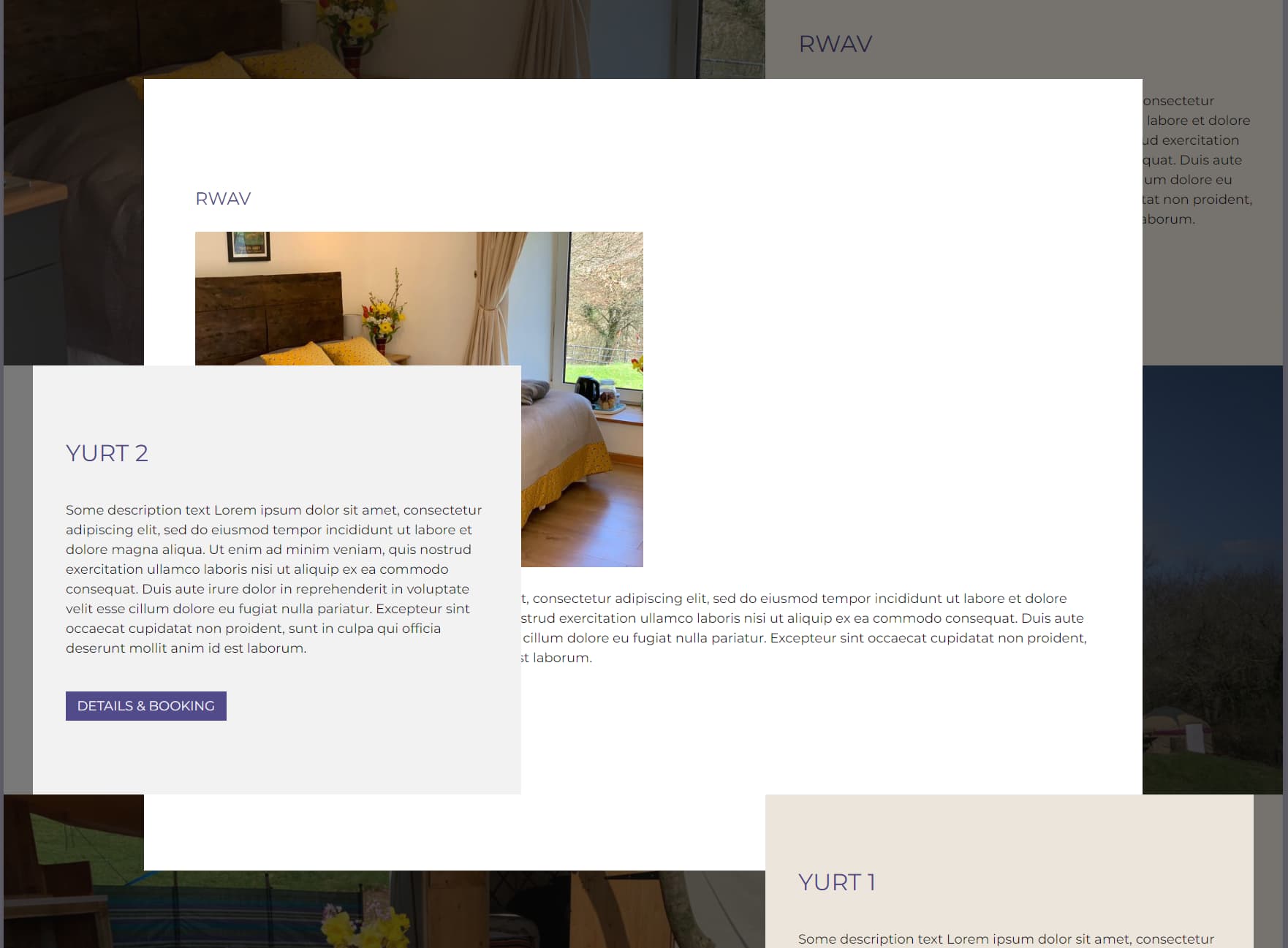
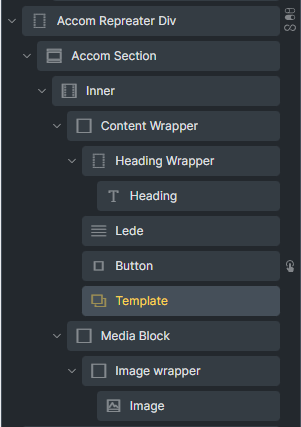
NOTE: Template element must be placed as the sibling / sibling’s child (layout structure) of the interaction element. Otherwise, the popup will not be triggered.
So therefore I need to break my design (ie move the button) and move the template to the root of the section element for my popup to not be affected by the parent z-index?
Solution: Move the modal outside of the content parent, and into the main stacking context of the page.
If I do this I would also have to move the button that activates it, breaking my design
Alternative Solution: Remove positioning from the content, so it won’t limit the modal’s z-index.
If I do this, I break my design.
If this isn’t a bug then forcing the modal to be inline with the triggering element is a very limiting design choice. I’ll add to feature requests and write my own JS for the modal
Thanks for the feedback and also the improvement request.
We will look into it.
May I know if changing the z-index way to flexbox order works? By doing this, you could use the Bricks native popup and at the same time fulfill your design too right?
Of course, in the end, it’s your decision to see which approach is more effective and less time-consuming. Me personally will go for CSS way rather then writing lots of JS
@itchycode Thanks for getting back to me, can you clarify what you mean by ‘May I know if changing the z-index way to flexbox order works?’?
I would also prefer to fix this with CSS, but don’t know how with the current design. I might be able to build the section layout again without using z-index, but ideally (in general) z-index can be used with the popup element
So for accessibility reasons the content wrapper is before the media block in every instance, so it’s not an ideal solution to have them the other way around. That’s why I’m using z-index and order on nth-of-type(even) to keep the HTML order when the sections alternate, and to keep the content wrapper on top of the media block
@itchycode I’ve managed to come up with a solution that is OK for this situation. I moved the popup template element outside of the div with z-index and instead of triggering the popup with a button click, its now triggered by a click anywhere in the section. This way I was able to keep to the popup rule that the trigger needs to be a sibling or child of sibling and have the popup no longer overlapped by the main page content.
Ideally this limiting rule will be overcome in future updates