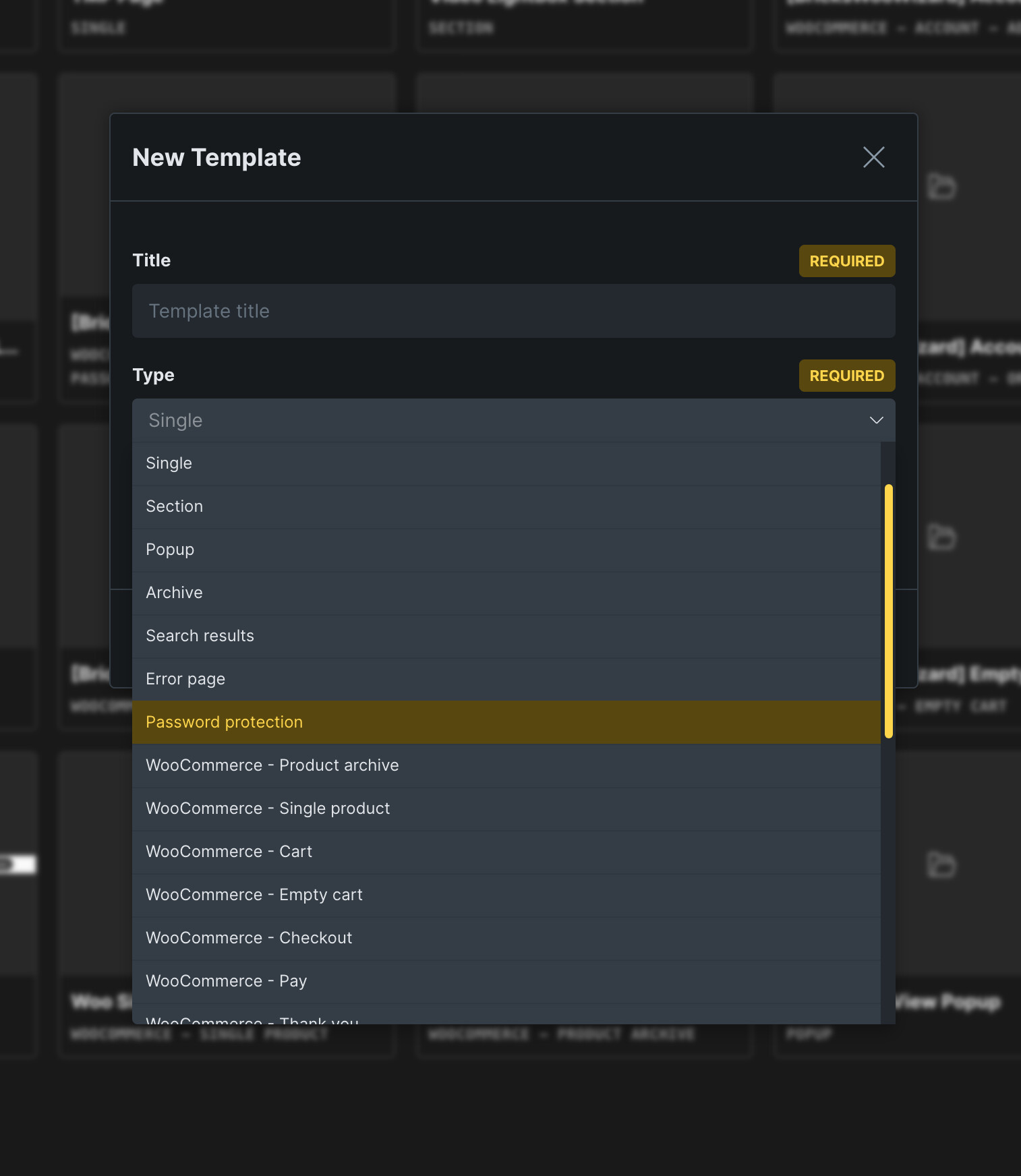
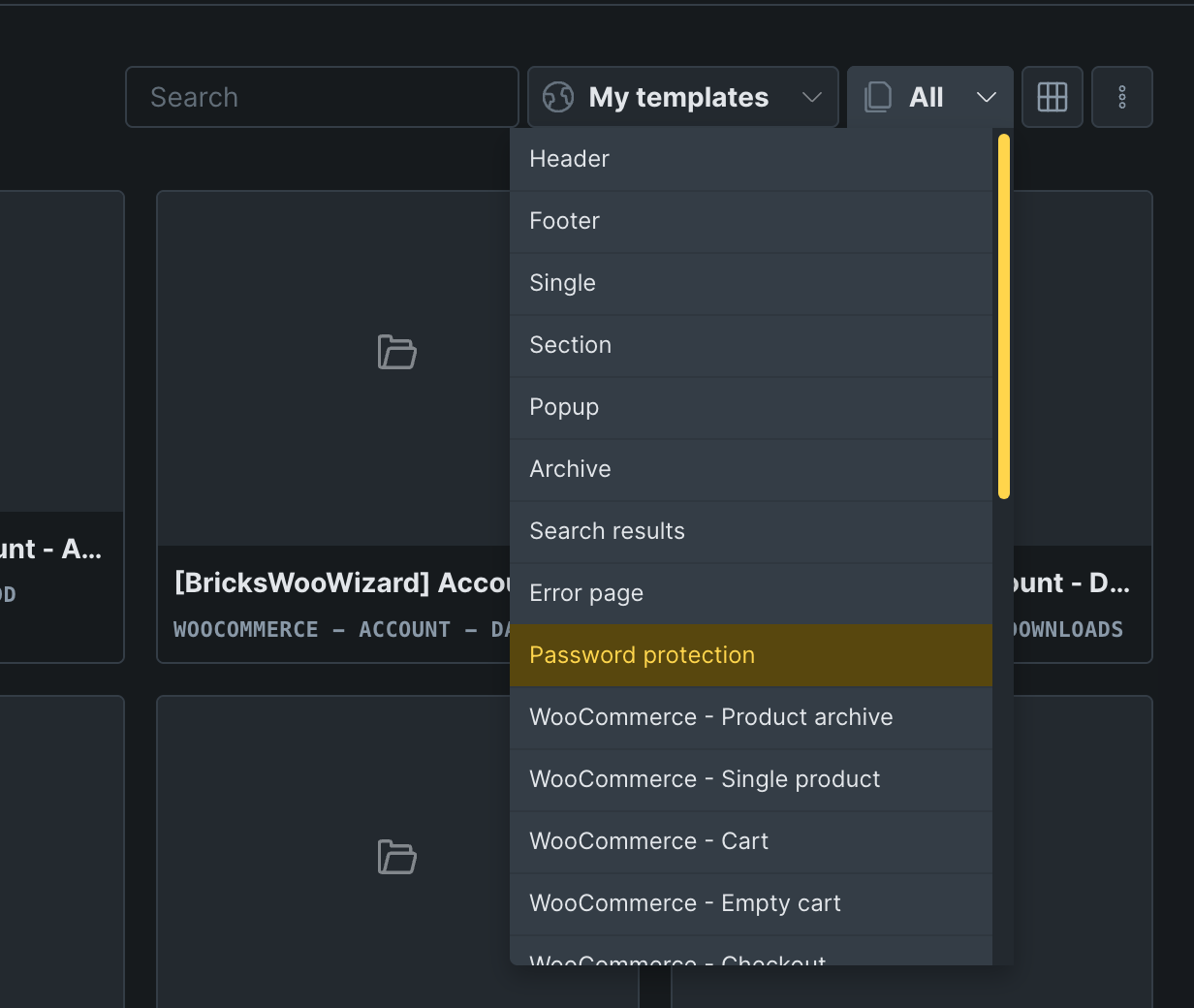
Thanks for your report!
However, I can’t replicate it.
As soon as “password protection” is enabled in Bricks » Settings » General, the template type appears in all places. If it’s not enabled, it doesn’t show anywhere.
@timmse got it working now, but the unlock only seems to be working with a post password, but not a template password. Please check if you can reproduce it.
I just tested all available options, but can’t replicate it. If you can replicate it in a proper way, please create a separate report and provide us with the necessary steps.