Browser: Chrome 110, Firefox
OS: Windows /
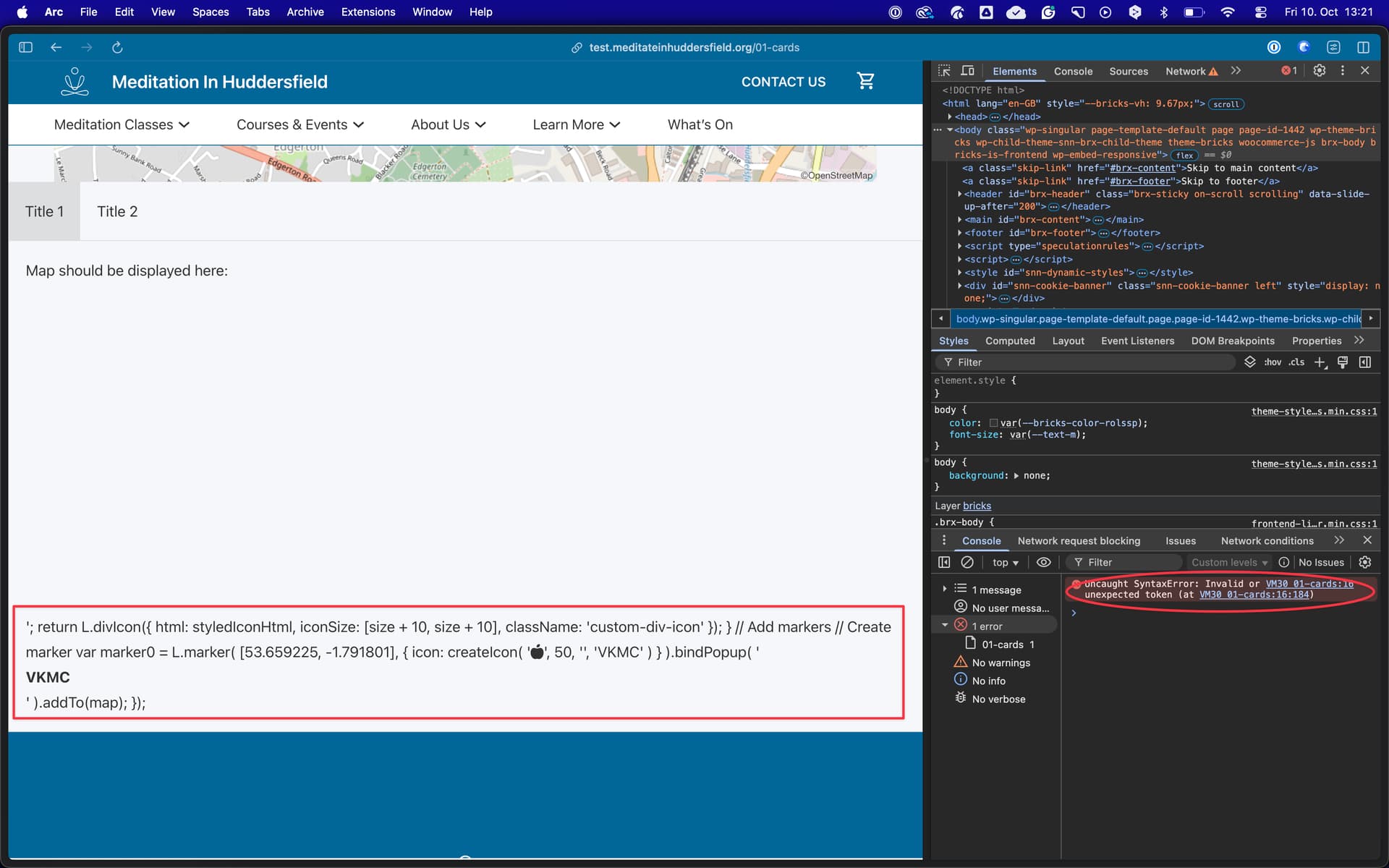
URL: 01-cards – Vajrapani KMC – Meditate in Huddersfield - bottom of the page
Video: Short screen recording that illustrates this issue (free tool: jam.dev)
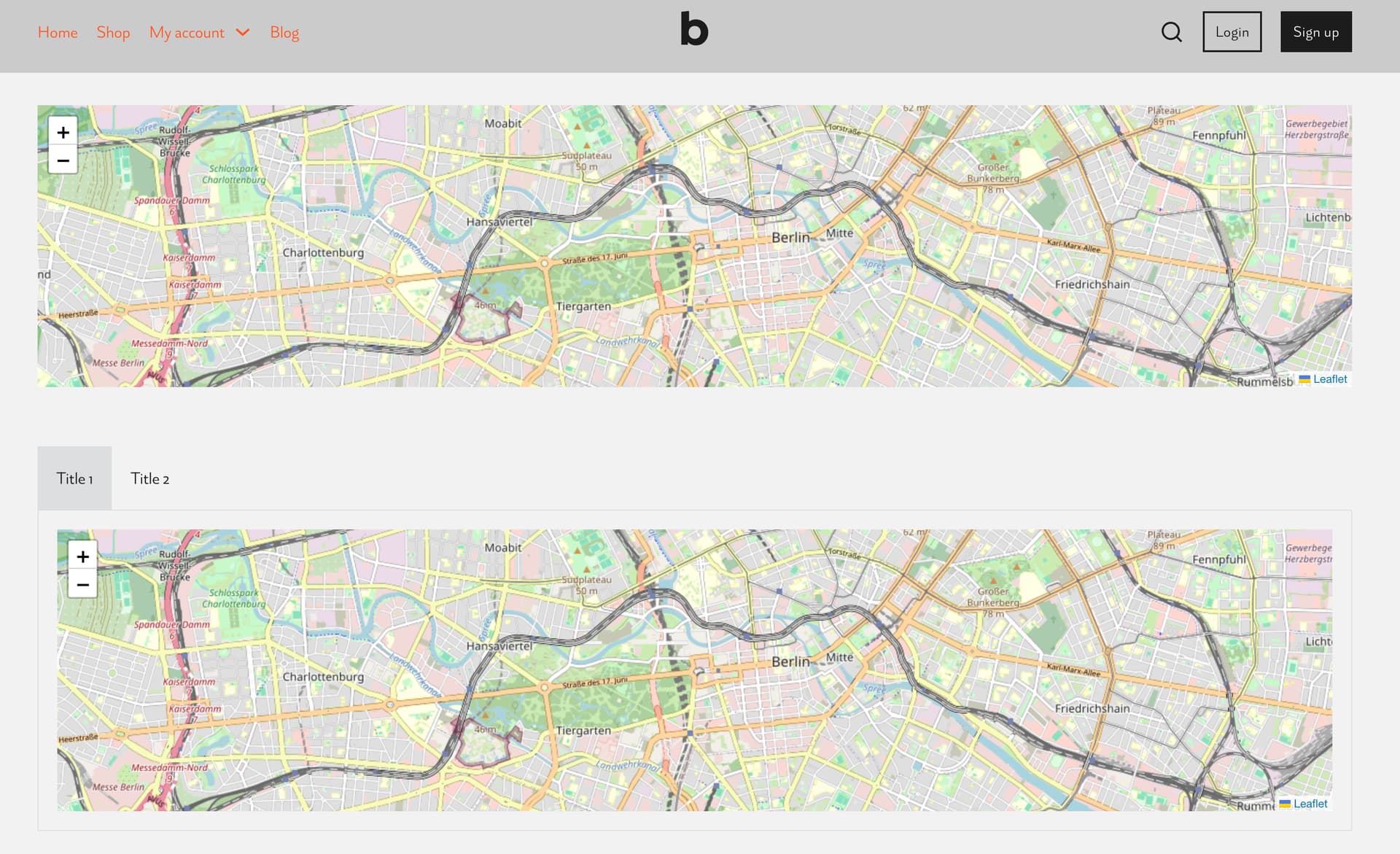
OpenStreetMap element does not display at all when placed in the content pane of nestable tab element. This occurs even when it is wrapped in a block within the content pane.
To replicate - add nestable tabs element, add Open Street Map element into content pane of nestable tabs element.
On the url above there is an openstreetmap displaying correctly when on its own and then below it not working when placed in nestable tabs element.
not tested on any earlier bricks version other than 2.1