The product gallery element is utilizing the default WooCommerce gallery under the hood, so you can manage it by applying woocommerce filters to edit the HTML.
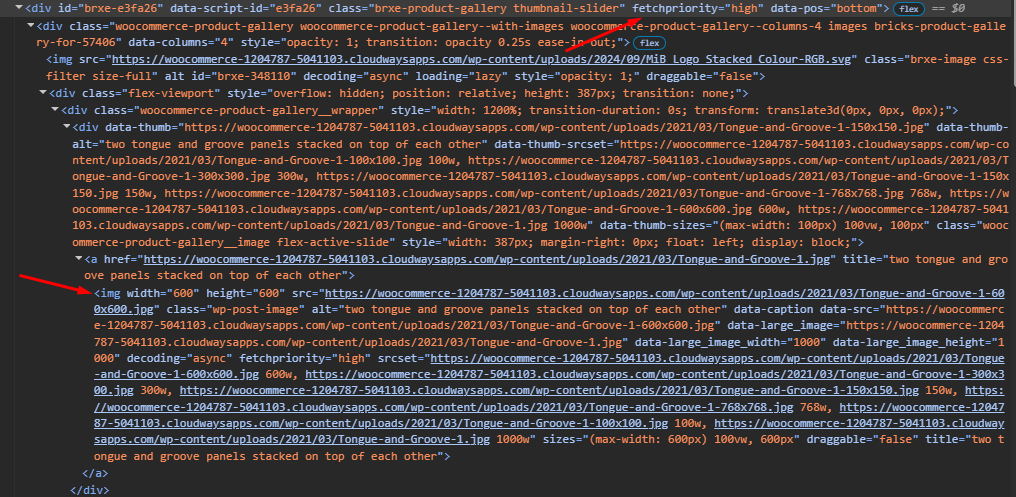
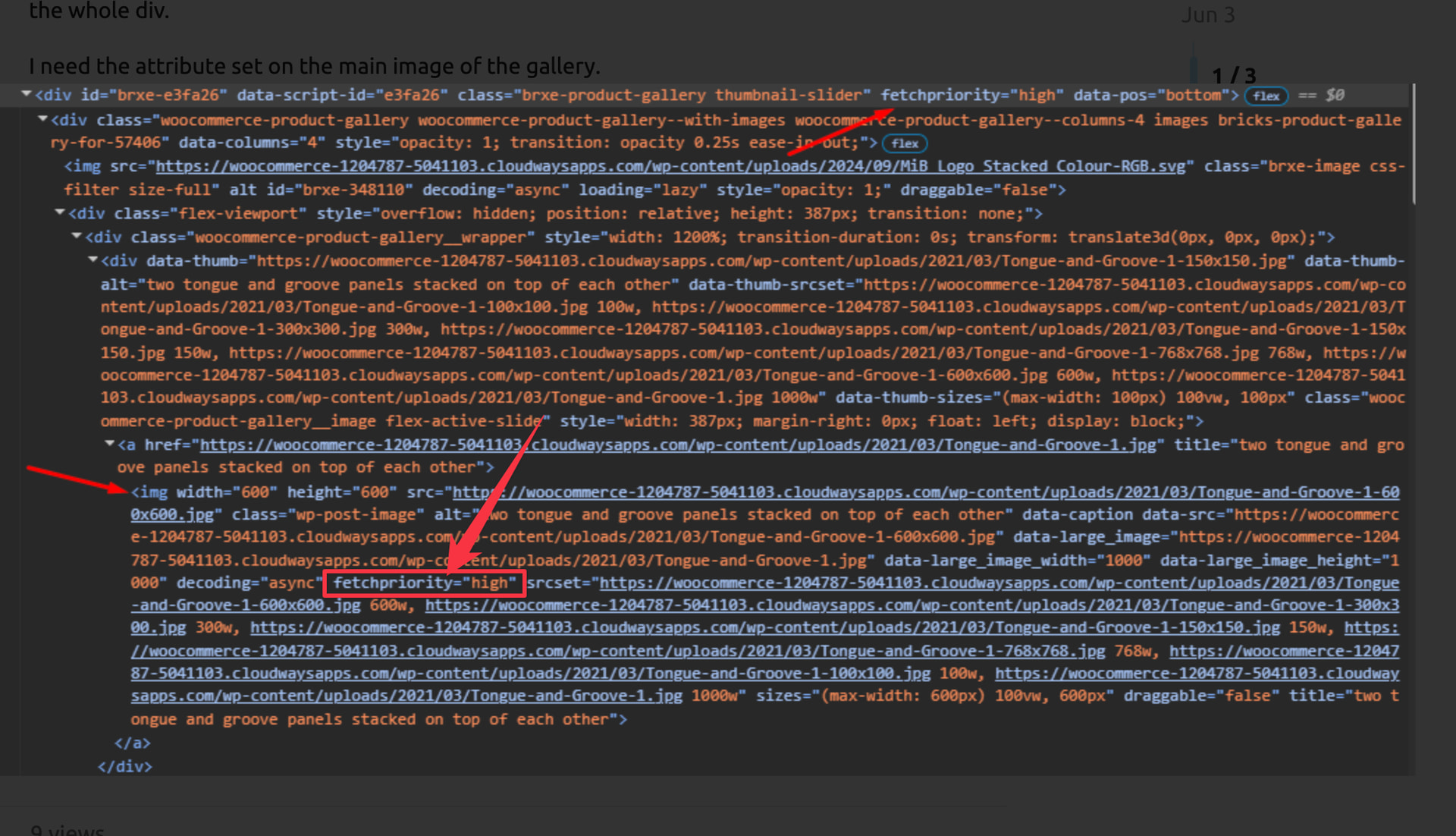
However, as you can see in your screenshot, you don’t actually need to add fetchpriority="high" to the first element because that attribute is already present on the first element. Please review the screenshot below, where I have added another arrow pointing to this attribute.
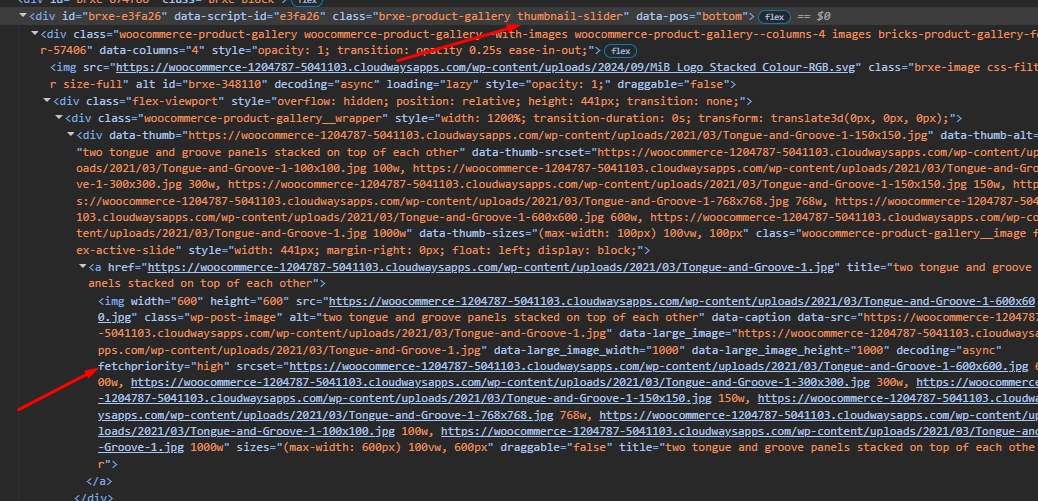
It looks like when I add fetchpriority=”high” as an attribute to the Product Gallery Element, it gets also added to the img, which I missed seeing yesterday.
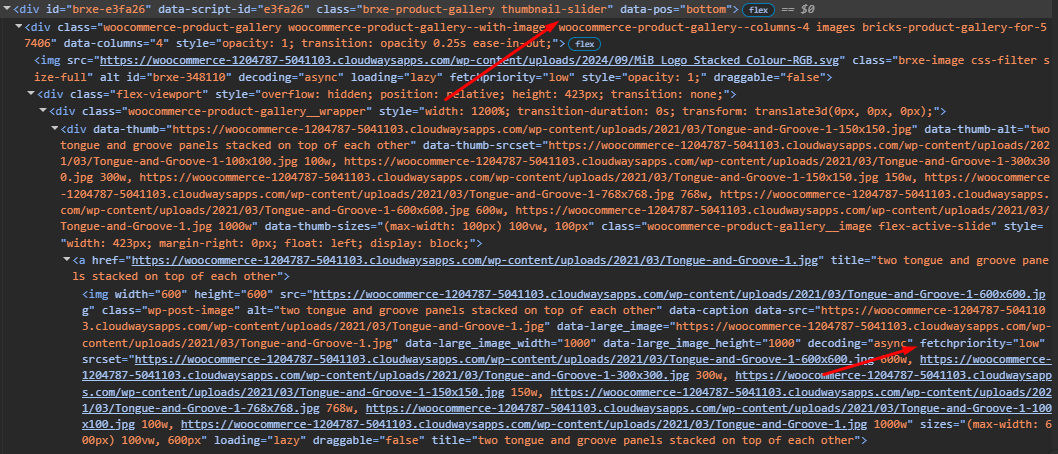
However, when I remove the custom attribute from the Product Gallery Element, the img within gets fetchpriority=”low”.
What is even more interesting is that when I am logged in as admin the behaviour is correct - img gets fetchpriority=”high”, but when logged out, it is behaving as above.
I tested this locally while both logged in and logged out, and in both cases the main product gallery image keeps fetchpriority="high" locally.
I’d start by temporarily disabling caching/performance/image optimization plugins one by one, then clear all caches and retest in incognito. That should reveal which plugin or setting is rewriting the attribute.