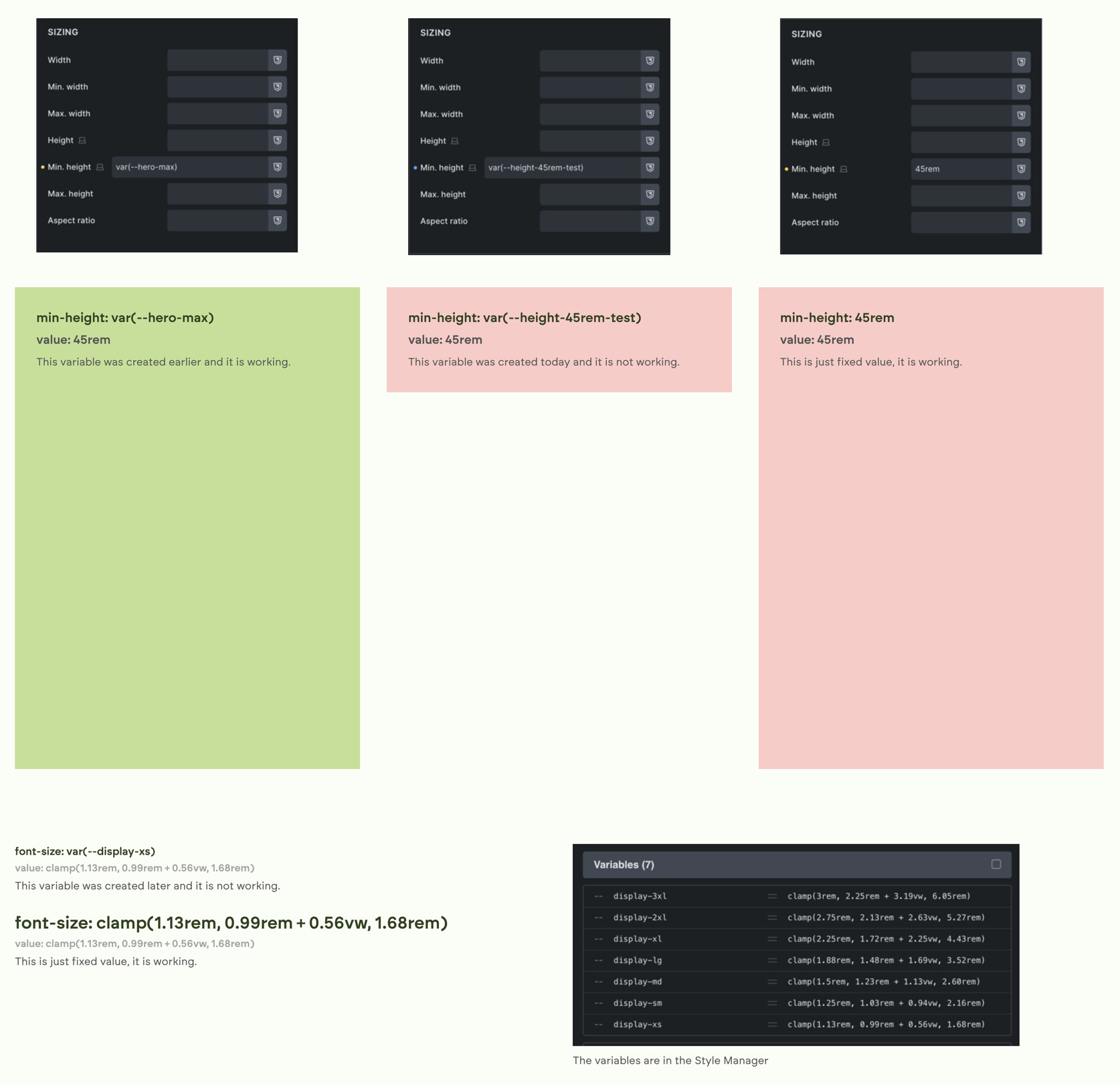
Since I generated new sizes yesterday with the typography scale generator – overwriting the old ones – the newly created variables don’t work. They’re in the variables manager, but when I try to use them, nothing happens. The old ones work fine. I’ve even deleted the new typography scale since then, regenerated it, but that doesn’t help either. Doesn’t matter if the variable contains a clamp or a fixed value.
Checking the actual page, the website try to use the variable, but it says ‘is not defined’. It’s really not in the loaded root variables, but when I open the global-variables-min.css file, the new ones are listed there.
Regenerating the CSS files doesn’t help either.
I’m not sure if it’s related, but when I switch the CSS loading method from external to inline, the page completely breaks, and the same thing happens – it’s not loaded, but the bricks-frontend-inline-inline.css contains every variable.
Hi Bali,
Thanks so much for your report, and welcome to the forum
Unfortunately, I don’t know how to reproduce the problem. However,
usually indicates invalid CSS, breaking the following styles. Leave the site with inline styles and provide a live link. Then it should be easy to spot the culprit.
Thank you for your quick reply! I’m glad to be here in the forum.
The site is still under development, but I’ve created a sample page to show some examples:
As the CSS loading is set to inline, it’s broken, but here’s how it should look if the CSS is loaded externally.
I’ve disabled some other plugins, like Next Bricks for the duration of testing. I tested it on local as well, with similar results.
No problem, things like this can happen quickly. Since the variables are at the top, they affect everything else…
For future reference:
Switch to inline styles
On the front end, copy the #bricks-frontend-inline-inline-css style tag into a code editor that supports CSS linting (VSCode, for example), and the errors will show up immediately