Browser: Chrome 110
OS: Windows
URL: https://qlycheecrafts.com
Video:
Hi Hailey,
Thanks so much for your report!
Hard to tell from the front end. Please provide me with either the exported template or login credentials and a link to this thread via email to help@bricksbuilder.io. Thank you!
Best regards,
timmse
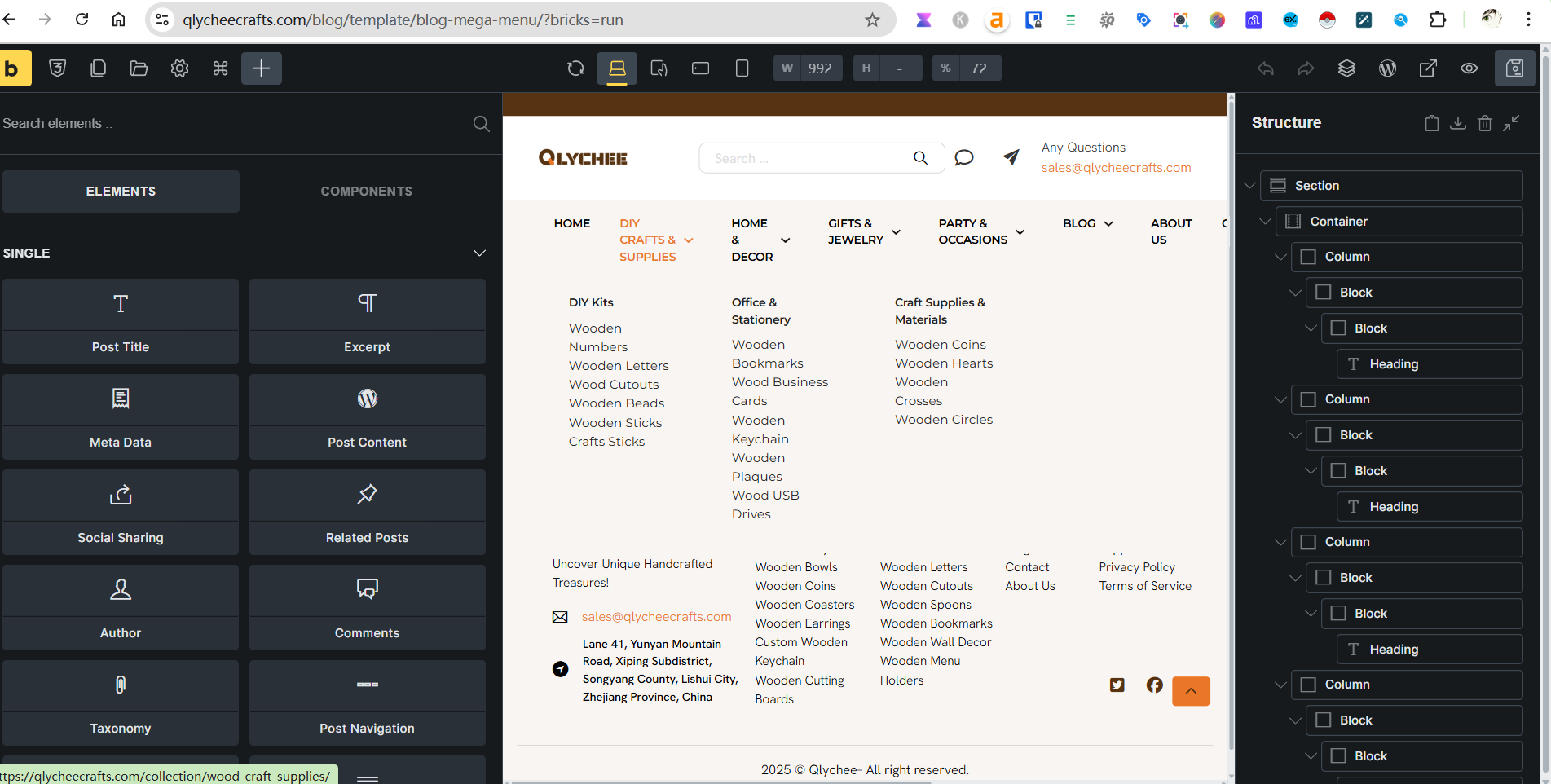
I am also encountering an issue with my Mega Menu. In the backend, the mega menu structure is displayed horizontally instead of vertically. Currently, it displays correctly on the frontend. However, if I change the CSS loading method to ‘External Files’, the frontend display breaks and looks like the second image (displaying horizontally) instead of its intended vertical layout.
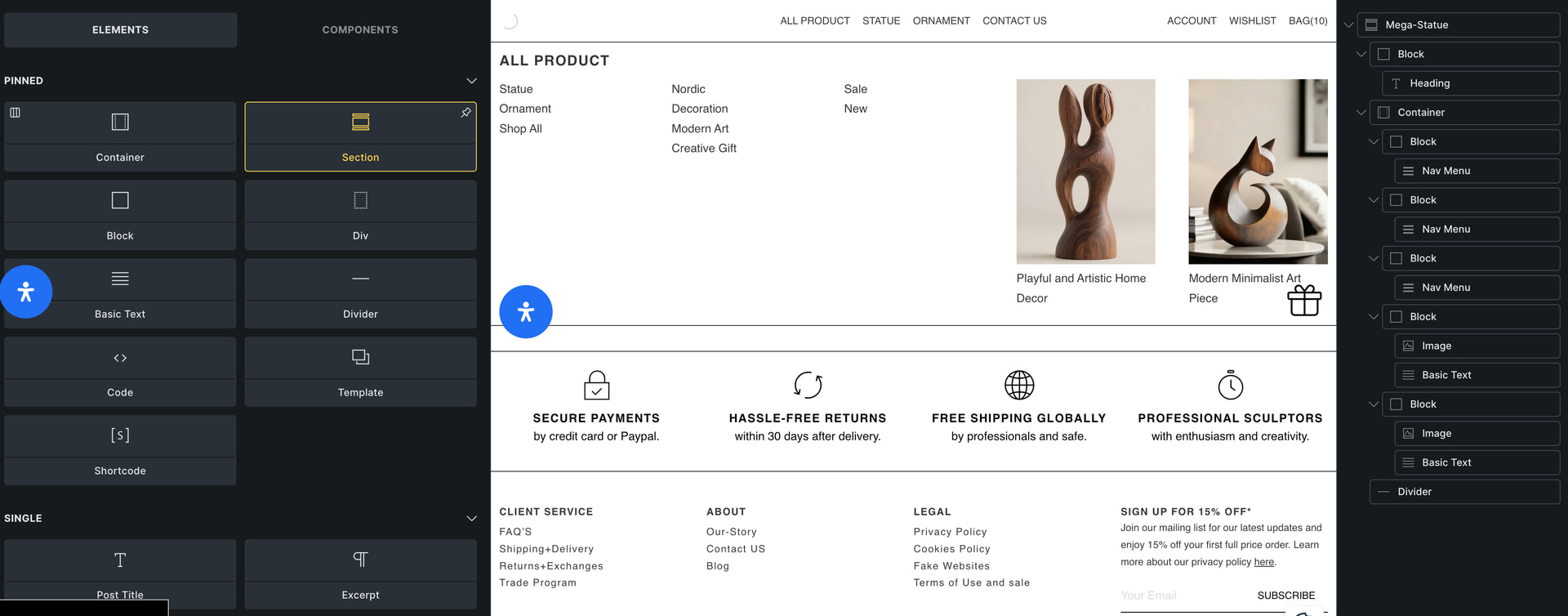
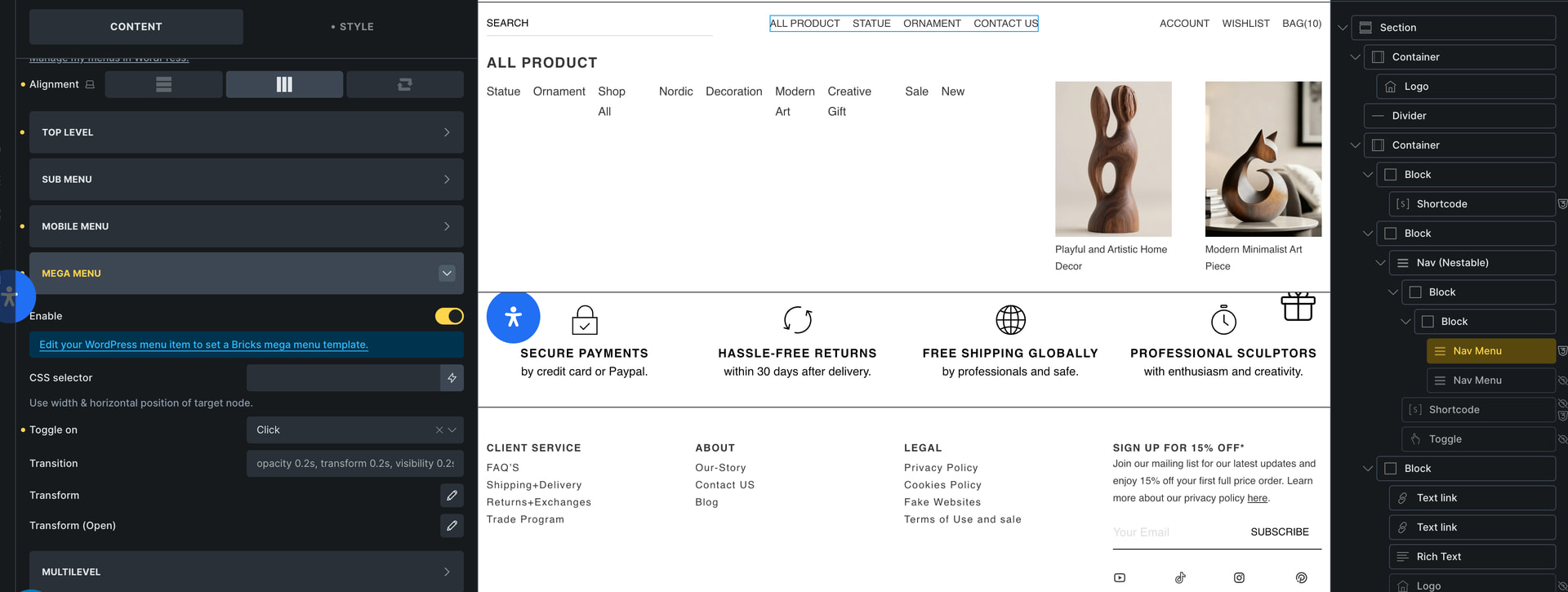
Update: The issue was caused by custom code.
I am also facing this issue. I have checked for custom code and can’t spot anything. I have tried removing my custom css aswell but it shows the same result.
This is in the builder.
This is the front end. (Ignore the mobile menu toggles)

Hi Dale,
It’s hard to say from the front end. It could be due to unclosed tags or something else (e.g., orphaned elements). Please send temporary login credentials and a link to this thread to help@bricksbuilder.io using the email address you used during the purchase.
1 Like
Thanks so much for the login credentials @levonau 
Your problem is caused by an incorrect HTML structure and is exacerbated by a discrepancy between canvas and front end, which we have had a task for a very long time but has not yet been resolved: WIP: Nav nestable: elements other than text link or dropdown aren't wrapped with li's on the canvas - #2 by timmse
Please have a look at this screen recording for more details:
I fixed your top level structure, but you should definitely take care of your mega menu as well 
2 Likes
Thank you so much @timmse for spending time on this and the full explanation video. That has made it much easier to understand.
1 Like