Browser: Chrome 110
OS: macOS / Windows / Linux / etc.
URL: Link to a page that illustrates this issue
Video: Short screen recording that illustrates this issue (free tool: jam.dev)
Hello,
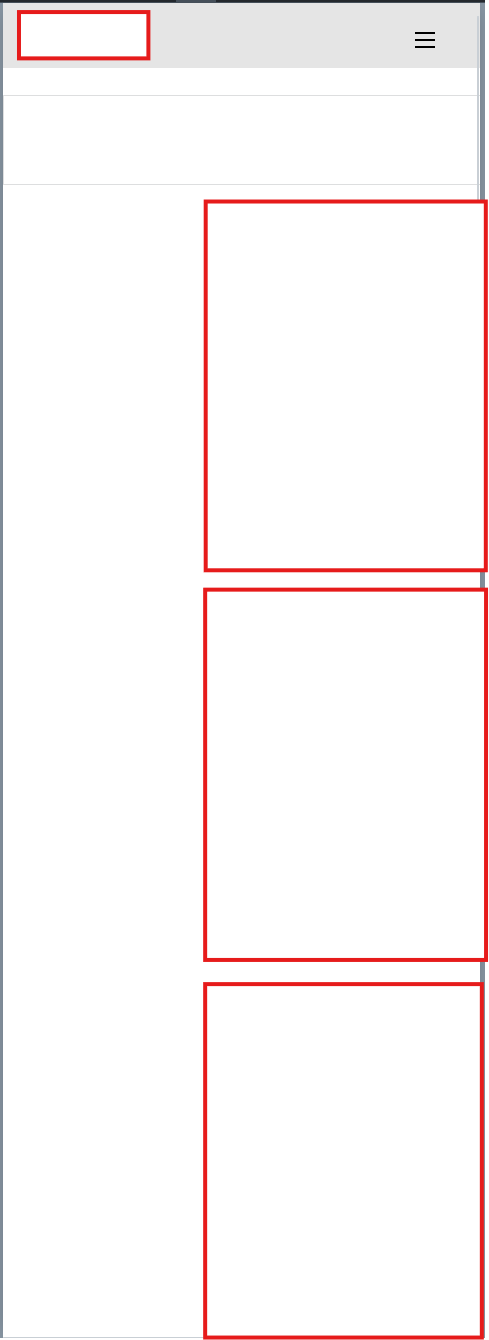
Suddenly when i looked at my site, everything seems to be alot to the right when viewing on mobile. Have tried to set padding, margin and size etc. Nothing seems to work. Anyone got tips?
The images displays the space to the left of the site. I can scroll to right to see the images in the fullest.