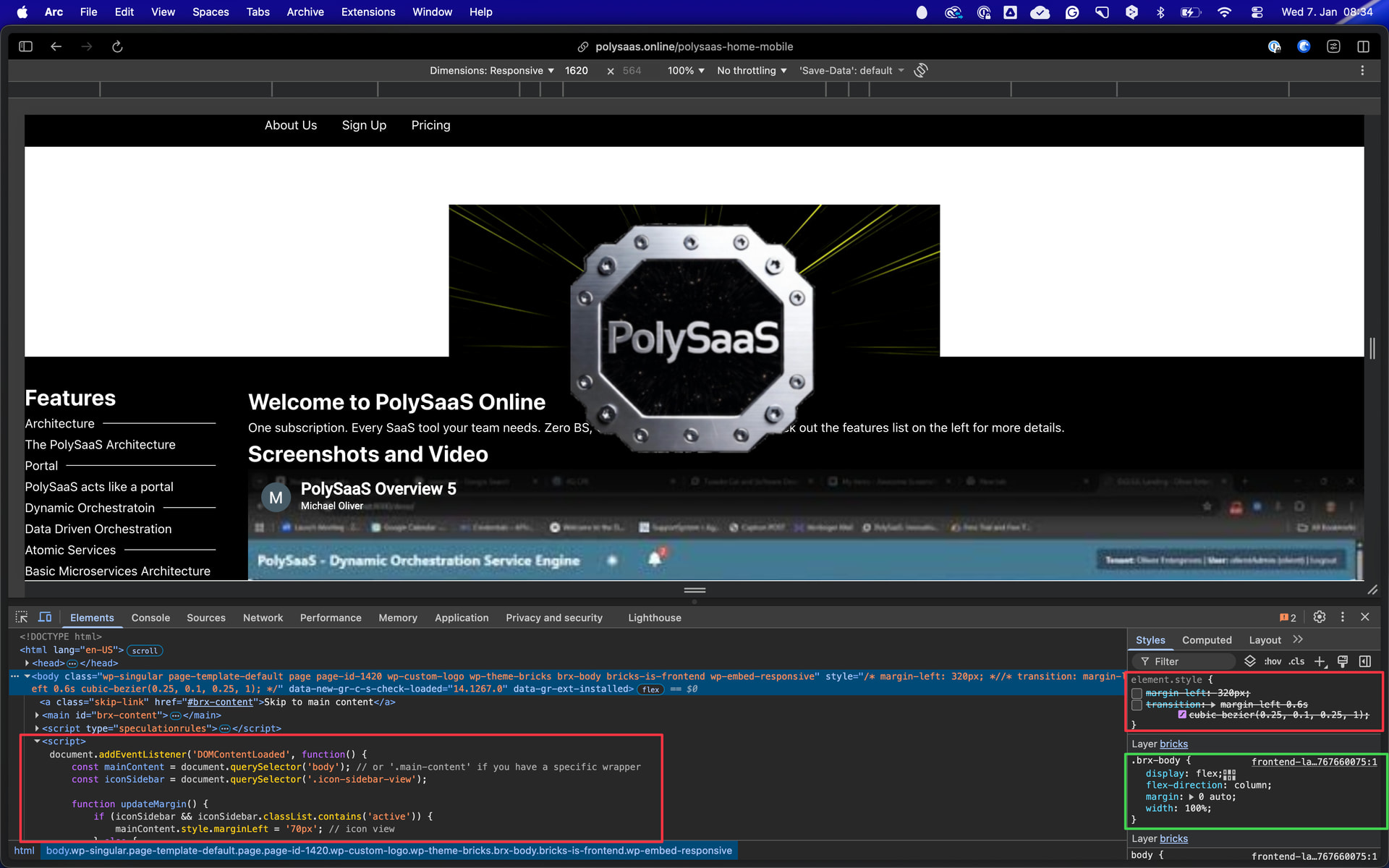
Thanks, that helps a lot. So I confirmed that it wasn’t just the bricks pages; other pages in TT5 were showing the same thing. So I created two blank pages. In one, I edited in bricks and added a section , a container and s heading. Without settings at all on any of the element, the 320px left margin was there.. I added a page and added similar columns, >column > heading. Both had the 320PX left margin so i decided to deactivate or delete all plugins.
The 320pxleft margin went away on all pages except bricks.
Solved, not at all sure what plugin corrupted things but was about to try to uninstall Bricks and reinstall once the offending plugin was deleted. Then once I was sure it wasn’t css because no css tocould fix it, I thought about js and sure enought isolated it to main.js So I added the folloing to bricks customcode body scripts
document.addEventListener('DOMContentLoaded', function() {
  document.body.style.marginLeft = '0px';
});

and poof everything went back to starting with zeo left margin.

Enjoy!

MO
I’m sorry, but I can’t quite follow…
Just disable all plugins and re-activate one plugin at a time and check if the issue shows up - if so, the last plugin you enabled is the culprit.