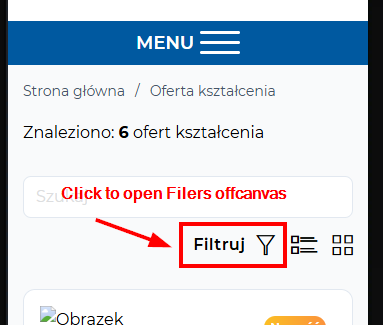
NO BUG: Menu toggle button - automatically detects the Offcanvas not work

Menu toggle button - automatically detects the Offcanvas don’t work.

Documentation: Menu Builder – Bricks Academy

The Toggle automatically detects the Offcanvas or Nav (Nestable) context it is placed in.

This feature not work.

I have menu Toggle button placed into NAV.
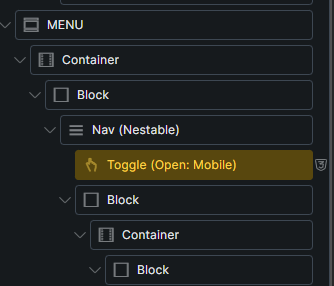
When I click menu open button, Bricks open another Offcanvas element which is used to display search filters.

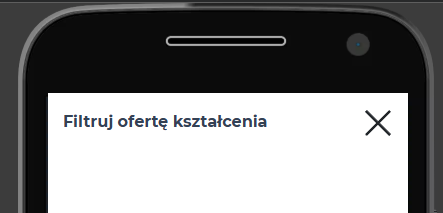
Not open menu offcanvas, but filters offcanvas (placed into different element).
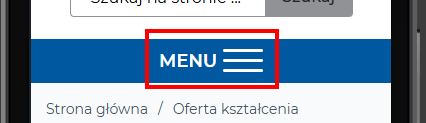
After menu click, filters Offcanvas is open.

But I need open menu offcanvas in this moment.
When I paste selector to menu toggle button, everything works fine.
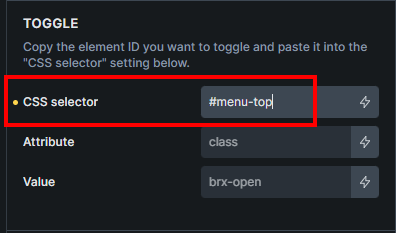
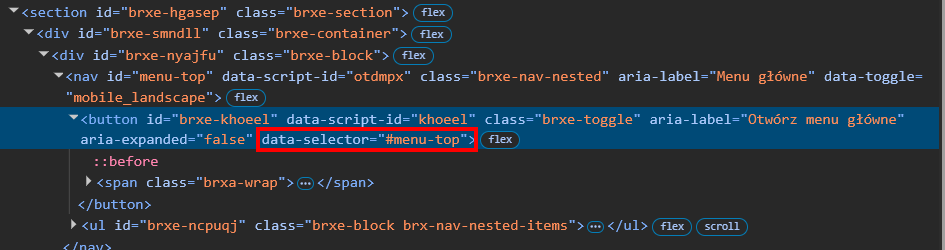
To testing, You can add data-selector=“#menu-top” attribute to menu button.

You will see that the main menu open his own offcanvas correctly.
Website:

https://rekrutacja2.po.edu.pl/oferta-ksztalcenia/

Hi @MarekKmiecik,

if you have multiple off-canvas elements, it’s expected that you set “CSS selector” control, otherwise the toggle cannot know which one to toggle. But, if you have only one off-canvas element, then the toggle can find it and toggle that one.

That’s why I will mark it as no bug.

Thanks,
Matej

Off course this is the bug.

Or change documentation to this:

The Toggle automatically detects the Offcanvas or Nav (Nestable) context it is placed in (work only with one Offcanvas on the site).

Hi @MarekKmiecik,

It’s not a bug because we can’t reliably know which of the canvases you want to toggle if there are multiple of them. However, I agree that we should update the academy, so I just did that

Thank you so much,
Matej