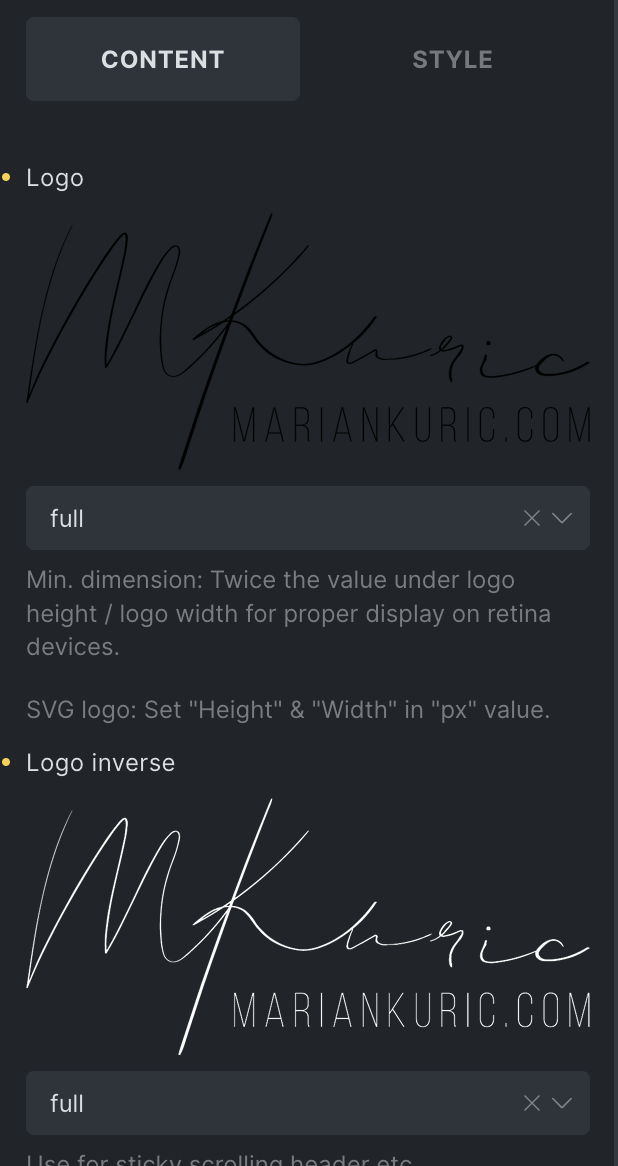
Hi, I set my logo to black and white and when I toggle button for switch between dark and light mode it is not working. And I dont know why. I use ACSS and AT.
I see that I’m not the only one who needs the inverse logo to work with light/dark mode.
For me, this feels like the most obvious use case for an inverse logo: showing one logo in light mode and another in dark mode. So it feels surprising that the inverse logo feature exists, but doesn’t support this scenario.
I’ve also seen other posts about this, plus an existing feature request.
Could you share what it would take for Bricks to support the inverse logo in light/dark mode? Is it technically difficult, or simply not prioritized yet?
It would be a very useful improvement for sites that rely on proper branding in both themes.
the “invers logo” controls were there waaay before the light/dark mode was implemented. The controls were meant to show different logo once the header is in the sticky mode.
About this - sorry, I don’t have anything new to say. But I’ll ask the team about it and I’ll get back to you in the Use "Logo inverse" for dark mode topic.