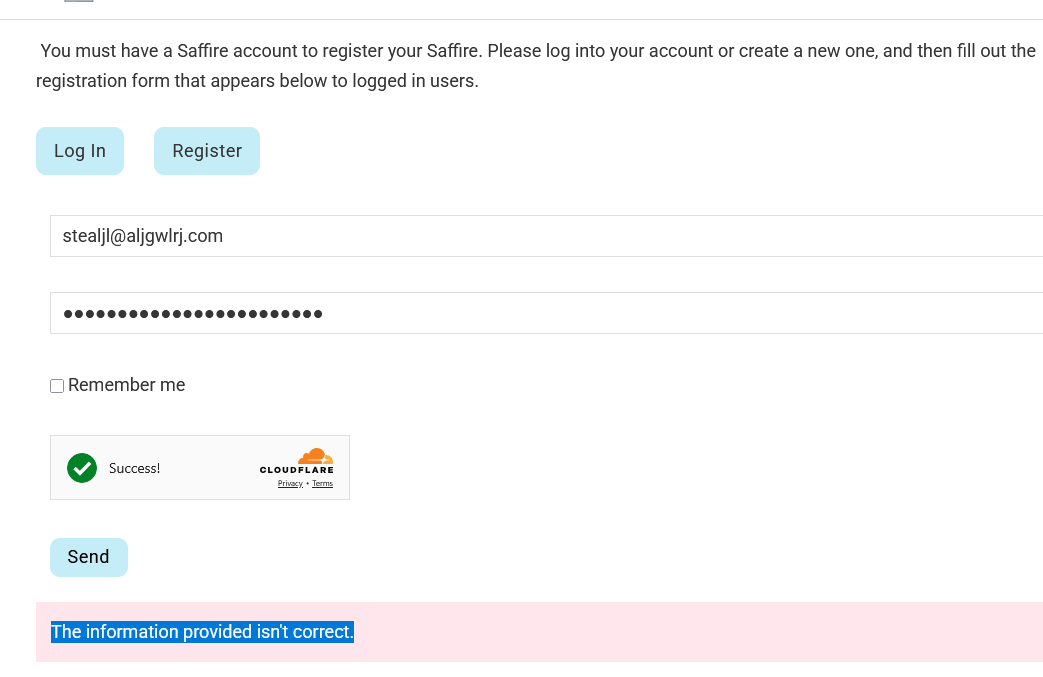
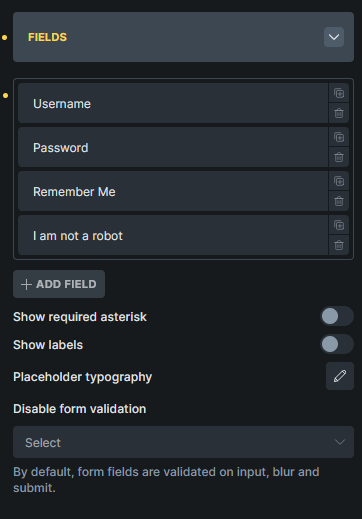
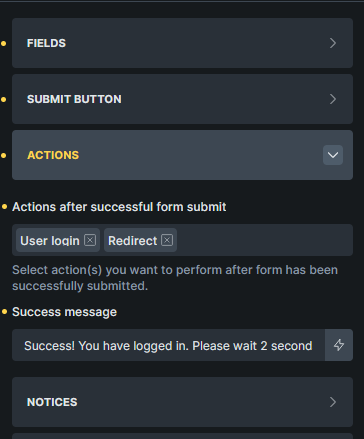
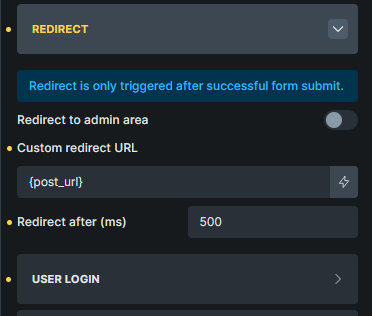
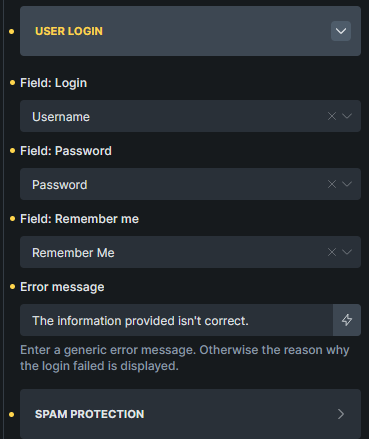
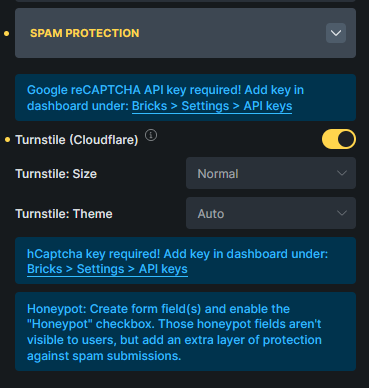
I can replicate the issue on your side, but not on my local installation. Can you show me your setup - what settings & actions you have enabled in the form?
Please make sure that you have Custom Authentication Pages in settings correctly set up: Custom Authentication Pages – Bricks Academy
Also, just to test, does it work if you remove the login form from that page?
Could this be the issue? The page in question is not the primary login page. In fact I’m not using Bricks as the main login method, I just wanted to allow users to login on this page as a requirement to fill out the form.
thank you for all the screenshots. As I still can’t replicate all of this, can you try by disabling all plugins and custom code, and keep just Bricks active?
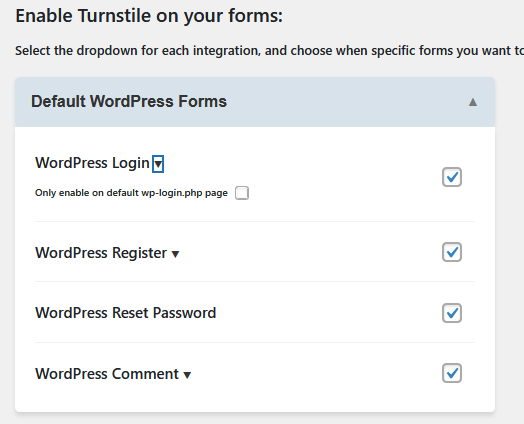
My apologies, I should have started with that. It was a conflict with the plugin Simple Cloudflare Turnstile, which I have set up to handle logins. The form also was set to use Cloudflare. Enabling the checkbox “Only enable on default wp-login.php page” in the plugin settings fixed the issue.
Thank you for helping to fix this! You guys are great!