After migrating to Bricks 2.0.1 display flex has been lost inside the post content and some elements appear to be aligned to the left (buttons, iframes and vertical images), as the rest of the text, instead of center.
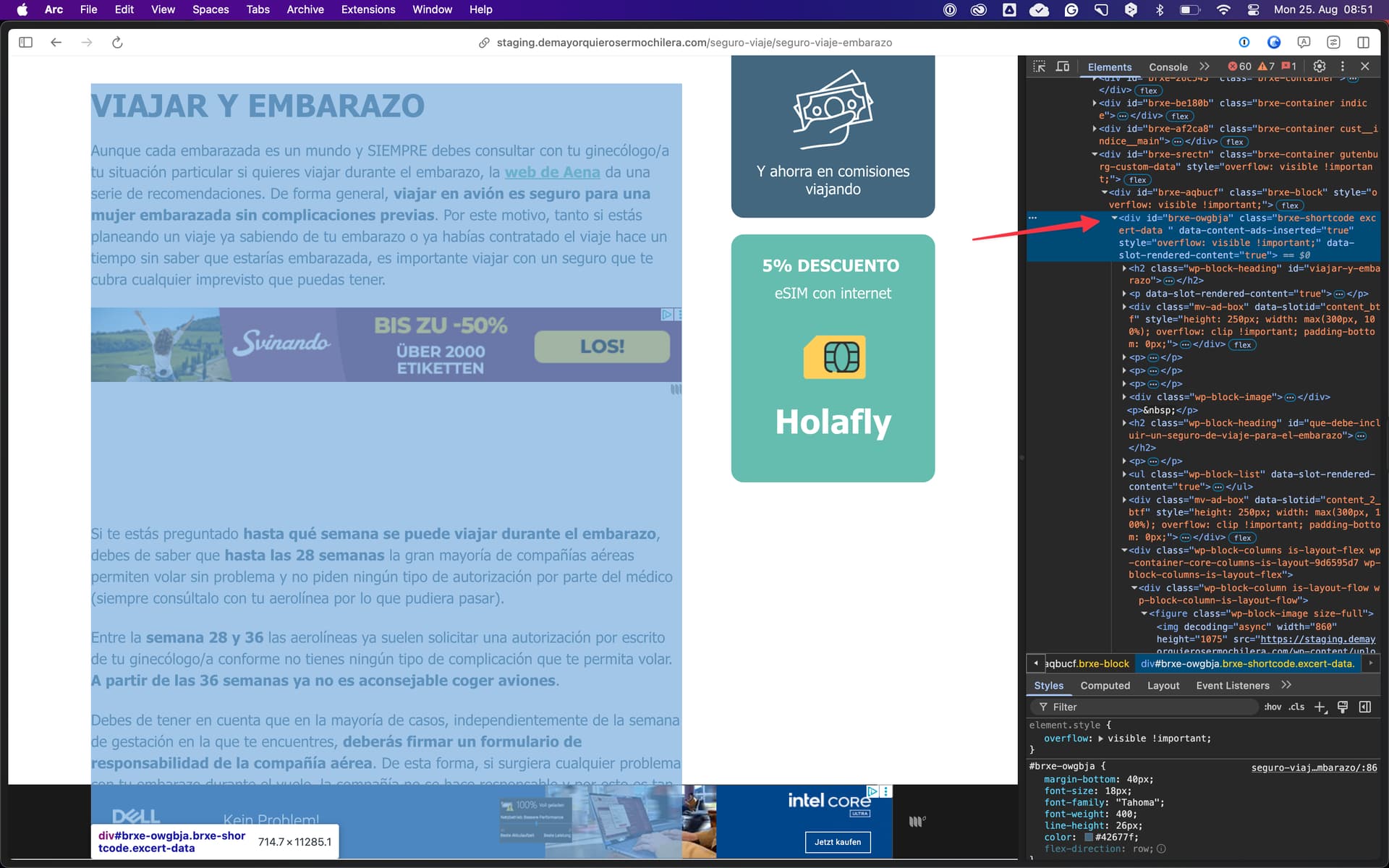
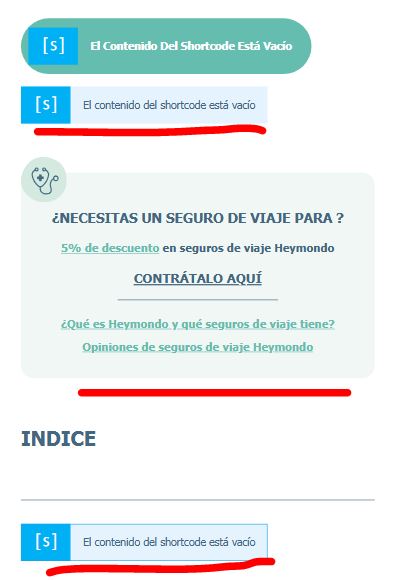
I don’t know why is done that way (I’m just maintaining it) but the excerpt, the first banner and the content are all shortcodes. You can check the screenshot from the Bricks template:
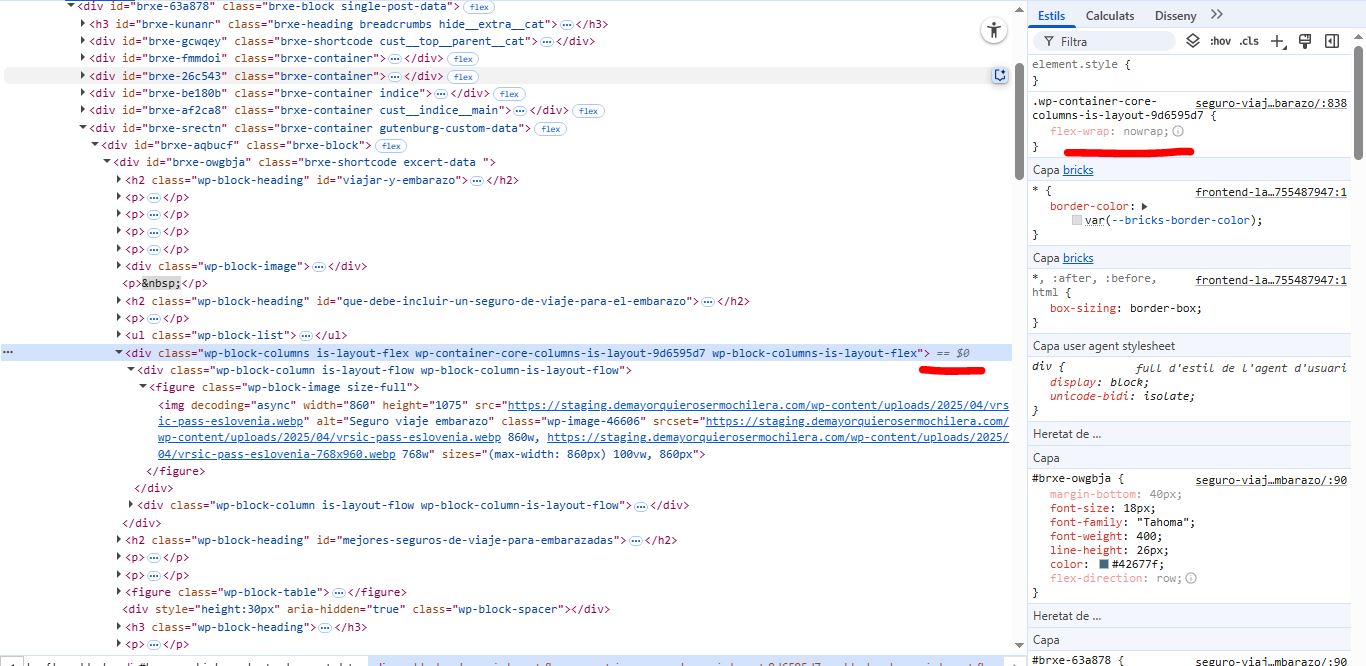
I experience the errors on the content shortcode, which is inside a ‘content’ a ‘Container’, a ‘guttenburg content’ and a ‘column’ element, all of them with display flex set. But the buttons, the custom html and the columns elements added on the content using gutenberg are not displayed as flex.
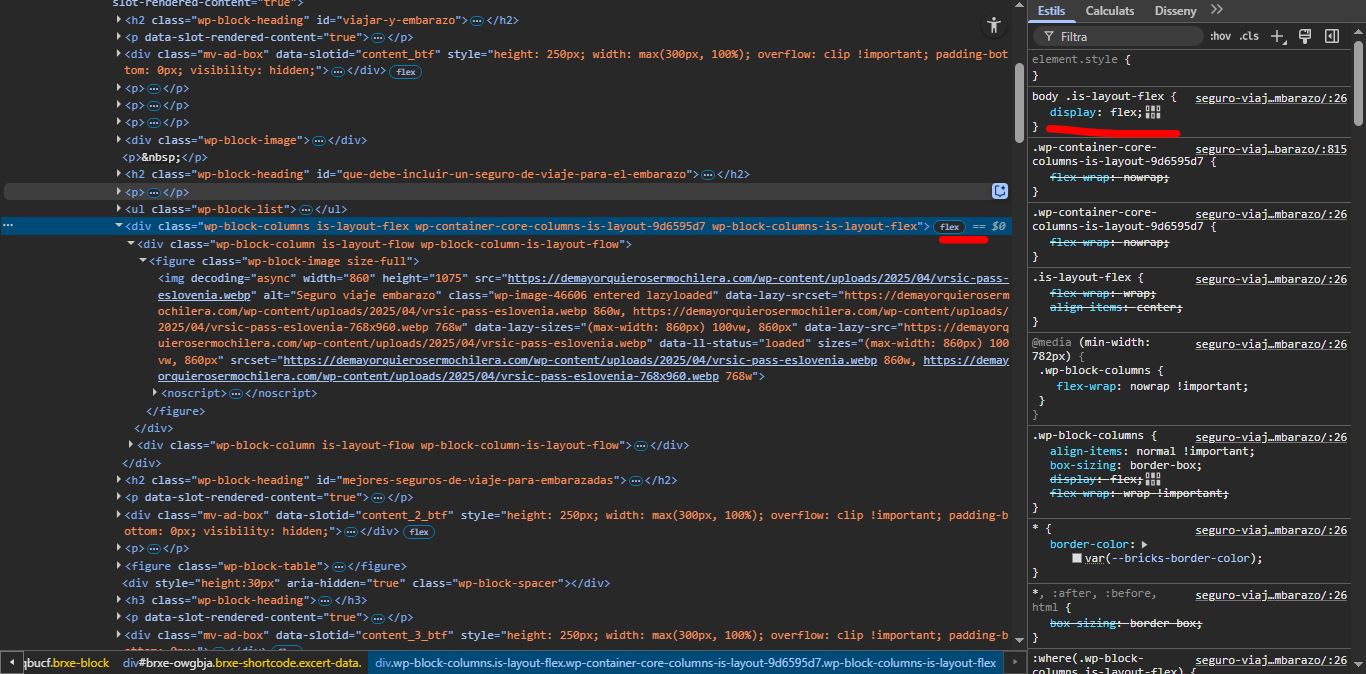
To fix it I’ve had to apply the CSS properties directly on the style.css file:
body .is-layout-flex {
    display: flex;
}
Which I’m not sure it is the best way to do it and it wasn’t necessary on the previous version. That’s why I’ve thought it was a bug and I’ve opened the ticket.
Is it a bug or I should keep the properties on the style.css?
The problem was caused by a custom shortcode and was easily solved by inserting the post content element instead of the shortcode to render the Gutenberg content.