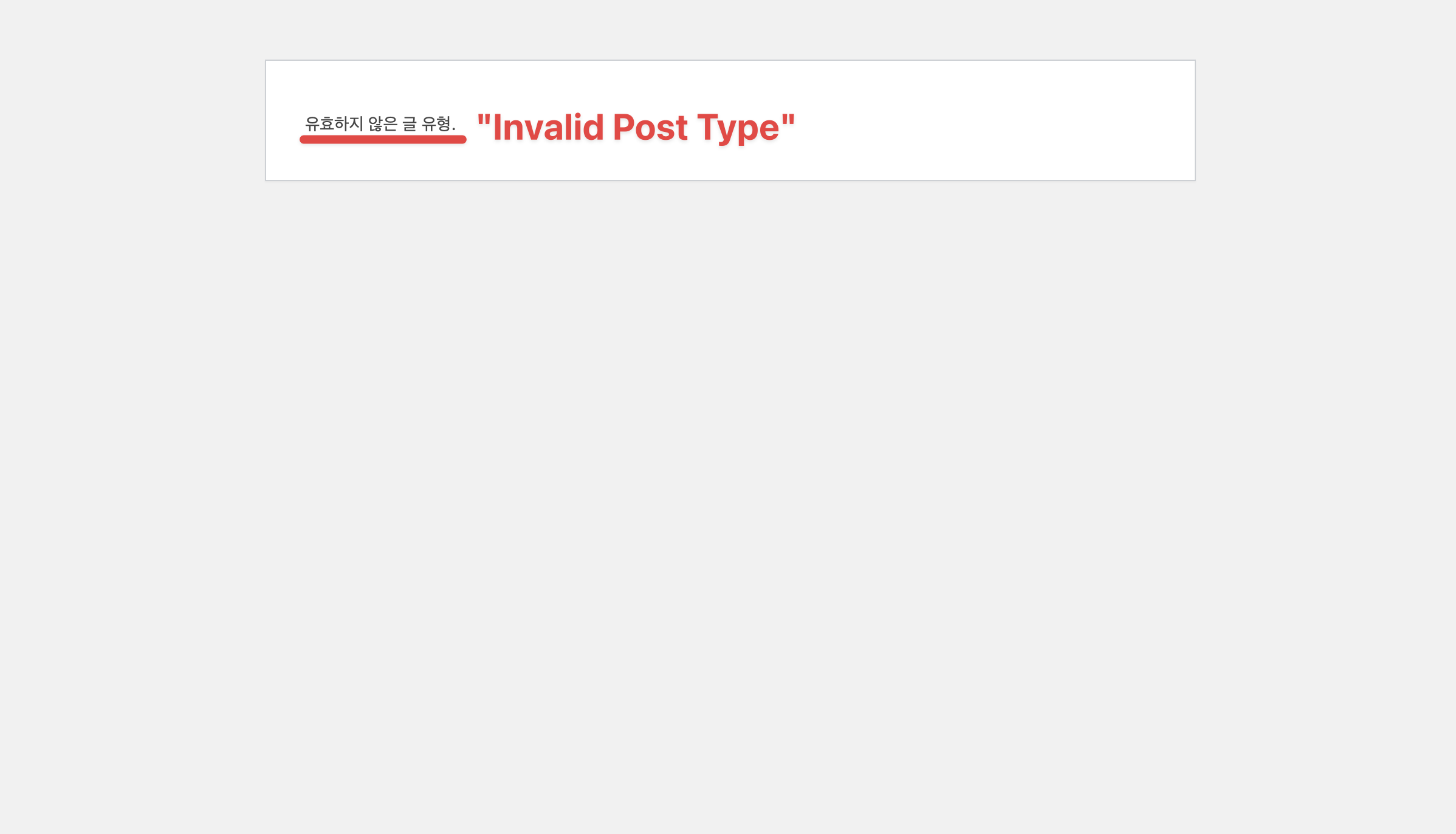
After updating Bricks Builder to version 2.0.1, I started encountering a persistent issue when trying to edit templates.
Whenever I try to open a template using the “Edit with Bricks” button
whether it’s an existing one or even a newly created one—I immediately get an error message: “Invalid Post Type”
At first, I suspected a problem with an existing template, but the same error also appears with fresh templates that haven’t been modified at all. So it doesn’t seem to be related to template data or corruption.
Creating a new template and clicking “Edit with Bricks”:
Thank you so much for your quick reply and suggestion!
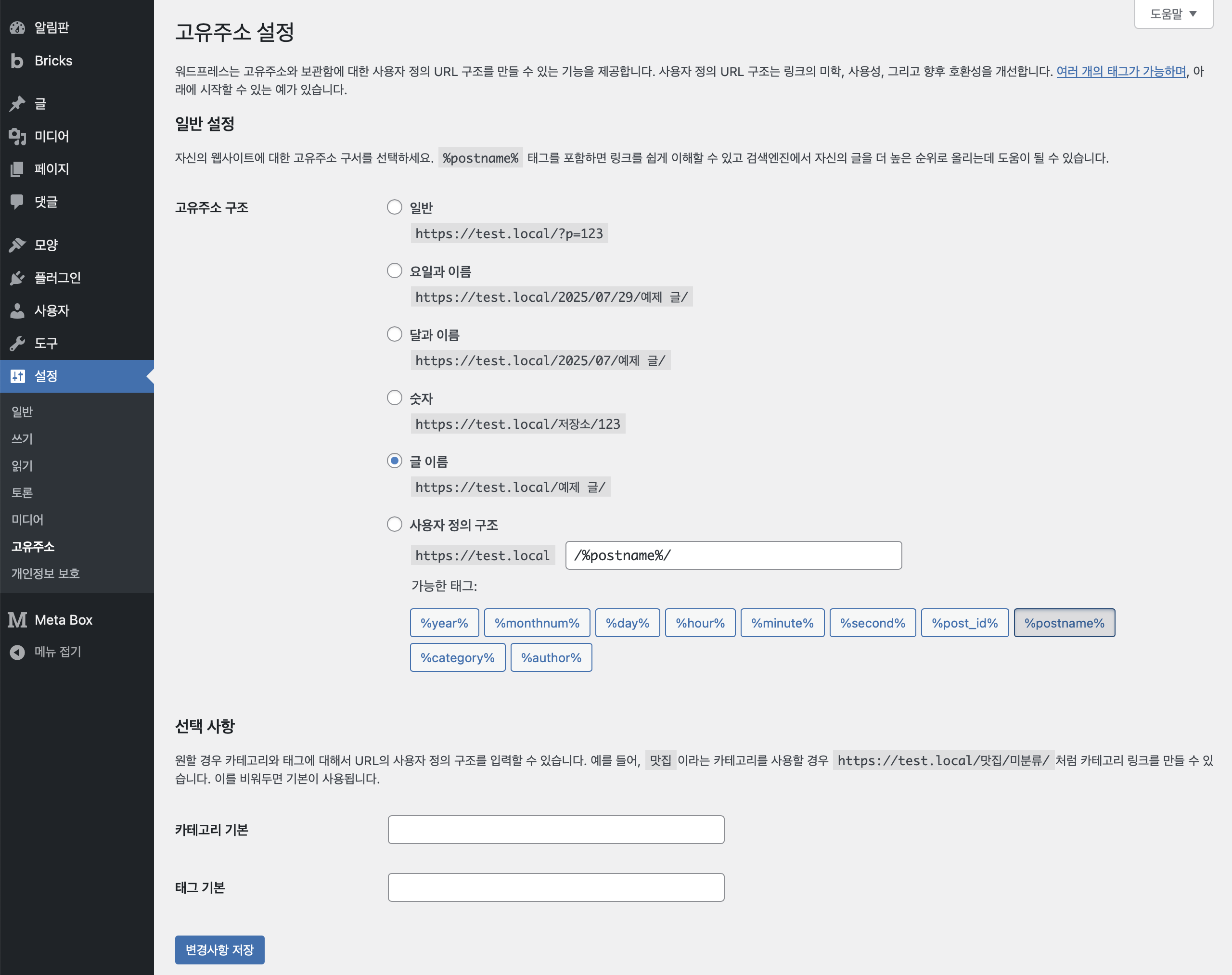
Yes, re-saving the permalinks did the trick.
I temporarily switched to a different structure, saved, and then switched back to “Post name”, and now the “Invalid Post Type” error is gone. Everything works as expected again.
Ok, then WordPress seems to have been confused for a moment and it’s not related to Bricks or the update. Let me know if the problem occurs again and cannot be solved by saving the permalinks.