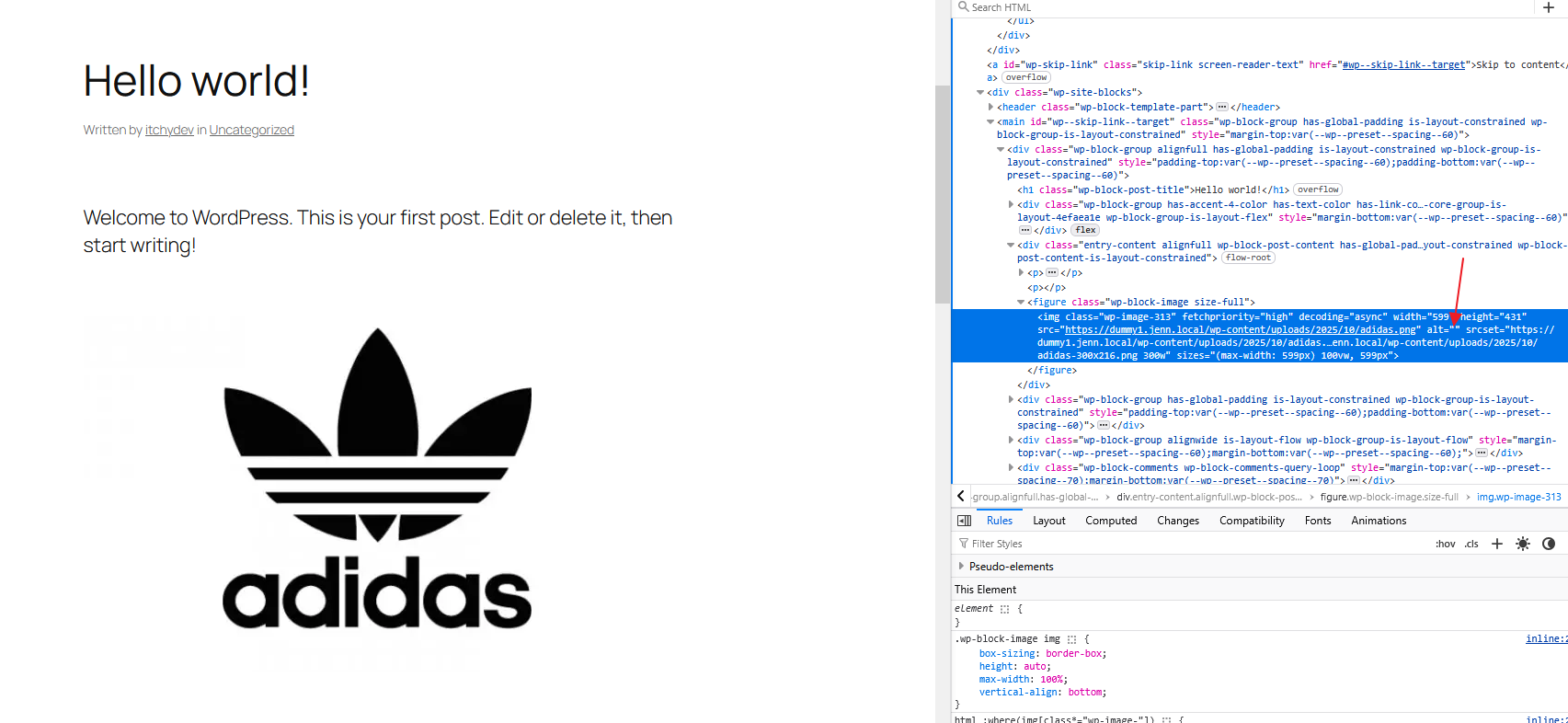
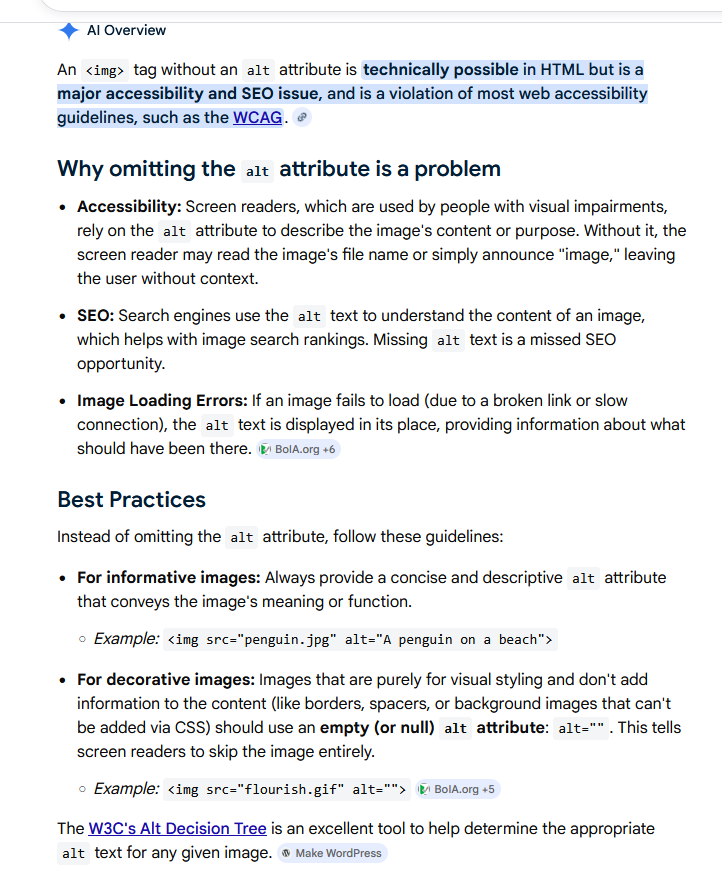
The builder automatically outputs syntactically invalid alt attributes for image elements (e.g., rendering alt without a value instead of alt=""). This is not valid HTML, as alt is not a boolean attribute and must always contain a value.
I made attempts to correct this behavior using both a PHP filter and JavaScript in order to enforce a proper alt="" attribute. However, neither approach was successful, as the invalid attribute appears to be injected or overridden at a later stage in the rendering process. Explicitly setting an empty alt text within the image settings also does not resolve the issue.
At this time, i cant find a viable way to correct the malformed alt attribute externally. As far as I understand this is bad from a accessibility perspective.