Browser: Chrome 110 OS: macOS / Windows / Linux / etc. URL: Link to a page that illustrates this issue Video: Short screen recording that illustrates this issue (free tool: jam.dev)
[Please describe this bug in as much detail as possible so we can replicate & debug this bug]
Made an html and css in Claude code,
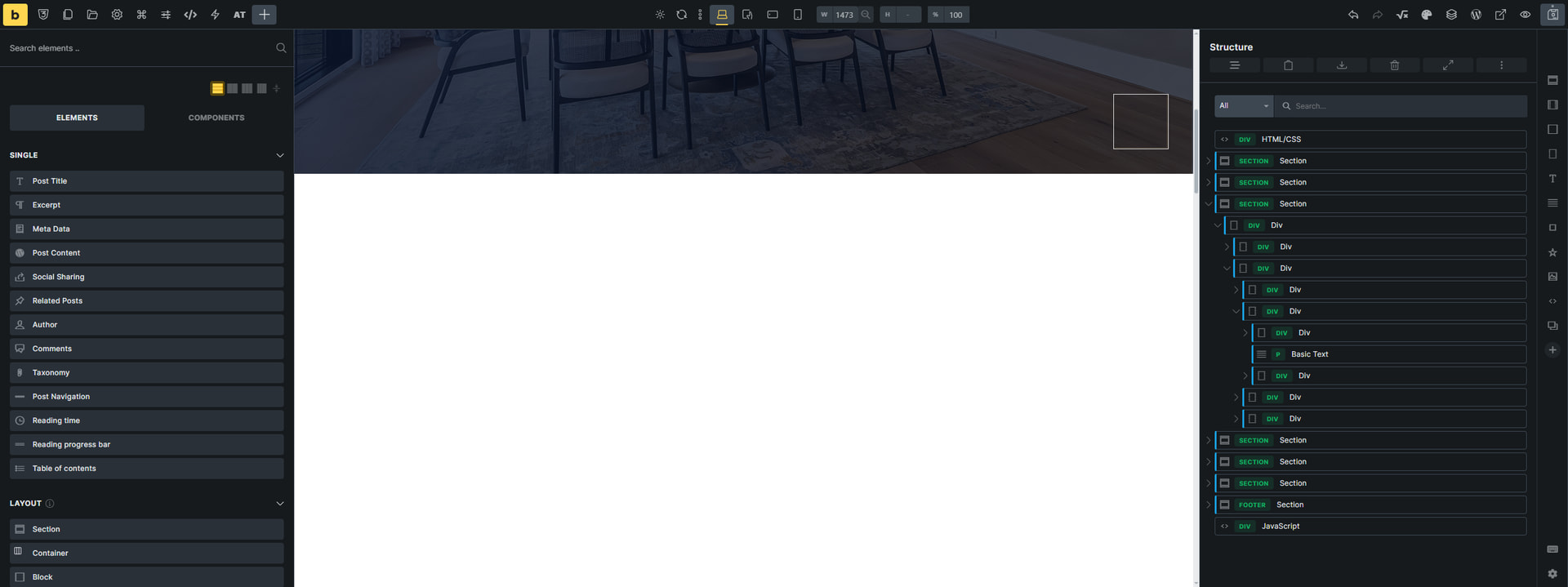
Tried to paste it in a clean install of bricks, all native frame work, and the editor keeps showing white on majority of the pasted html/css. Doing this on a localwp.
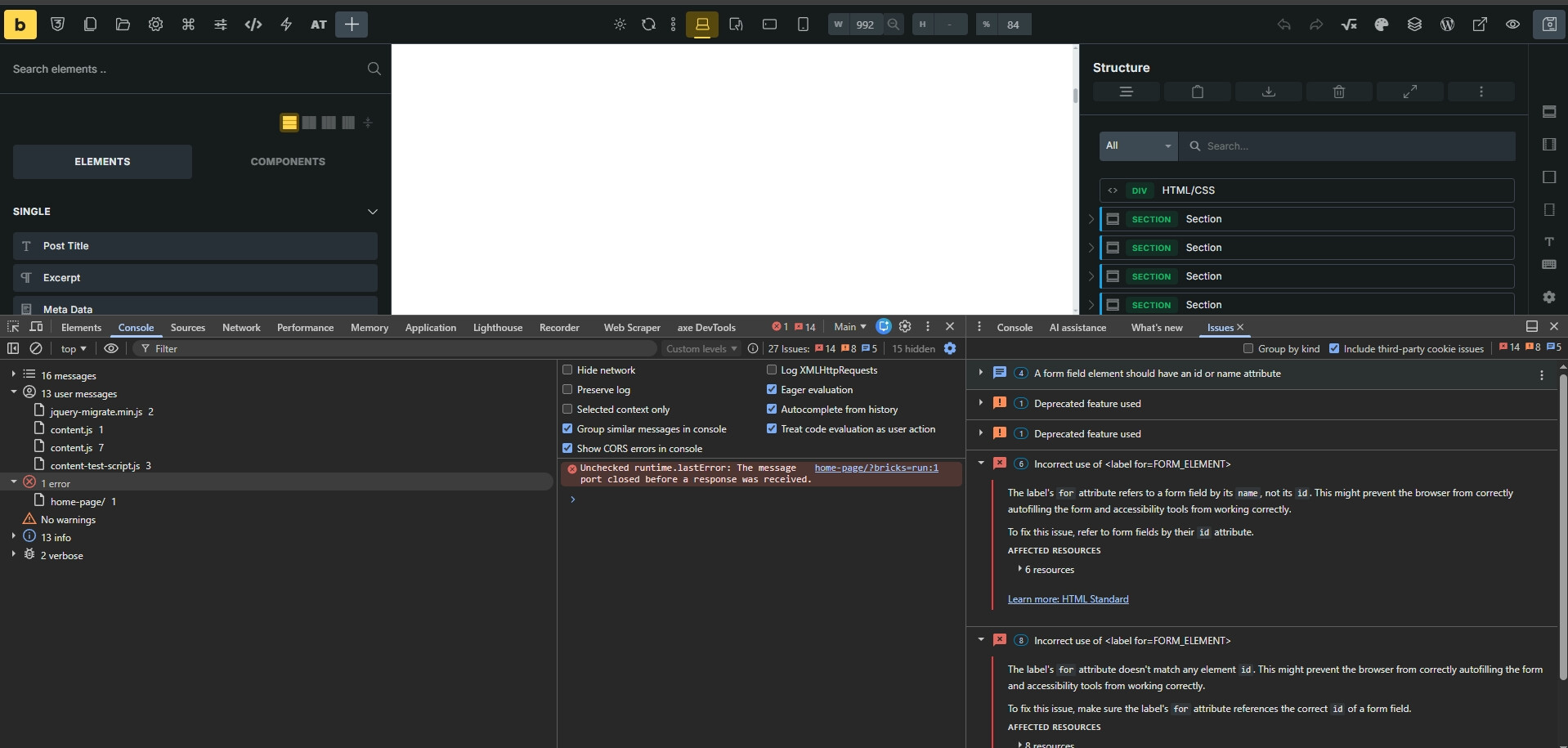
Unchecked runtime.lastError: The message port closed before a response was received.Understand this error
4home-page/?bricks=run:1 Uncaught (in promise) Error: A listener indicated an asynchronous response by returning true, but the message channel closed before a response was received
it looks like it’s happening because of the .reveal class. It has opacity set to 0, so the element is not visible, and the elements only become visible once they get into the viewport, where JS adds the .visible class to it, which then sets the opacity back to 1.
But the JS does not run in the builder, so that’s why you see the white space.