Hi everyone,
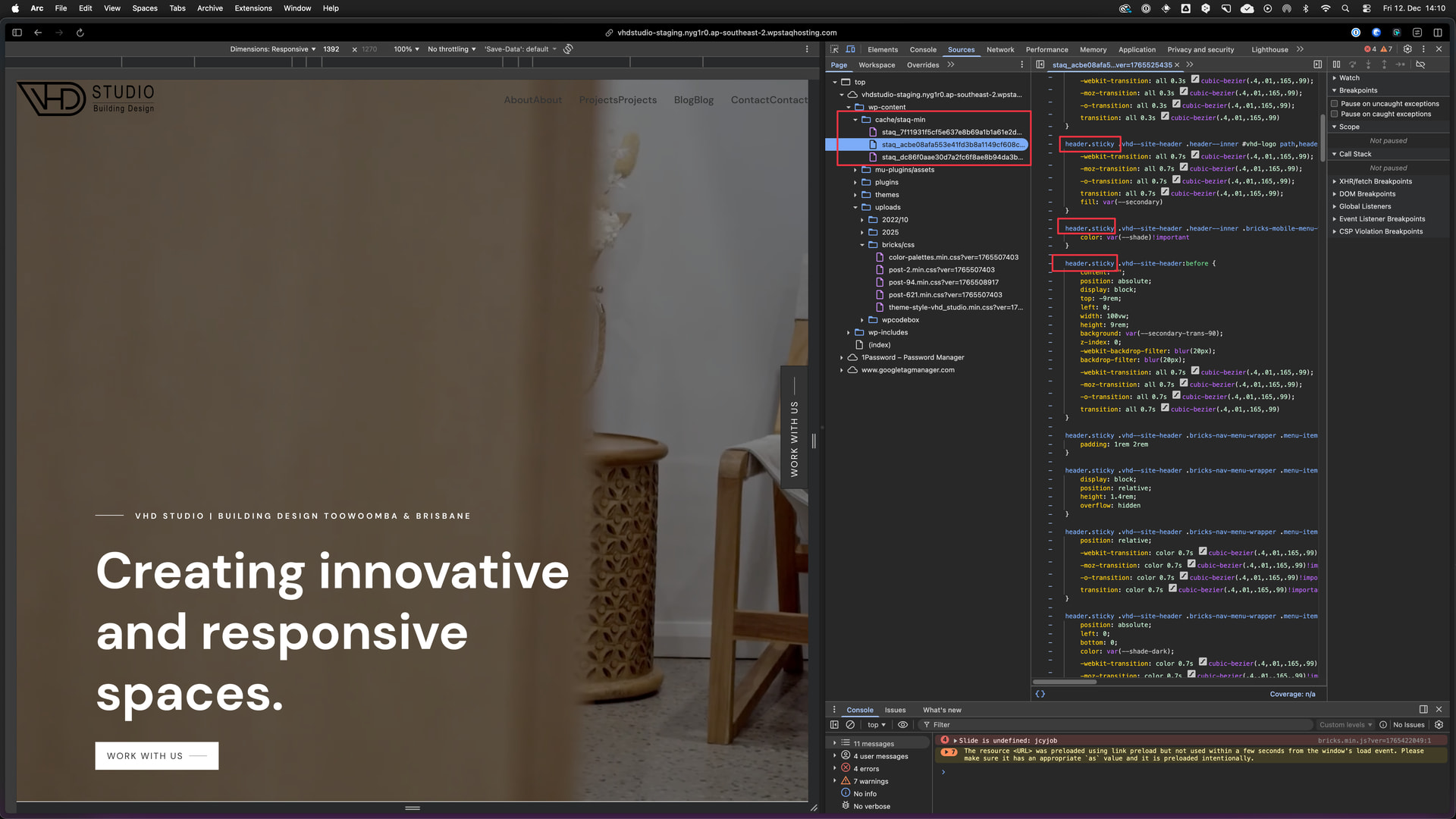
I’ve run into a frustrating issue after updating to Bricks Builder 2.1.4 — both my staging and live sites now have a broken header layout compared to what it should look like.
What’s happening
-
The header displays incorrectly (layout/CSS issues) — elements aren’t aligned, styling is missing, and it doesn’t match the live version.
-
This appears on both staging and live environments after the Bricks update.
-
The HTML structure + menu output is correct, but CSS styling isn’t being applied properly.
This feels like CSS not loading / compiled styles not being applied correctly after the update**
Steps I’ve already tried**
-
Updated to Bricks 2.1.4
-
Verified header template and navigation is present
-
Cleared all caches (server, plugin, browser)
-
Regenerated CSS manually
-
Checked DevTools — nothing obviously throwing errors
-
Deactivated/Activated the plugin
Despite this, the header still appears broken (CSS is not rendering like it should). It’s almost as if styles are not being applied correctly on the front end after the update.
Staging site: https://vhdstudio-staging.nyg1r0.ap-southeast-2.wpstaqhosting.com/
This is how it should look like

**
Browser**: Chrome 110
OS: macOS / Windows / Linux / etc.
URL: Link to a page that illustrates this issue
Video: Short screen recording that illustrates this issue (free tool: jam.dev)
[Please describe this bug in as much detail as possible so we can replicate & debug this bug]