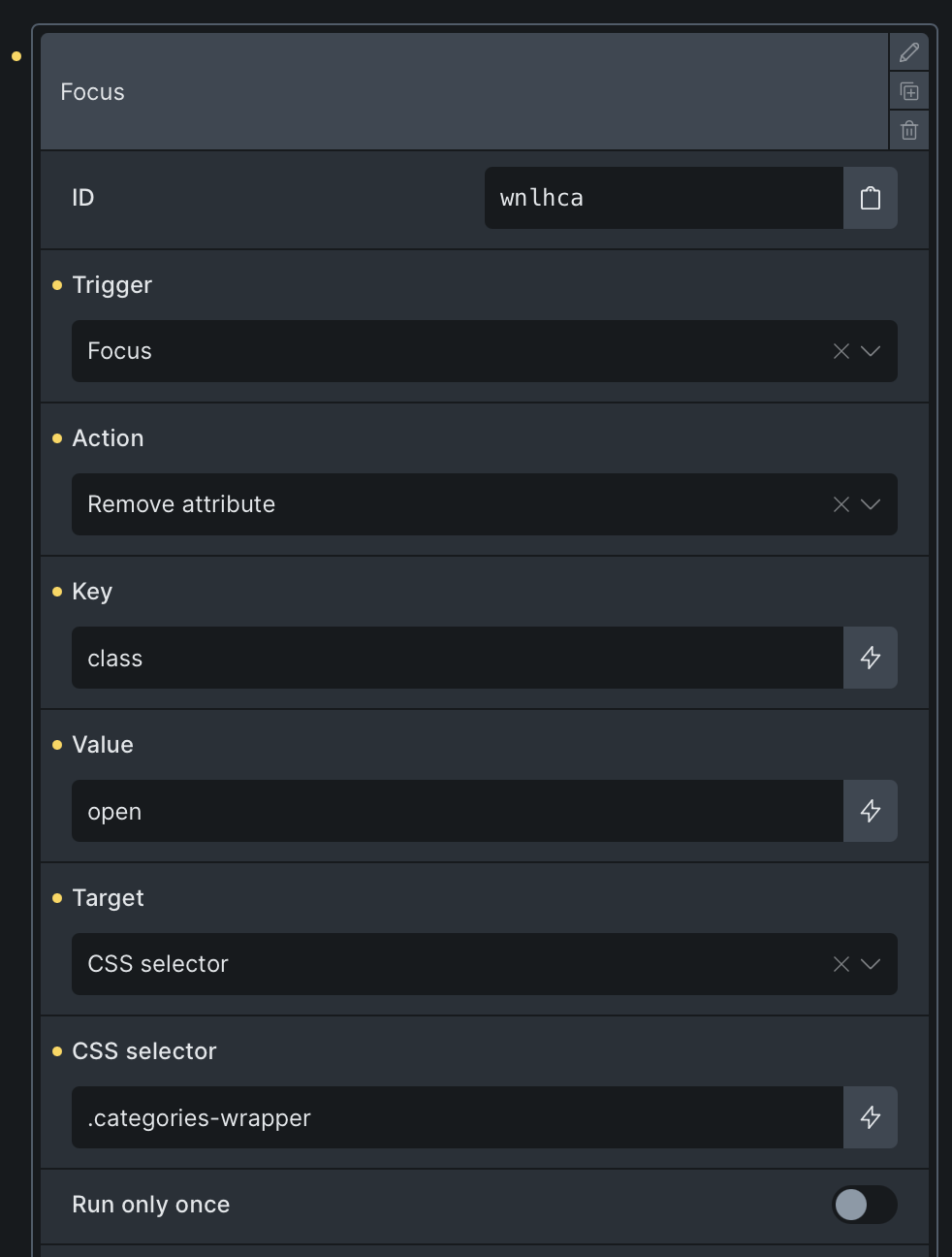
I tried to add an interaction (on Focus/Blur add CSS class to an element) to the input field of the Filter - Search element. I noticed it didn’t work and I suspect it because the interaction is applied to the wrapper element of the field and not directly on the input element. Here is the source code:
<div id="brxe-3b9db0" class="brxe-filter-search" data-interactions="[{"id":"wnlhca","trigger":"focus","action":"removeAttribute","actionAttributeKey":"class","actionAttributeValue":"open","target":"custom","targetSelector":".categories-wrapper"},{"id":"ezbbmr","trigger":"blur","action":"setAttribute","actionAttributeKey":"class","actionAttributeValue":"open","target":"custom","targetSelector":".categories-wrapper"}]" data-interaction-id="23f150"><input value="" data-brx-filter="true" name="form-field-3b9db0" placeholder="Keresés és szűrés" type="search" autocomplete="off" spellcheck="false" aria-label="Keresés és szűrés"><svg tabindex="0" role="button" aria-label="Törlés" xmlns="http://www.w3.org/2000/svg" class="icon lucide lucide-x" width="24" height="24" viewBox="0 0 24 24" fill="none" stroke="currentColor" stroke-width="2" stroke-linecap="round" stroke-linejoin="round"><path d="M18 6 6 18"></path><path d="m6 6 12 12"></path></svg></div>

Can I somehow apply the interaction to the inner input element?
