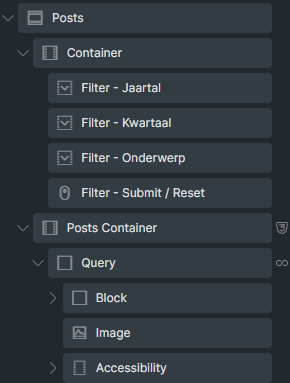
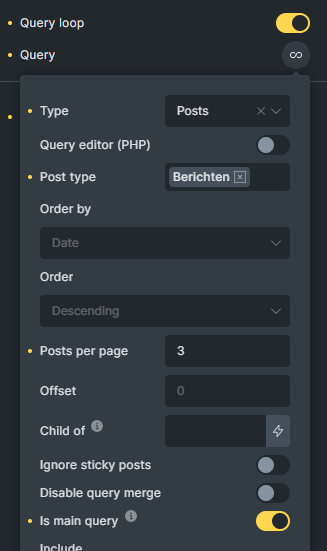
I have set a posts query (‘is main query’ and 3 posts per page) and above i have 3 native filter fields for taxonomy. When i apply a filter to see the particular posts (3) are loaded but there is no infinite scroll afterwards showing all others.
Is it possible to have infinite scroll working together with filtering?
Hello Jasper,
Infinite scrolling should work even after filtering. I also just tested this locally, and it works.
Can you make a screenshot (or record a video) of your setup, to see if you have something else set, that I don’t? So that I see if I can reproduce it?
thank you for the screenshots and for the video. I still can’t reproduce the issue, so can you send temporary login credentials to your test/staging website and a link to this thread to help@bricksbuilder.io using the email address you used during the purchase, so we can take a look?
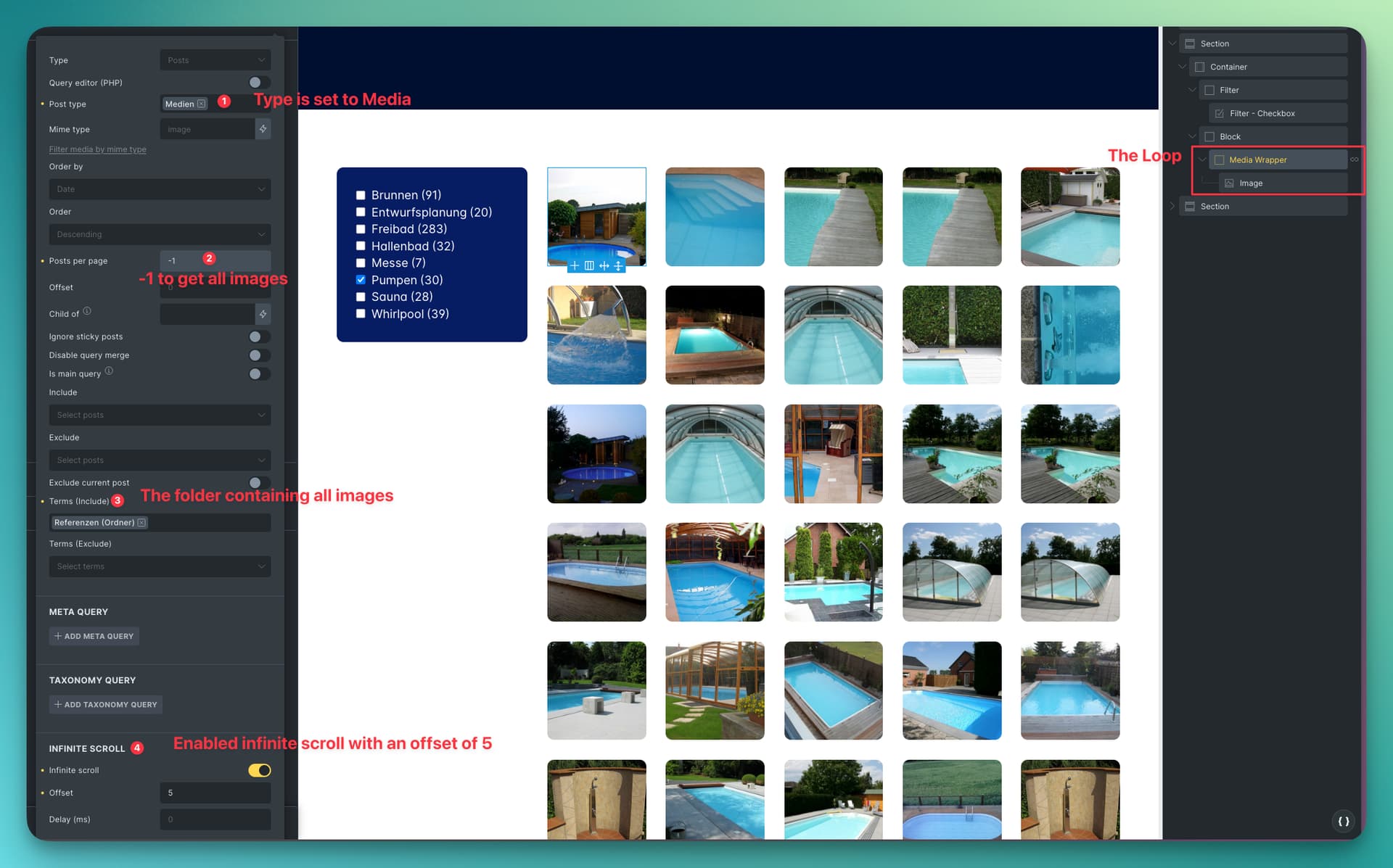
I Have a layout as seen on this dev site (https://mf-minkenberg.instawp.xyz/galerie/). I Have a sidebar with native Bricks Filters and a loop of media as seen in the screenshot. As there are 500+ images in Total, I would like to use infinite scroll to only load some images. But this does not seem to work with filers. Or I have setup something the wrong way.
I would like to take usage of infinite scroll so only 20-30 images are loaded at first. But The images should be loaded if a filter is used. Hope that makes things clear.
Okay, thanks for the explanation! However, this setup does not appear to be very effective, as you are querying all images at once and have enabled infinite scroll instead of limiting the query to only 20-30 images so that infinite scroll can kick in and load more. In addition, reloading would “block” the filter…
In your case, I would recommend the following:
Leave the posts per page at -1, disable infinite scroll, and rely on lazy loading the images: when the page is initially called up, only the images that are in the viewport are loaded, but the loop elements are already there, so the filter should work without any problems. As soon as the elements with lazy loaded images come into the viewport, they are loaded accordingly.
I will mark the title as no bug, as we have no information on how to reproduce the problem. Thanks for the feedback anyway, Jasper!