Browser: Chrome 110 OS: macOS URL: Pacci カードケース | Snaba (スナバ) Video: Short screen recording that illustrates this issue (free tool: jam.dev)
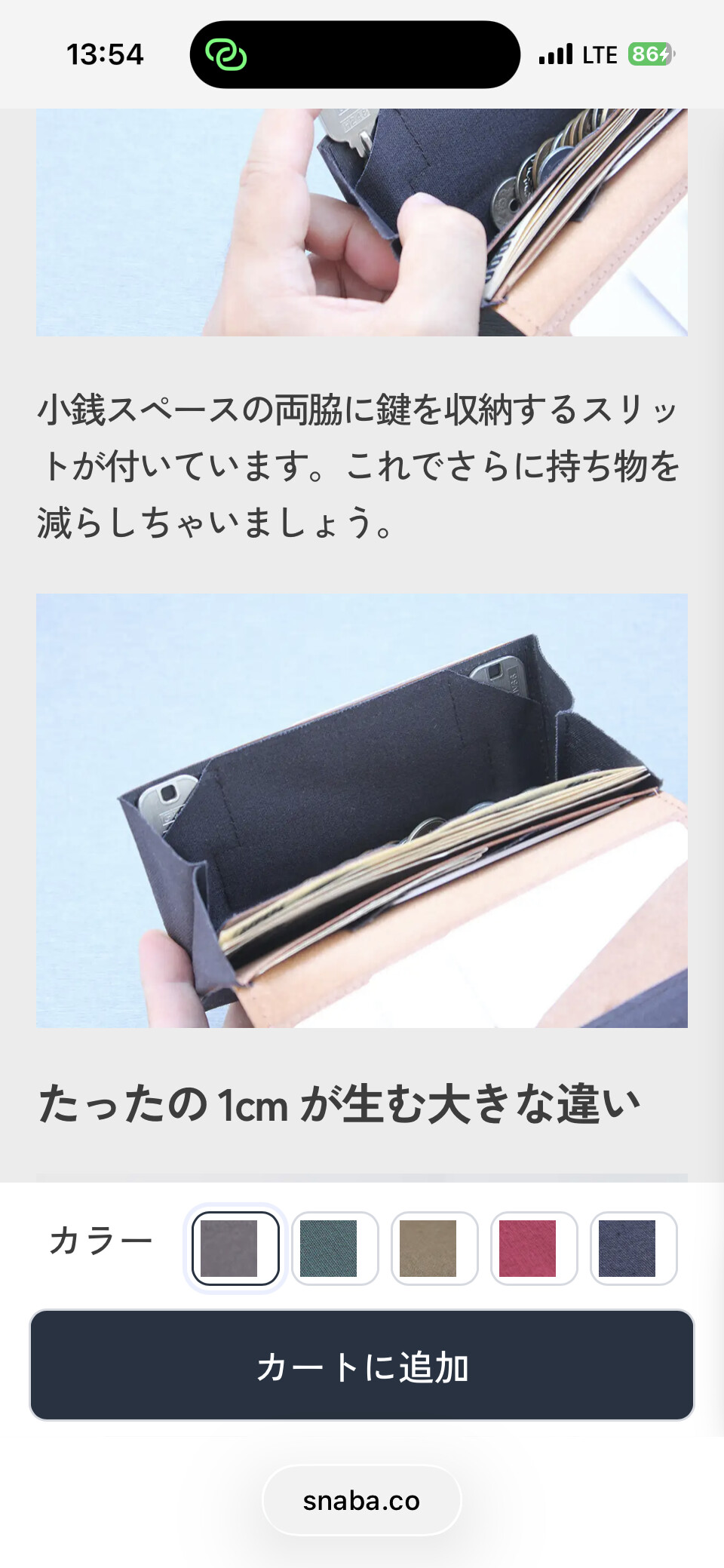
I have created a sliding “Add to cart button” that slides up from the bottom only on Mobile view.
It is placed in the Single Product template, and it is working in front end ( only when you actually view it on a mobile devise, doesn’t work on browser mobile view extension )
Dispite the slide box working fine in front end. I can’t find it in the structure panel of the template.
However, when I export the template, I can find “footer-buy-button” in the text.
It seems that somehow, it has only disappeared from the structure panel.
Bricks has updated multiple times since I created the template, so I am not sure when this phenomenon happened. I only realized it now.
Can someone help me with this situation?
Thank you
I cannot confirm the cause from the current details yet. A hidden or display: none element should still remain visible in the Structure panel with a hidden indicator, so we need to inspect whether this element is still attached to the template structure or whether something is hiding the Structure row in the builder.
Please send:
the Single Product template export that contains footer-buy-button
confirmation whether the element is still missing after temporarily disabling the custom script/custom CSS for that button and testing with only Bricks active
thanks for testing. You can send the JSON via email to help@bricksbuilder.io using the email that your license is on, and please also send a link to this forum topic so we know what it is about.