Ben
March 5, 2024, 5:56pm
1
Browser : Chrome 110OS : macOS / Windows / Linux / etc.URL : (Issue only in builder)Video : Jam
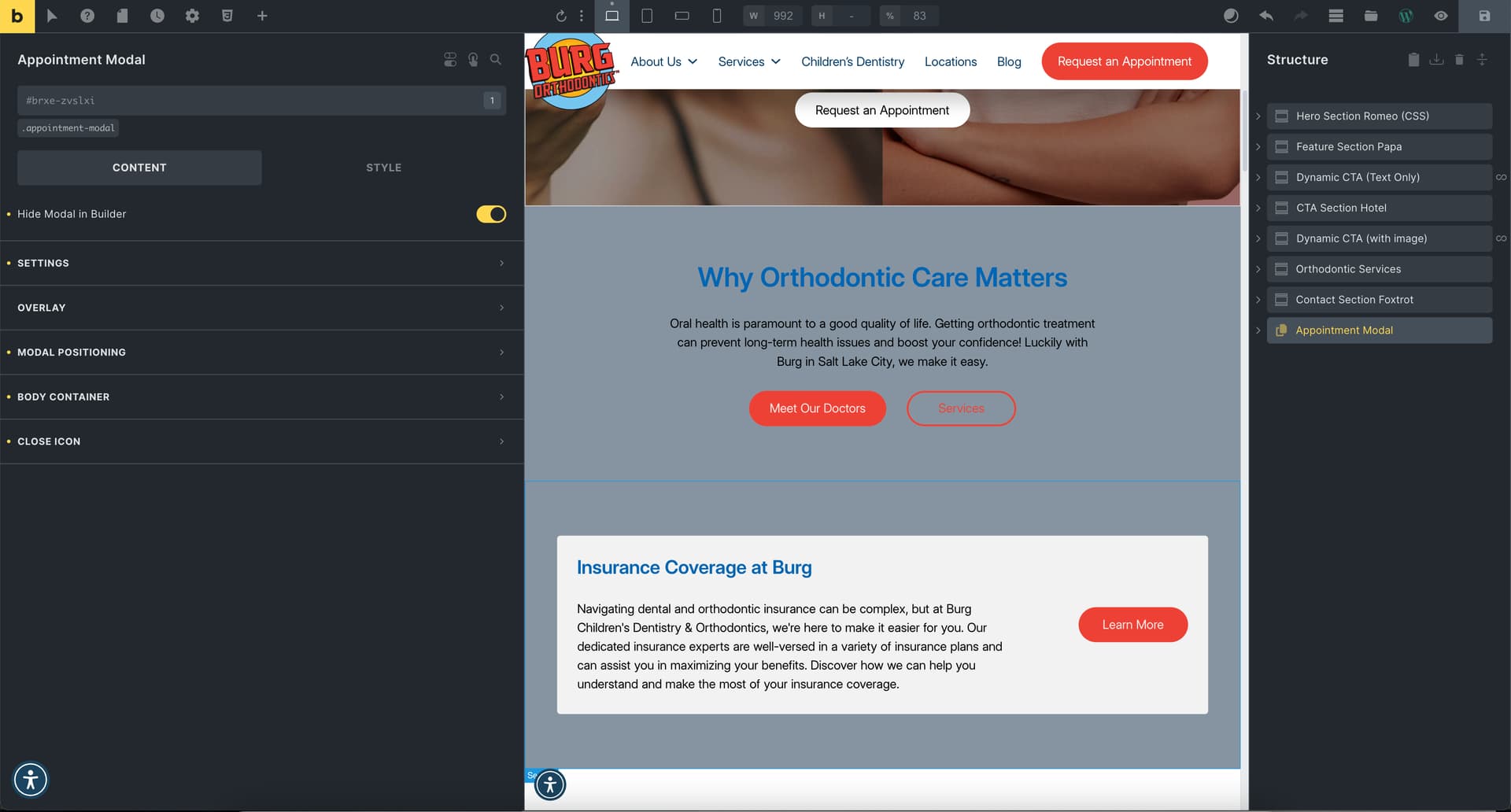
The front end of the website is fine, but when I go into Bricks Builder to edit, the body background turns grey.
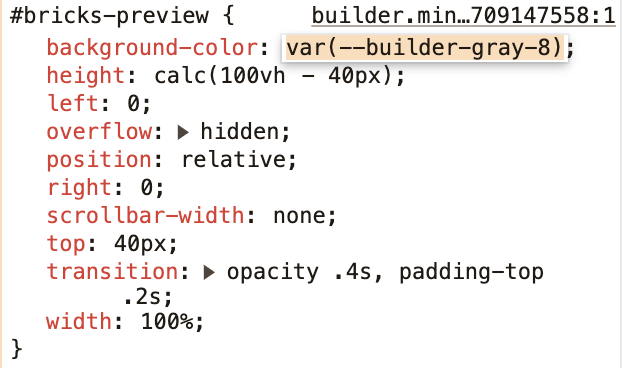
It seems that the grey color is on the ID “bricks-preview”, and the specific color is var(–builder-gray-8).
timmse
March 6, 2024, 11:43am
2
Hi Ben,#bricks-preview background color is visible.
Either you add a background color to the body, or you overwrite the #bricks-preview background color.
Ben
March 6, 2024, 12:46pm
3
Thank you so much! I don’t know why the BG color was transparent. Something somewhere must’ve nudged it so. I went into the theme styles and made it white there.