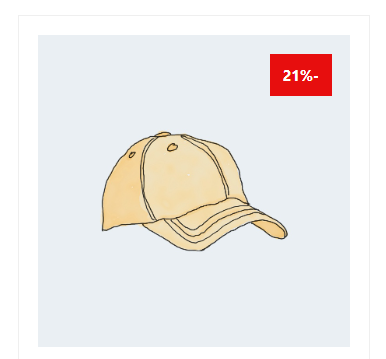
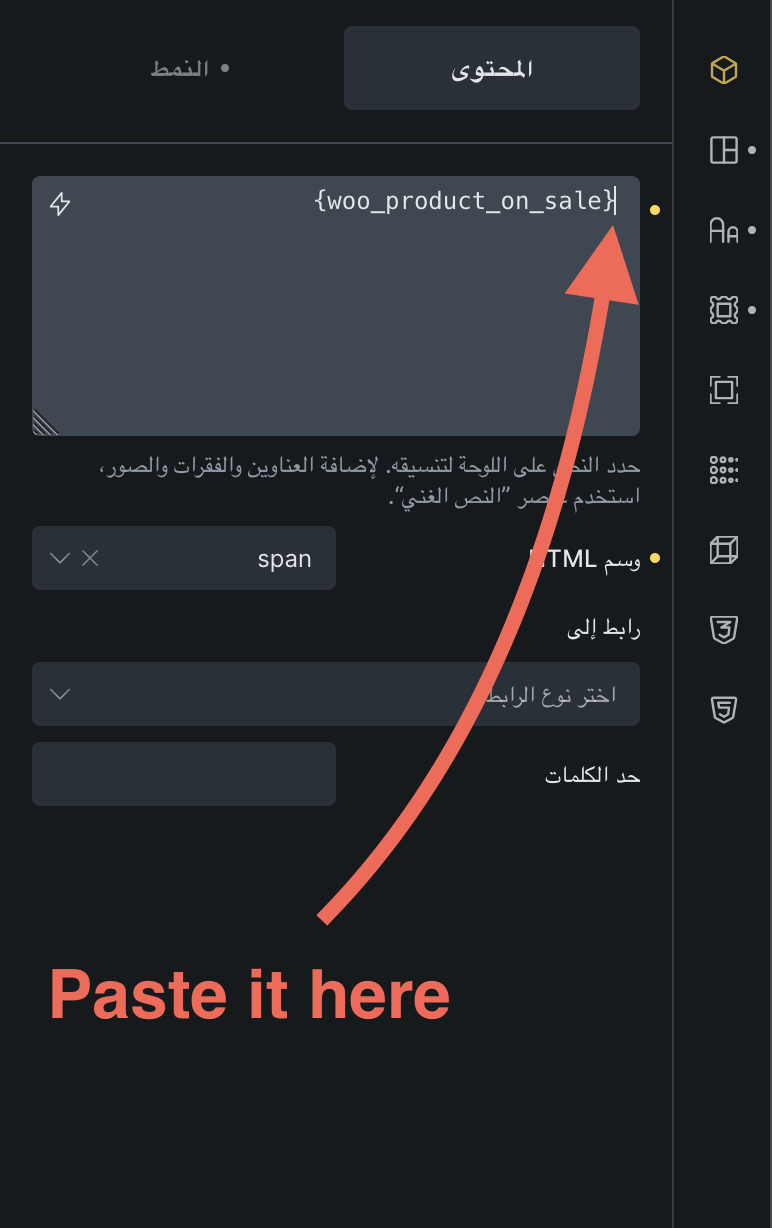
As a request, it would be great if we had full control over the percentage output display. For example {woo_product_on_sale:value} which only returns integers. Then we can put - or % in the appropriate position. On the other hand it would help to be able to display the discount percentage without - because that also makes sense. For example 7%.
I understand why this might be confusing, but this isn’t an issue with Bricks. Instead, it’s due to the way browsers handle text direction for European numbers, following the Unicode Bidirectional Algorithm. If you create a new HTML page with RTL direction and type “-10%”, you’ll see the same result.
Numbers (and the percent sign % or ٪) are treated as left-to-right runs, even inside right-to-left text. That’s why -10٪ ends up shown as 10٪- in Farsi pages, the browser is following the Unicode rules, not a Bricks setting or styling.
We can’t automatically add this in Bricks because not all RTL languages need or expect it , for example:
In Hebrew, the percent sign needs to be shown on the right of the number (7%).
In Arabic, it’s traditionally on the left (٪7-), but when using European digits the web standards allow it on either side, which is why browsers render it on the right by default.
So this isn’t a Bricks bug, just a result of how text direction works on the web (even though I also find it odd).
Thank you for taking the time to review this and also for the great explanation. Yes, you are right and I think that is why all Persian apps and websites display the discount amount as %7.
Is there a way to return the output of the discount amount as an integer? For example 7. Then we can have control over its output in any form (in different languages).
Nope, I don’t think that’s currently possible using the built-in dynamic data. Maybe you can figure something out using an echo: function Dynamic Data – Bricks Academy