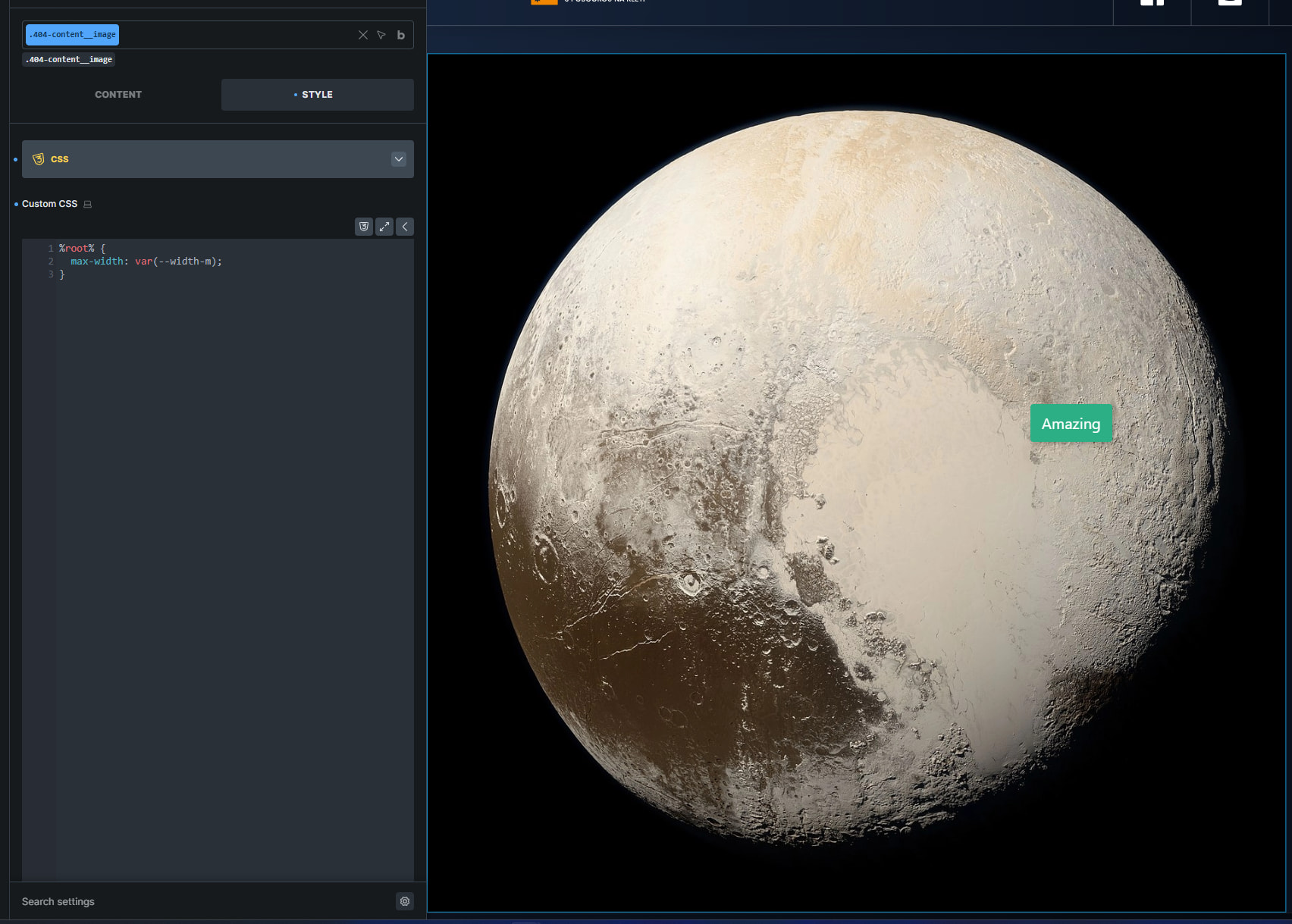
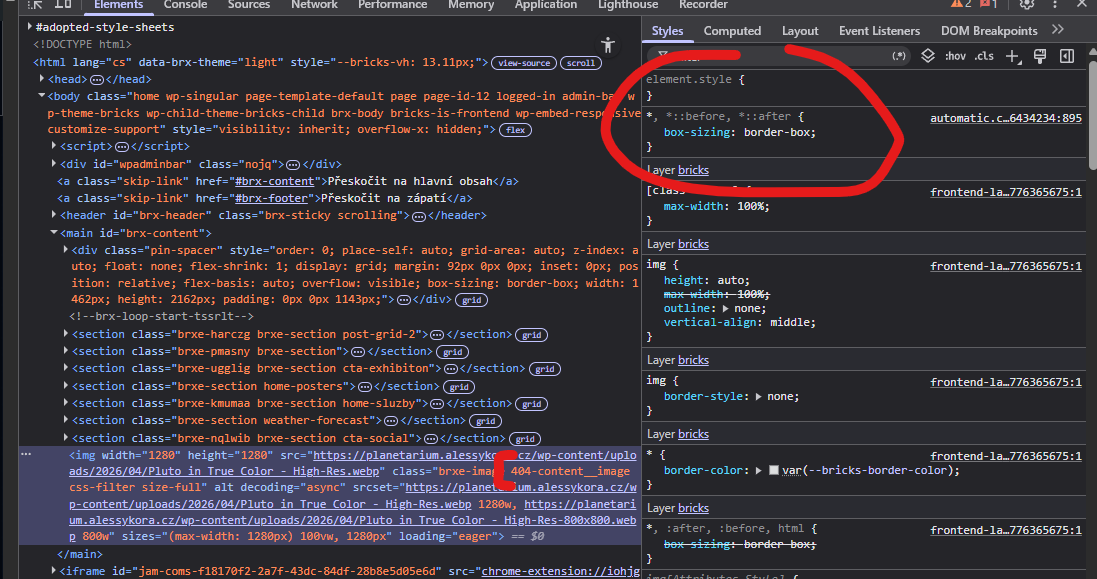
Custom CSS classes added to elements in the editor are not being applied on the frontend. The classes work correctly inside the Bricks editor preview but disappear or do not take effect when the page is viewed live.
Steps to Reproduce:
- Open a page with BricksBuilder (v2.0.1).
- Add a custom CSS class to an element (e.g.,
.gk-dropdown-content). - Apply styling to this class through Bricks or custom CSS.
- Save and view the page on the frontend.
Expected Result:
The custom CSS class (e.g., .gk-dropdown-content) should be visible in the frontend HTML and its styles should apply consistently, just like in the editor.
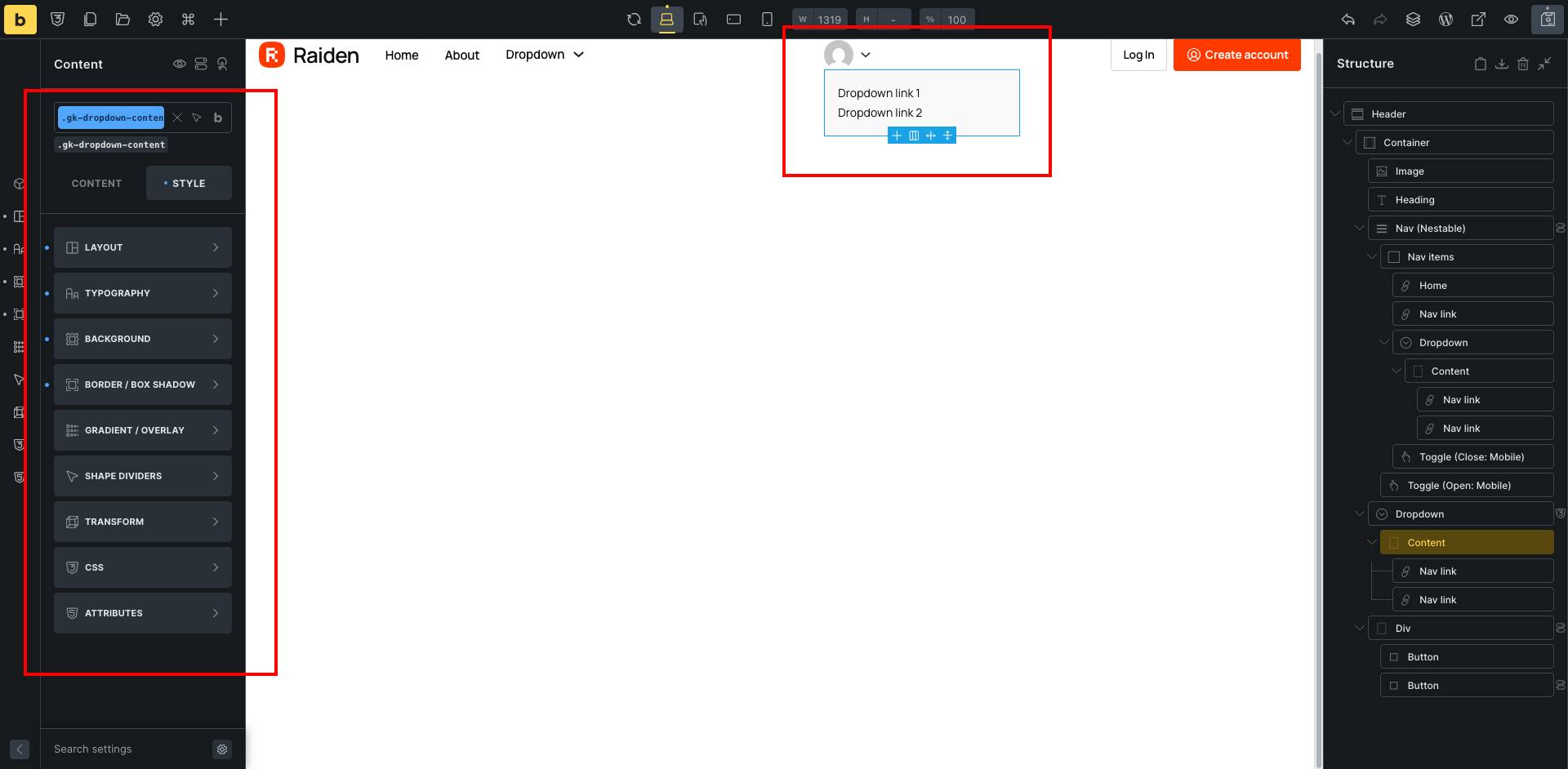
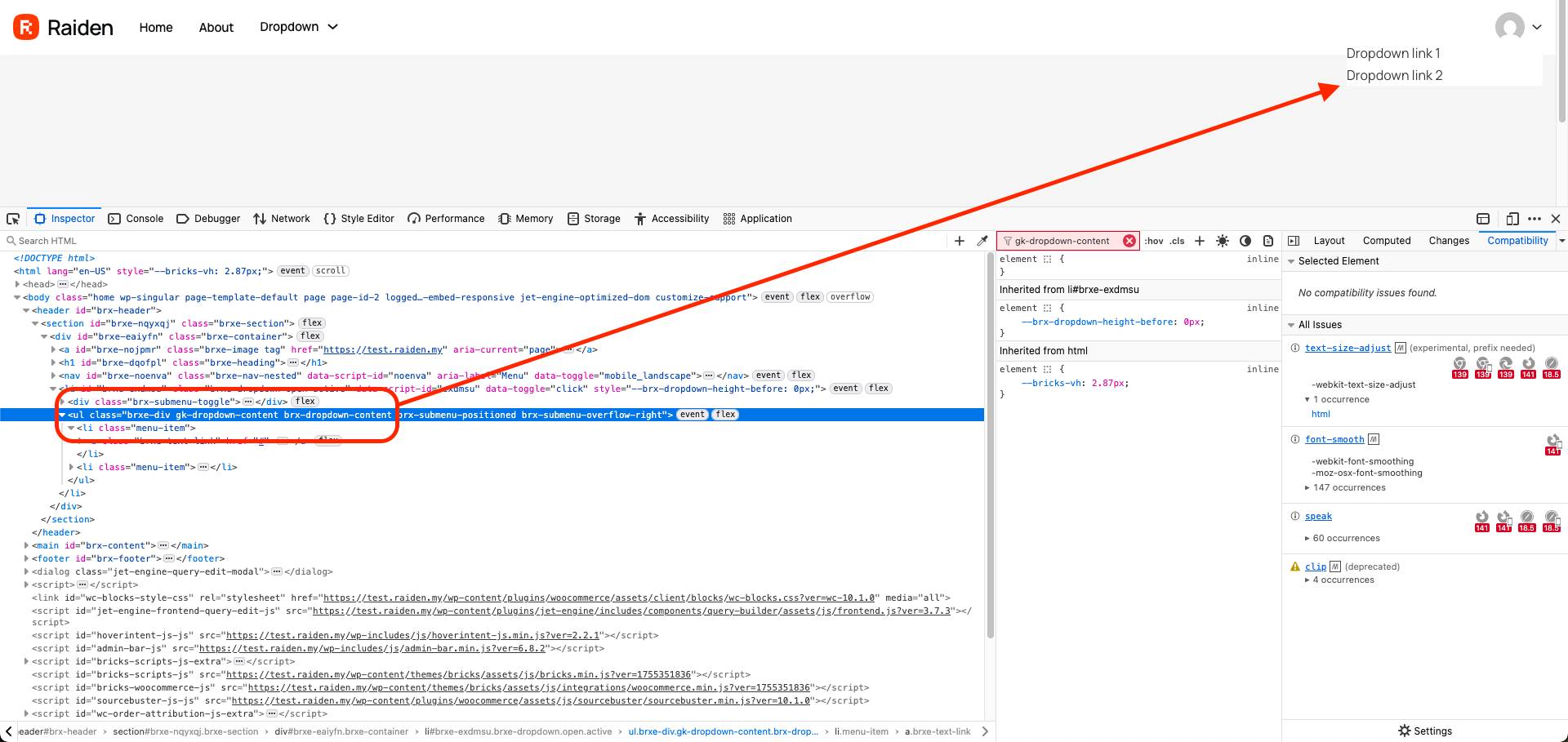
Actual Result:
- The class appears in the editor and styles apply correctly.
- On the frontend, the class is missing or ignored in the rendered output (see attached screenshots).
- Screenshot 1 (Editor): The custom class
.gk-dropdown-contentis visible and styles apply. - Screenshot 2 (Frontend Inspector): The class exists in the markup but styles do not apply as expected.
- Screenshot 1 (Editor): The custom class
Additional Notes:
- This is a fresh install of v2.0.1.
- All plugins except WooCommerce were deactivated.
- Tried disabling Bricks cascade layer, but the problem persisted.
- Clearing cache and regenerating CSS files does not resolve the issue.
- Tested in multiple browsers with the same result.