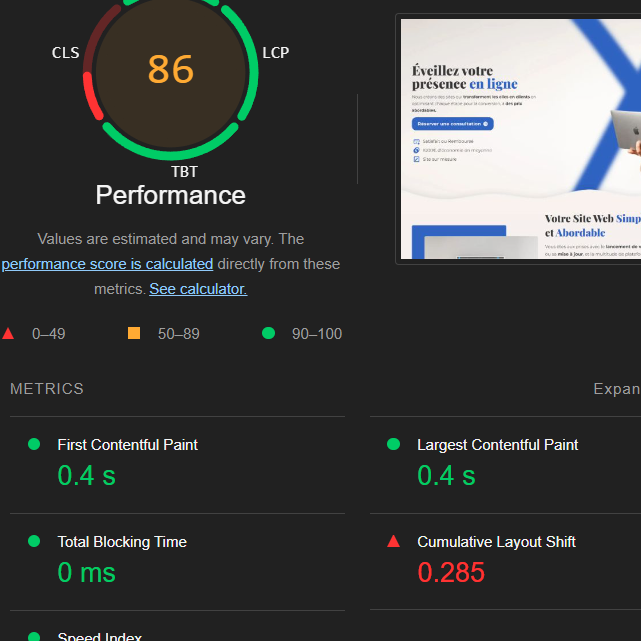
NO BUG: Cumulative Layout Shift (CLS)

Browser: Chrome (up to date)
OS: macOS
URL: https://biwou.com/

The cumulative layout shift is through the roof on desktop, and i don’t see what the issue is. I saw another post saying it happened in version 1.8.5 bricks builder, so maybe it’s the same issue? I’m using bricks 1.9.5

there is little bit of movement when loading. especially those texts moving alot.

use the performance recording on chrome that will show you which doms are moving

btw it is not a bug. :slight_smile:

1 Like

Okay thanks a lot!

I’ll check it out, I just don’t understand what would be the source of the movement.

Have a nice day,
Fred

Sorry to bother you, but do you know why this could be the case:

I just don’t understand what is creating the layout shift, from what I can see there is none. It’s the first time that I am getting this message, so I don’t fully understand it for the moment. Also it does not happen on mobile even though the text element is not changed.
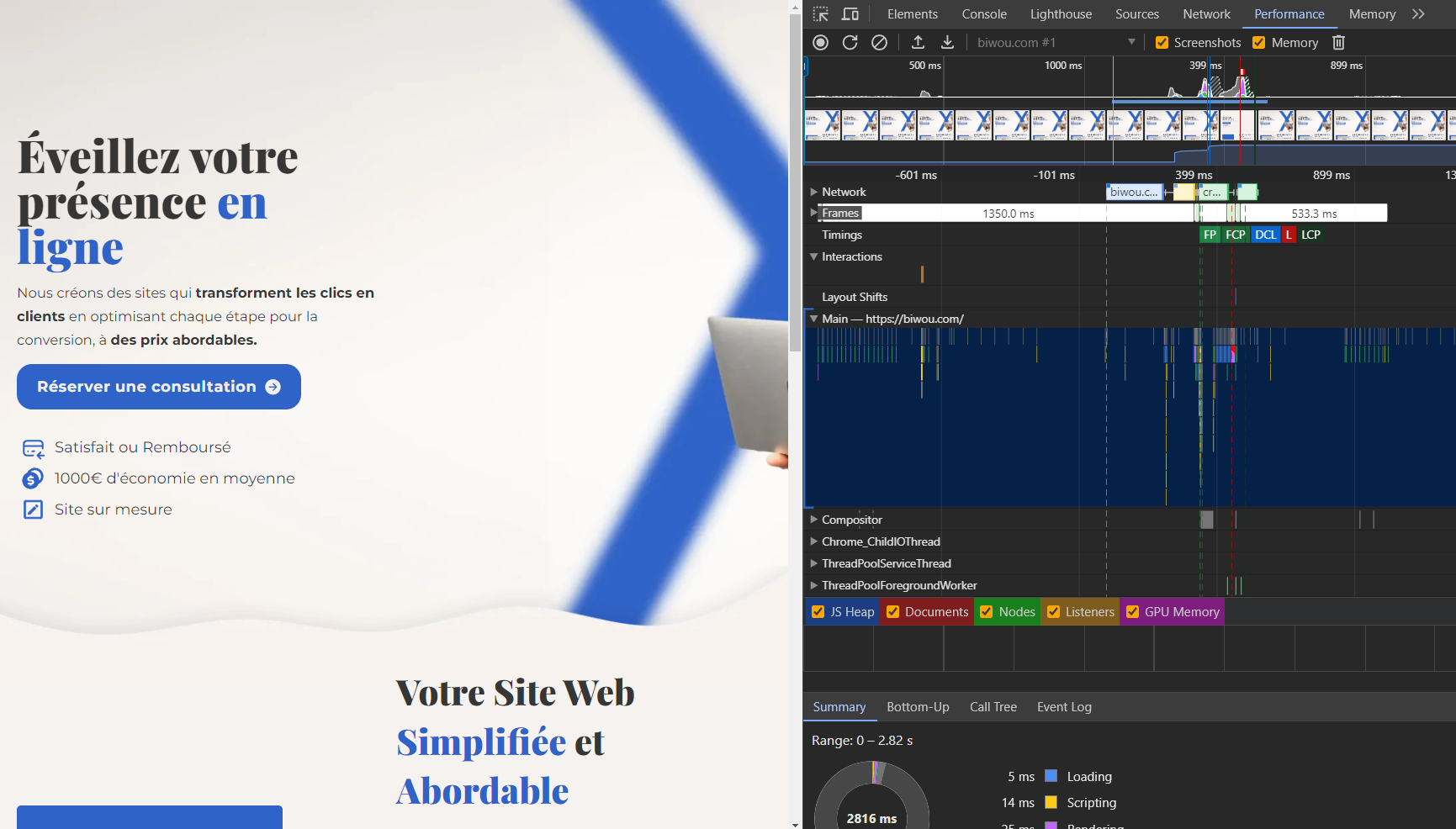
Any kind of help would be wonderful,
Thanks,
Fred

layout shift is literaly layout shift. movement in the layout while page loading

to avoid that you need to better position and lock your doms/sections. so they don’t move much while loading.

because your sections and doms are moving too much when page loading score getting effected

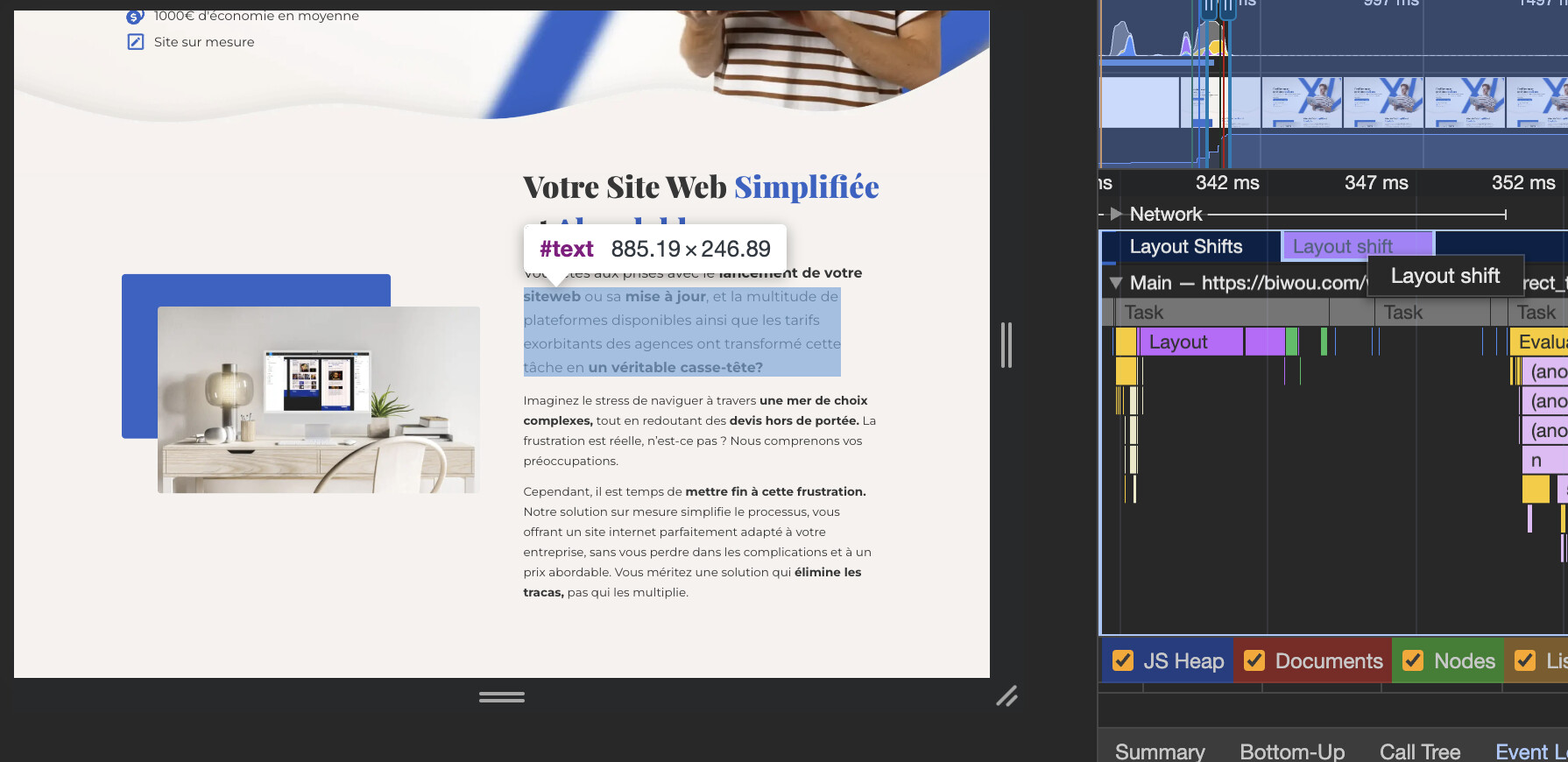
this is how you can use the performance recording to see the shifts/moves where are they happening:

biggest movement is that blue square on second section and blue button width changing too much.

lock this 2 better and layout shift will be minimized.

1 Like

@sinanisler How did you make the screenshots so big in Performance tab?

i am just hovering timeline

Sure you do but my question was about their size. I for example see only tiny images.