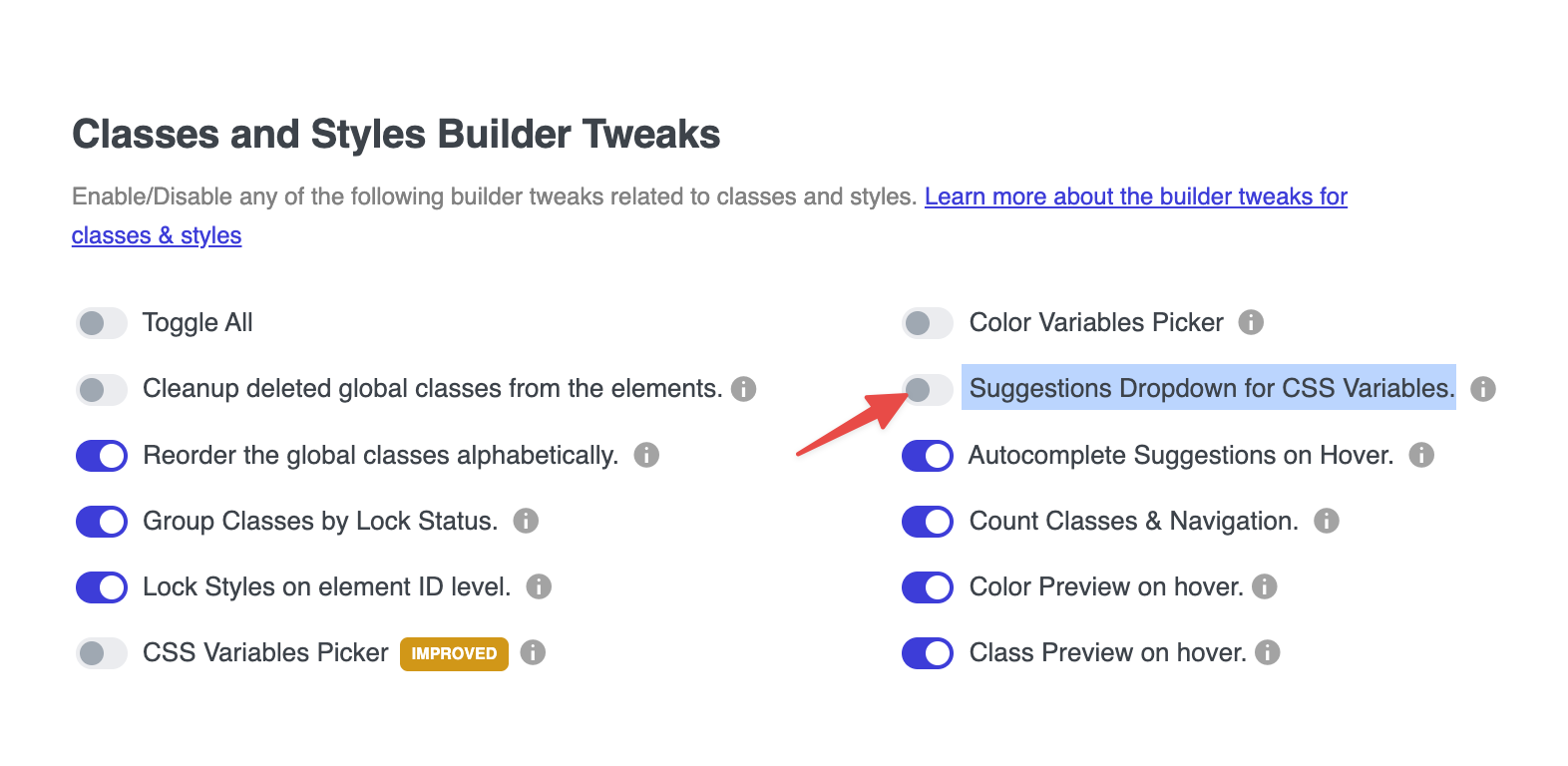
Edit: this is not really a bug on Brick’s end. It’s Advanced Themer that broke it.
When you manually type a variable in the input field, and then try to click the variable button, the dropdown is not showing up.
It’s turning purple, but the dropdown menu is missing.
Issue:
The CSS variable menu only works when you don’t manually enter a value first.
Steps to reproduce:
- Type a value inside e.g. max-width/width/…
- Click the variable button on the right

Browser: Chromium Engine Version 143
OS: macOS