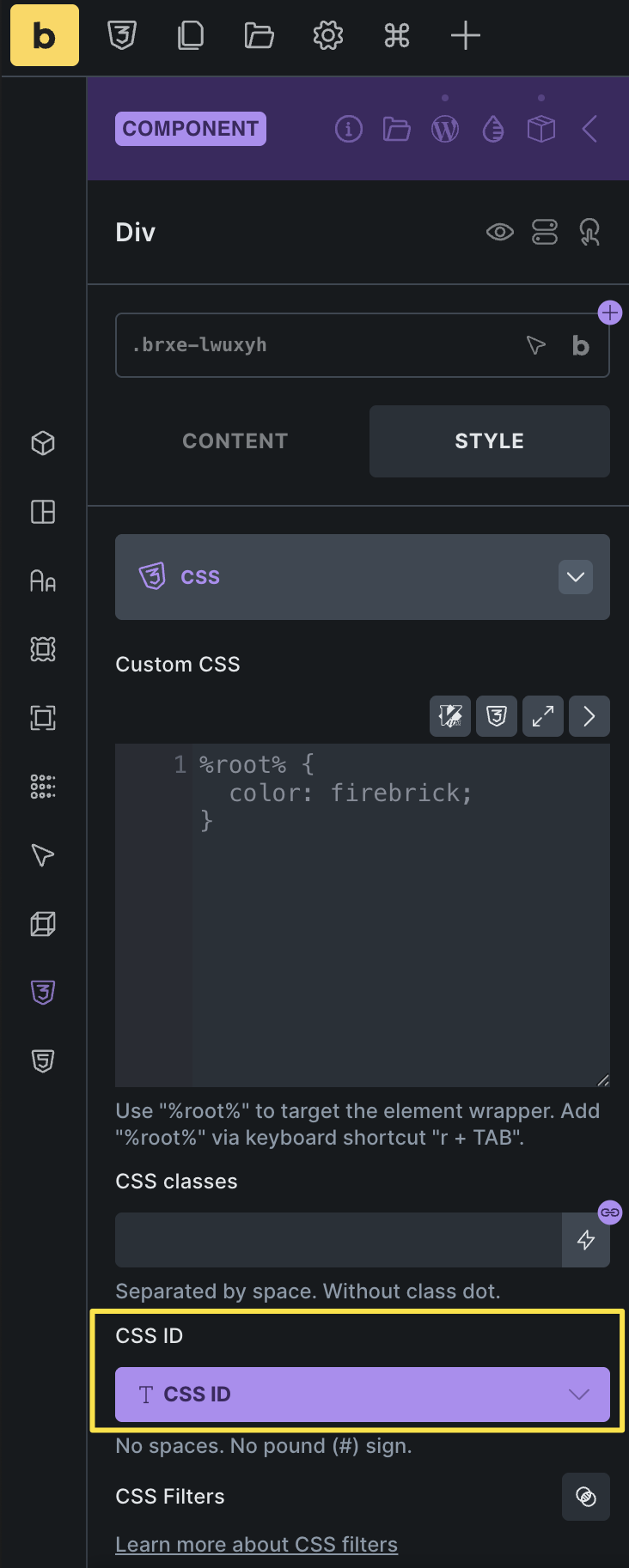
Issue with CSS ID on Components and Anchor Navigation
I’m using Bricks Components and noticed the following issue:
When I right-click a component, Bricks allows me to copy the CSS ID. My intention is to use this ID for internal page navigation (anchor links), e.g. jumping to a specific section on the same page, including smooth scrolling.
However, after saving, this CSS ID does not appear anywhere in the rendered HTML output of the page. As a result, anchor links pointing to this ID don’t work and effectively lead nowhere.
From a user perspective, this is confusing, because copying the CSS ID suggests that it can be used as a reliable anchor target.
Expected behavior:
The CSS ID shown and copied for a component should also be output in the final HTML at the corresponding position, so it can be used for internal navigation.
I’d appreciate clarification on whether this is intended behavior or a bug, and if there’s a recommended workaround.