Starting a few weeks ago, after I upgraded to Bricks v2.0.1, I noticed that some of the changes I make to a Bricks Template, or a WP page that I am “editing with Bricks”, look as expected in the builder but are not reflected in the frontend.
Couple of recent examples:
I have moved 2 existing elements (a Posts query loop and a Button) from sitting directly in a Container, to sitting in a new Block. I have configured the Block element so that the content is centre aligned. All looks OK in the builder across all breakpoints, but when viewing in the frontend, the content is left aligned.
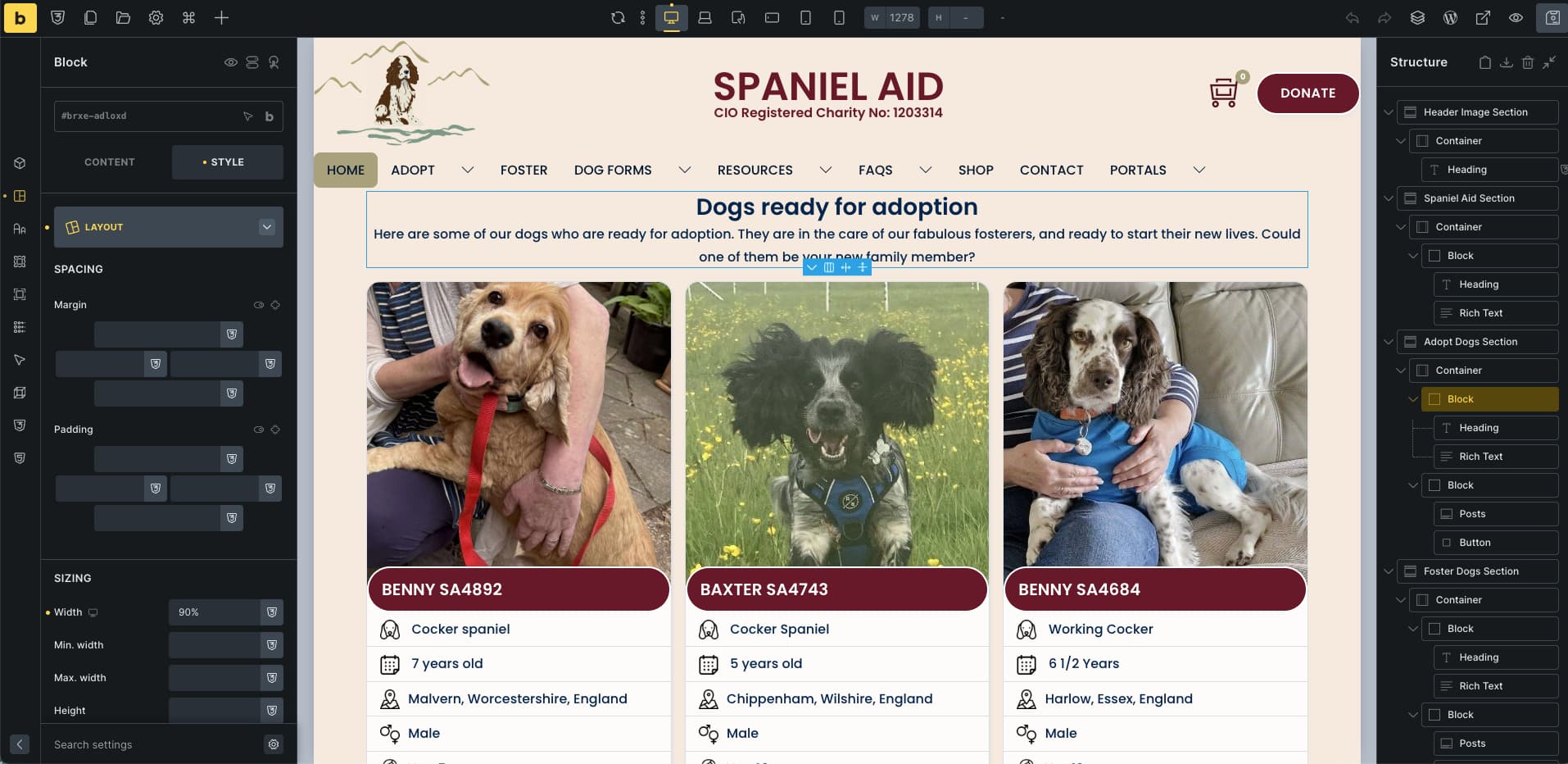
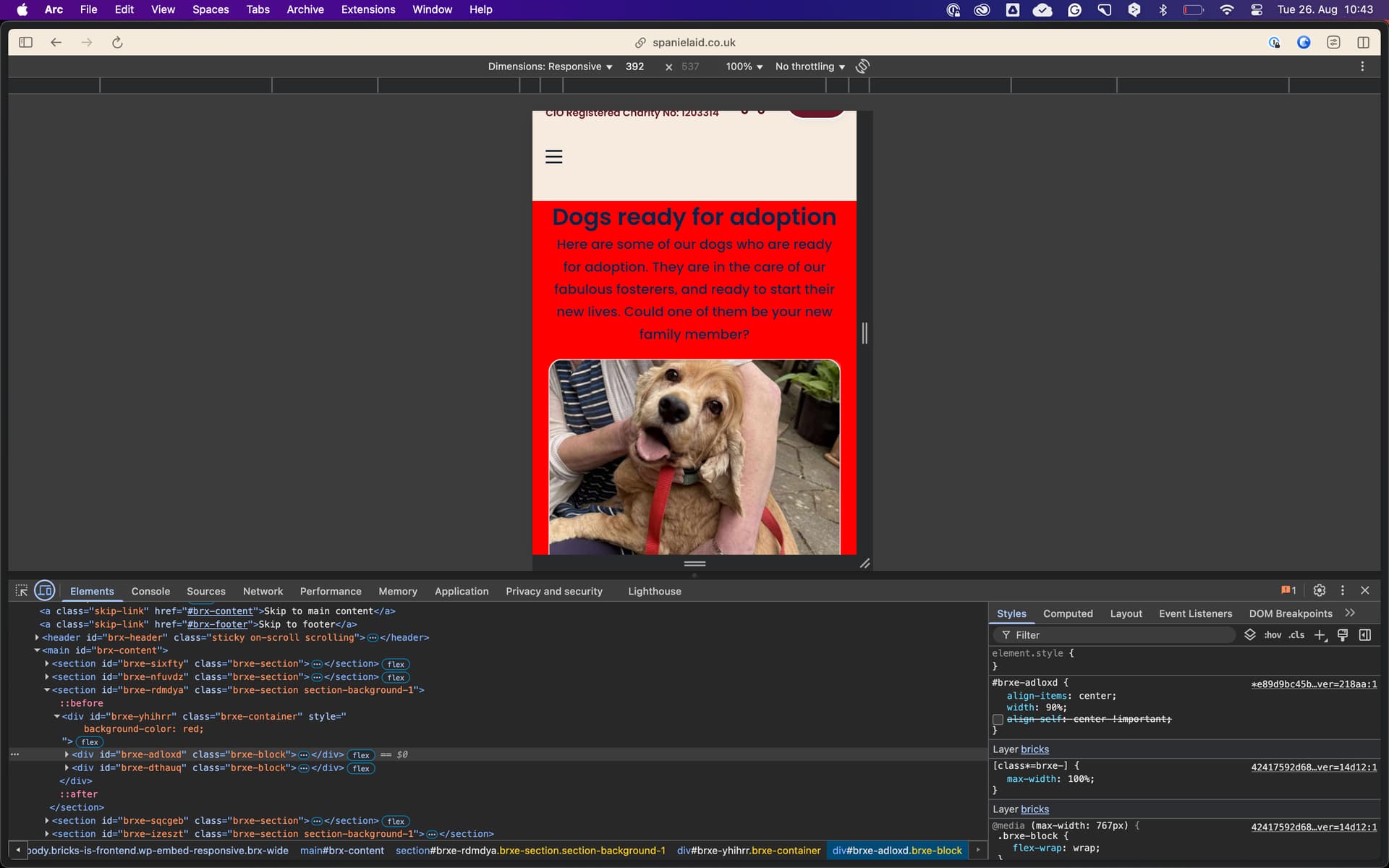
Also with a Block… the Layout > Sizing > Width was previously set to 100% on the mobile breakpoint. I removed this value so it would inherit the Width from the desktop breakpoint (90%) - but it still shows as 100% when viewed on both a physical mobile device, and when using Chrome dev tools to mimic the dimensions of a mobile device.
Troubleshooting steps I have already worked through - with no success:
Viewing in an incognito mode browser, to rule out page caching
Viewing in a different browser, to rule out page caching
Viewing on both mobile and desktop, to rule out page breakpoint config
Running a “Purge all” via LS Cache, to rule out server-side caching
Disabling CS Minify on LS Cache then running a “Purge all”
NOTE: At one point, I thought I found a workaround. Applying a class to the affected elements - then changing the styling of the class, rather than changing the styling of the elements directly on the page - seemed to make the builder changes show in the frontend. However, this isn’t a feasible solution for this website since there is a lot of content; multiple admin users; and classes are used infrequently. (I’m a volunteer web admin and have recently inherited the website.)
Has anyone else on Bricks v2.0.1 and/or LS Cache reported this issue? Or does this sound like something has become corrupted in the Bricks installation?
Hoping you can help - I’m unable to make any design updates to the website until this is resolved.
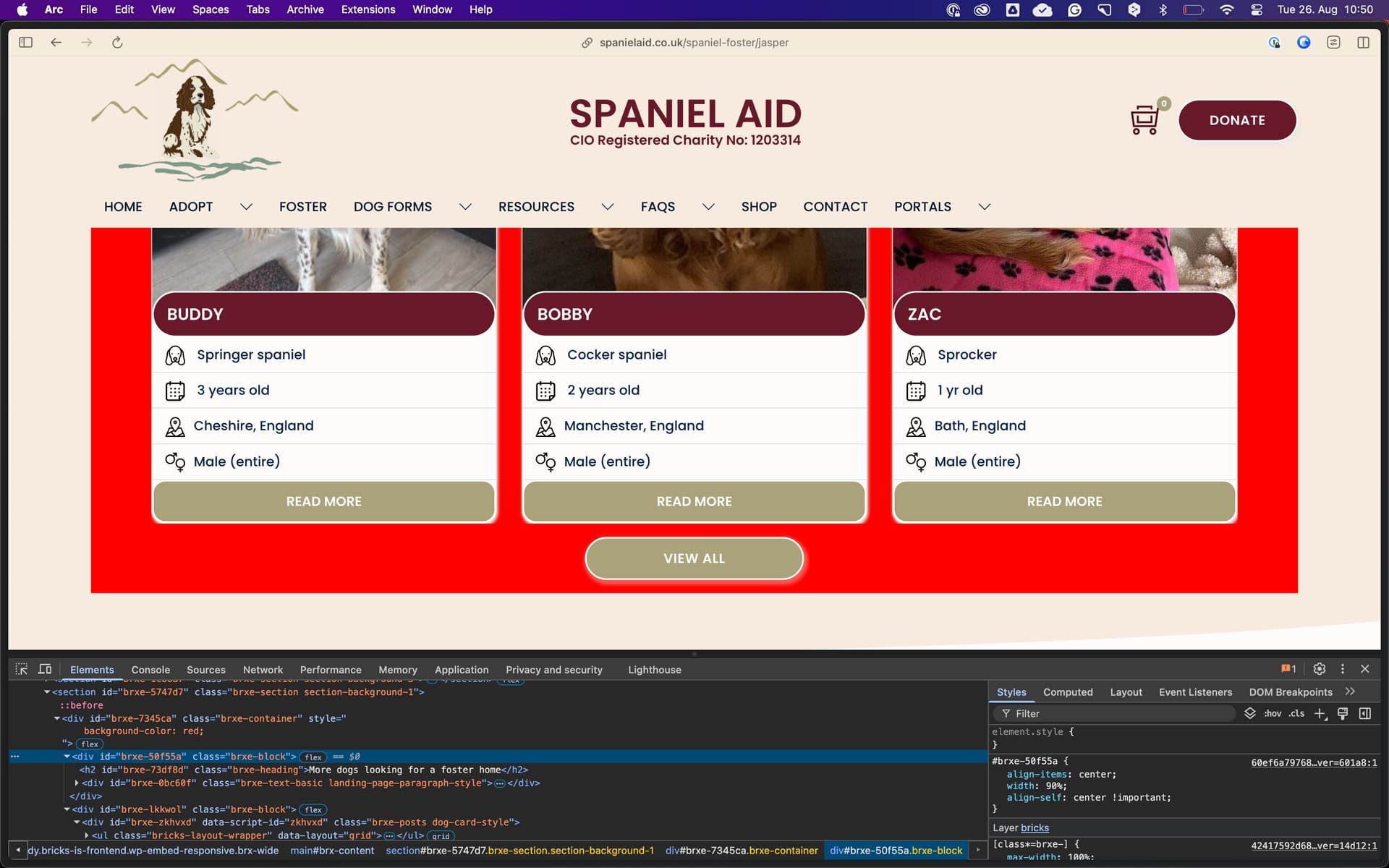
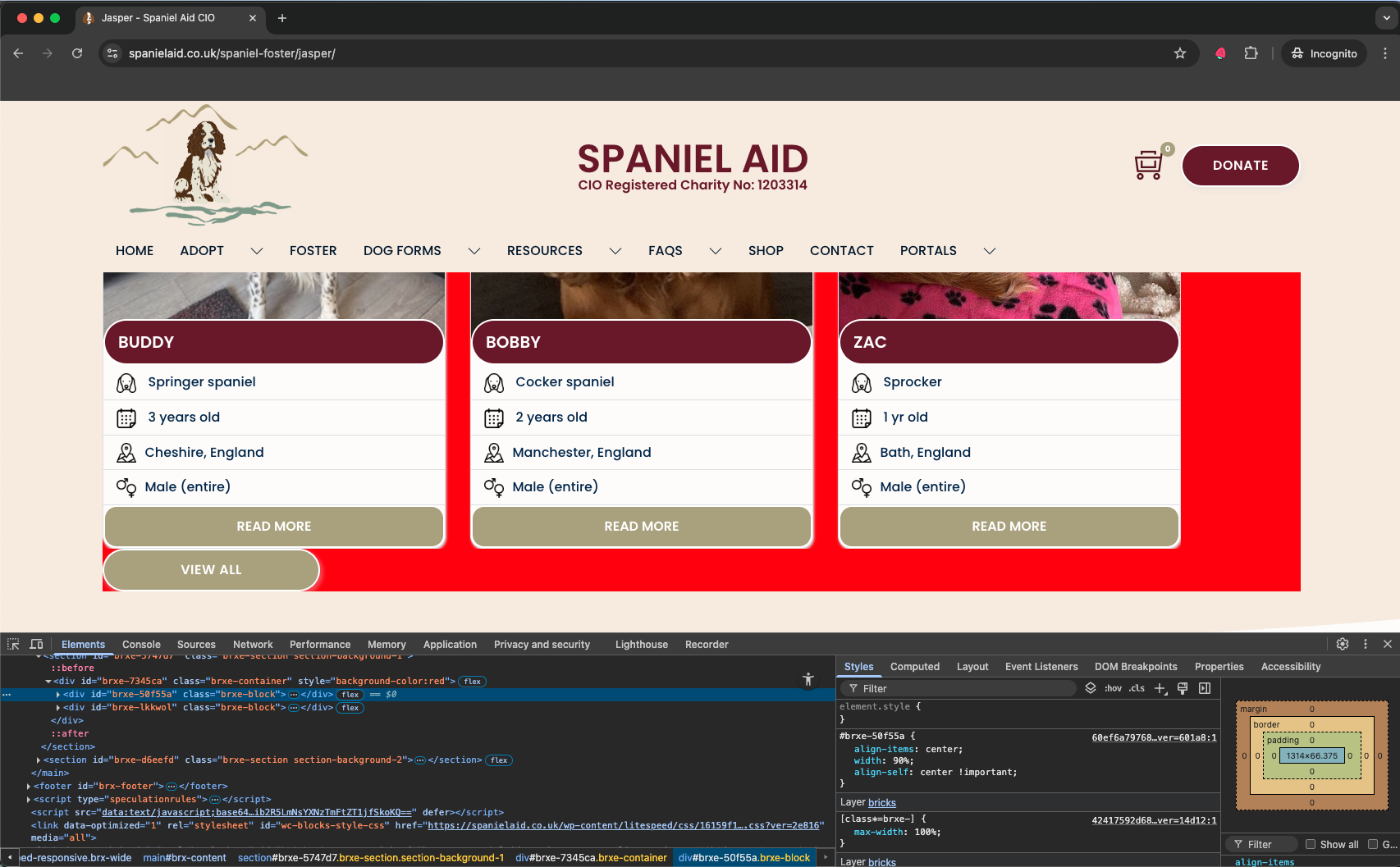
On an individual foster dog page, scroll down to the " More dogs looking for a foster home" section. You’ll see that the posts / cards and the “View All” button are left aligned. However, in Bricks backend this Block has been configured as centre aligned - and shows as expected in the Builder UI.
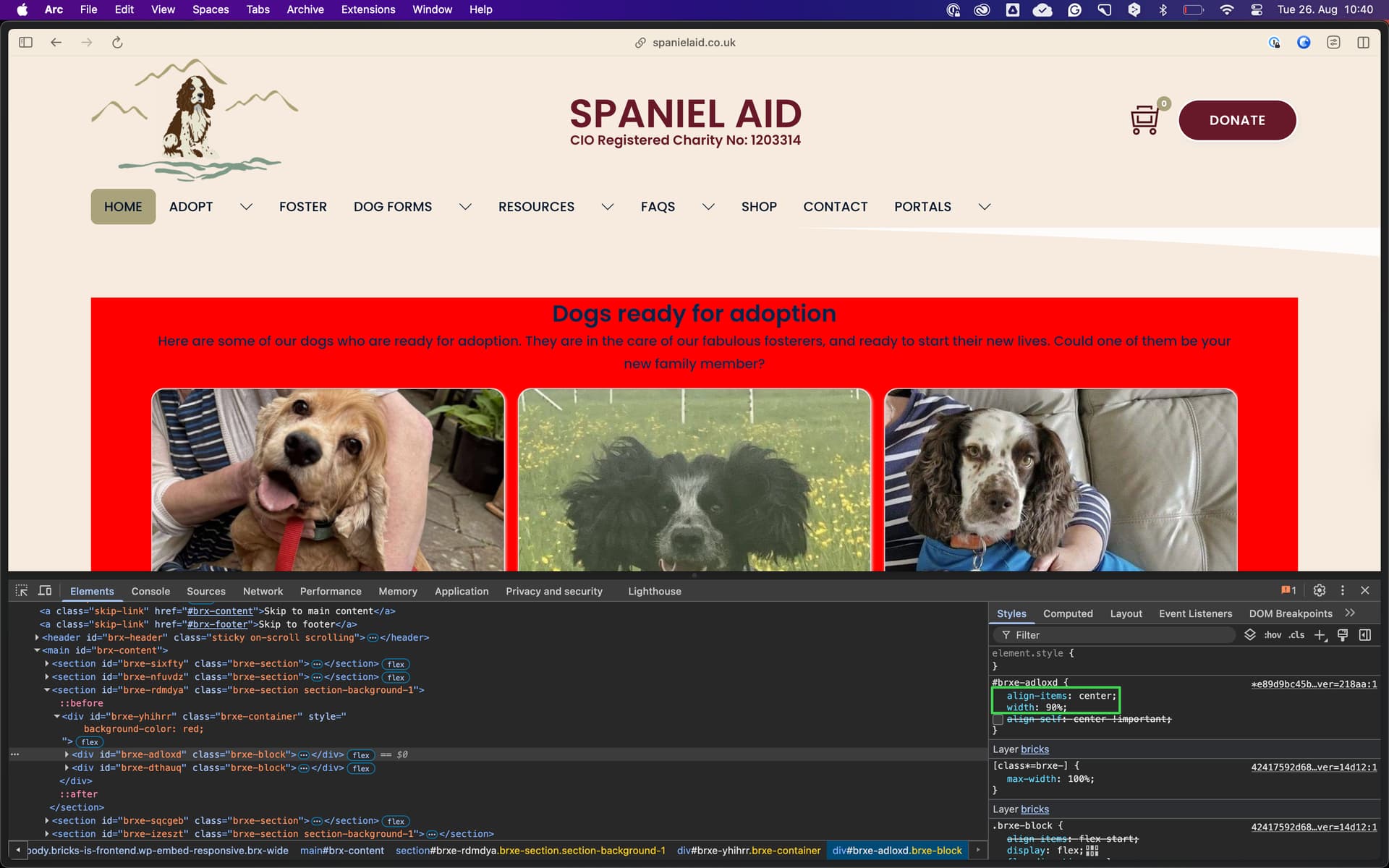
On the website home page, if you scroll down to the “Dogs ready for adoption” section, you’ll see that the posts / cards are 100% width (more obvious when viewing on mobile). However, in Bricks backend this Block has been configured as 80% - and shows as expected in the Builder UI.
Hope you can help! Please let me know if you need any more information.
As far as I can see from the styles (bricks-frontend-inline-inline-css containing your classes), the width is always 100% – not 80% How and where did you set the width?
Hmmm, the View All button on the /spaniel-foster page is still showing left aligned for me in a new Chrome incognito window (I cannot upload two images in one post)
For the home page / Block width issue - I set the width directly on the Block text element and the Block Posts element (sorry, it’s 90% - not 80%). There is no parent class attached to these elements (thinking out loud in case the class styling was conflicting with the element styling). I’ve also confirmed that neither the parent Container or the parent Section have any width settings applied.
Sorry, but as far as I can see everything is (still) correct.
I changed the container background-color to red, so you can see the space at the left and right.
If you set anything on the ID of an element, it will always precede any class styling on that element, since ID styles have a higher specificity than class styles. Maybe that was the problem all along?
I’ve repeated the exercise that you have performed on the /spaniel-foster page, to set the Container background-color to red to help troubleshoot. This confirms absolutely that our frontend experience is different, i.e. my button shows left aligned although the CSS for the Block shows it should be center (No changes made in Bricks in the meantime.)
Sorry maybe I wasn’t clear about the home page issue - class styling is not used on any of these problem elements. The screen I shared from Bricks that shows the element ID styling on the Block is the only place where the width is set. But again - repeating your exercise to set the Container background-color to red - definitely shows that the Block completely fills the Container, there is no red padding on the left or right of the Posts (which is visible on your end).
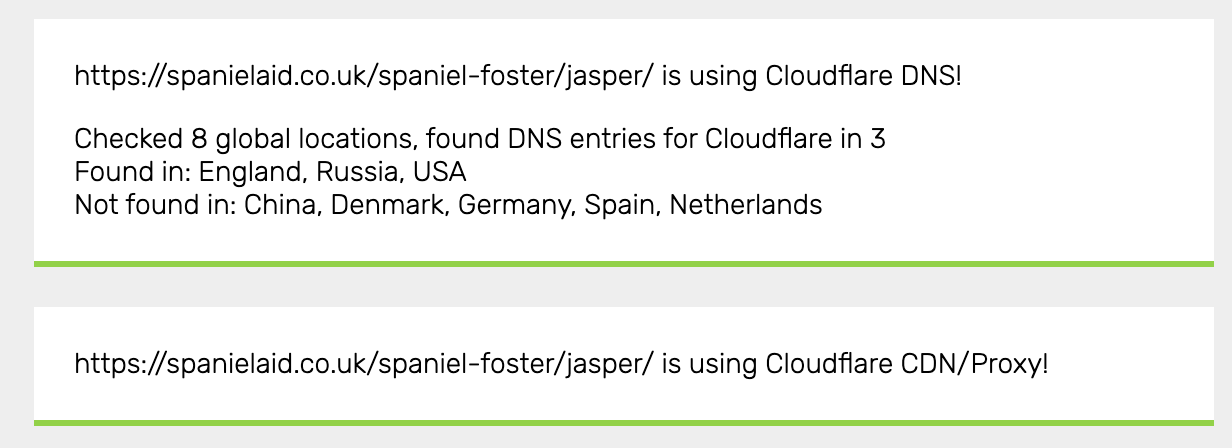
So… if what you see is different from what I see - even when I’m using an incognito browser and across different devices - please can you help me to understand why that is? For info - what you’re seeing reflects changes that I made on Sunday, just before I posted on the forum. But the changes that I’m seeing are prior to me publishing those changes. It does feel like caching, but I really can’t understand why that would be - based on the troubleshooting steps that I outlined on the original post
Hi there - Confirming that the Cloudflare cache was indeed the culprit. After purging the cache, both issues that we were troubleshooting are now showing as expected.
Thank you for your time to help me troubleshoot. Many valuable lessons were learned!

 How and where did you set the width?