Hey Pete,
As far as I can see, there’s still a padding set on the IDs and the classes of each block, which doesn’t make sense (even if it’s 0 on the IDs and the classes).
Since you duplicated the blocks, the styles on the ID will stay and won’t sync as if you set them on a class (since an ID must be unique, each block has a padding and overflow set on its ID).
I’d advise you to completely reset the ID styles of each block to avoid confusion.
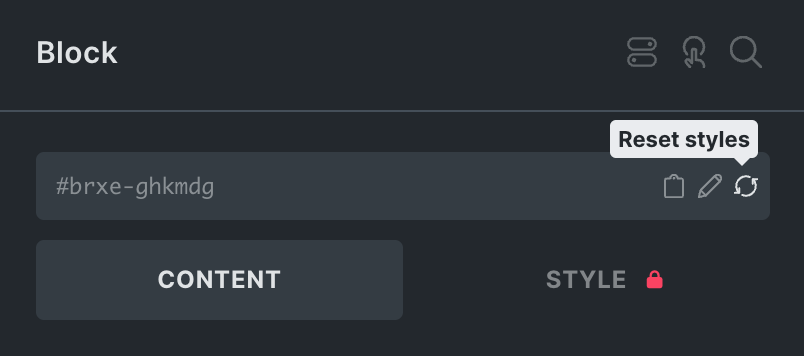
Select each block in your grid and click the little reset styles icon while the ID shows. This will remove every ID style but keep the classes.