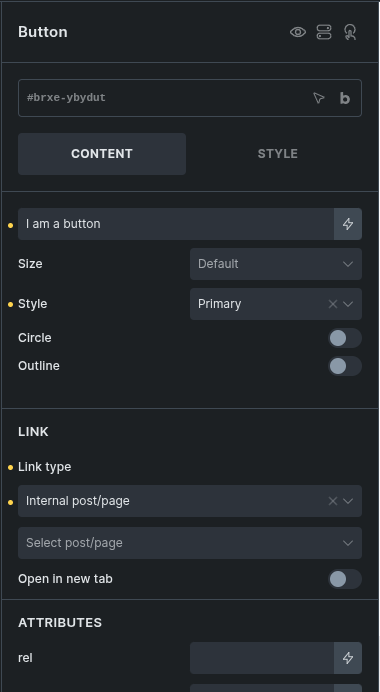
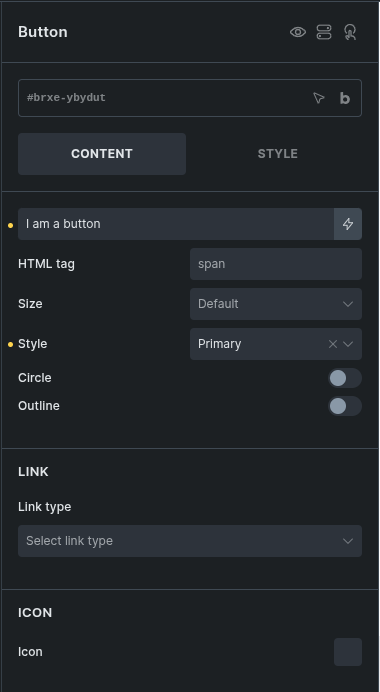
I’ve encountered something weird and I don’t think it should be happening: whenever you set the link for the button element, the “HTML tag” field disappears.
This is expected behavior. When a link is set on the Button element, Bricks renders the button as an anchor (<a>) so the link attributes can be applied to the root element. Because of that, the custom HTML tag control is hidden in this state.